

Leads can go quiet when the next step takes too long or lands with the wrong person. The right lead follow up software keeps that next step moving, whether it’s a call, an email sequence or a booked meeting. Here are five options, each suited to a different sales workflow.
1. UnleashX — AI employees for multi-channel lead follow-up
UnleashX is an AI workforce platform with AI employees for sales and support. Its sales AI employee, Peter, can contact inbound leads by voice, WhatsApp or email, ask your qualification questions, then book a meeting or record a disqualification in your CRM.
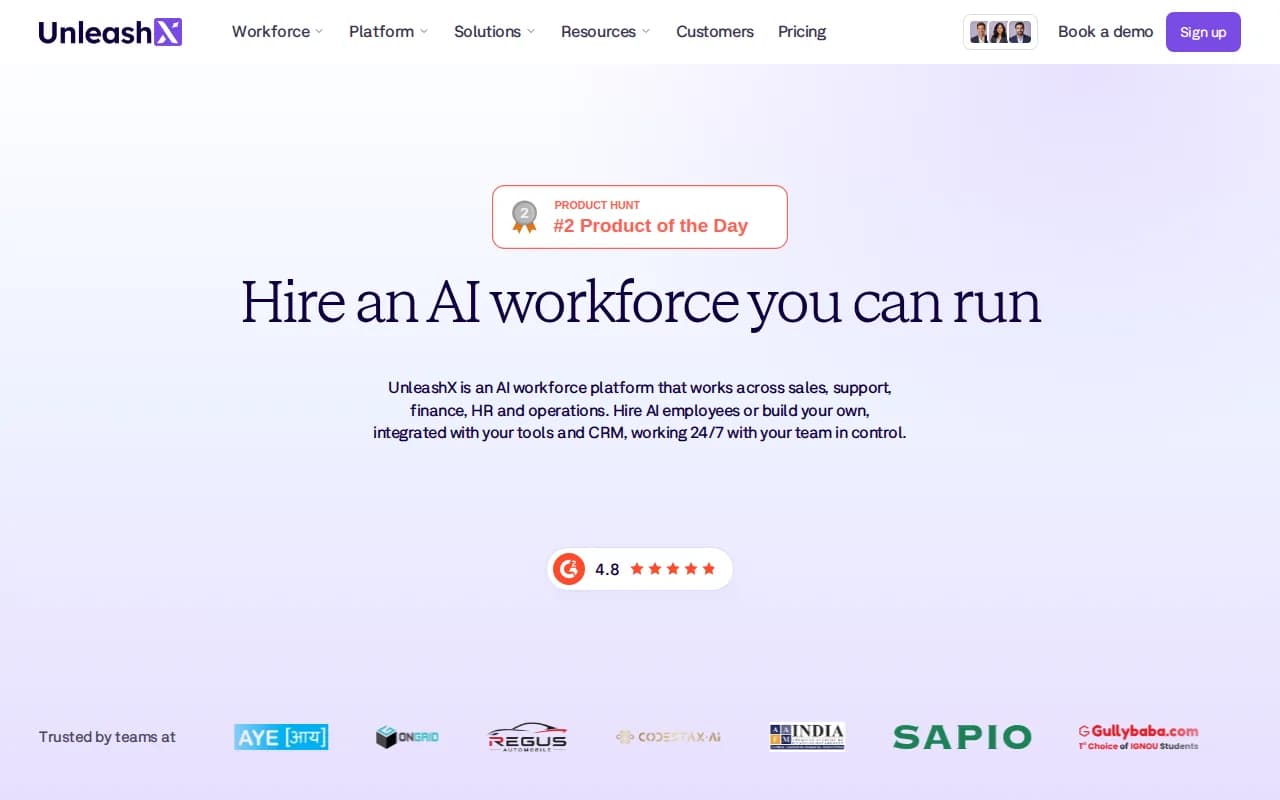
The useful distinction is the defined job. Your team sets the approved knowledge, permitted actions and rules for handing work to a person. A lead counts as qualified only when the required details are captured; a meeting counts when it’s booked in a connected calendar. The outcome is written to a CRM such as HubSpot, Salesforce, Zoho CRM or Pipedrive.
For teams working through inbound enquiries, the AI lead qualification workflow shows how qualification fields and confirmed next steps can be checked against the CRM record. That matters when reps need context, not just a note saying someone was contacted.
UnleashX can carry one case across voice, WhatsApp, chat, email and video. Its agents can book through Google Calendar, Outlook Calendar or Calendly. Pricing includes a free start with 1,000 credits, plus a Growth plan at $249 per month with 24,900 credits.
For a lead who taps a call-back request and then needs another touch, the AI call-back workflow connects the follow-up to qualification and CRM updates. Pricing and usage depend on the plan and the work the agent performs, so define the pilot workload before estimating total cost.
2. Mailshake: Sales engagement for multi-channel outreach
Mailshake is a sales engagement tool for teams that want to set up outreach cadences across email, phone and social channels. It’s a fit for small sales teams that need a fast way to start coordinated outreach without building a complex process first.
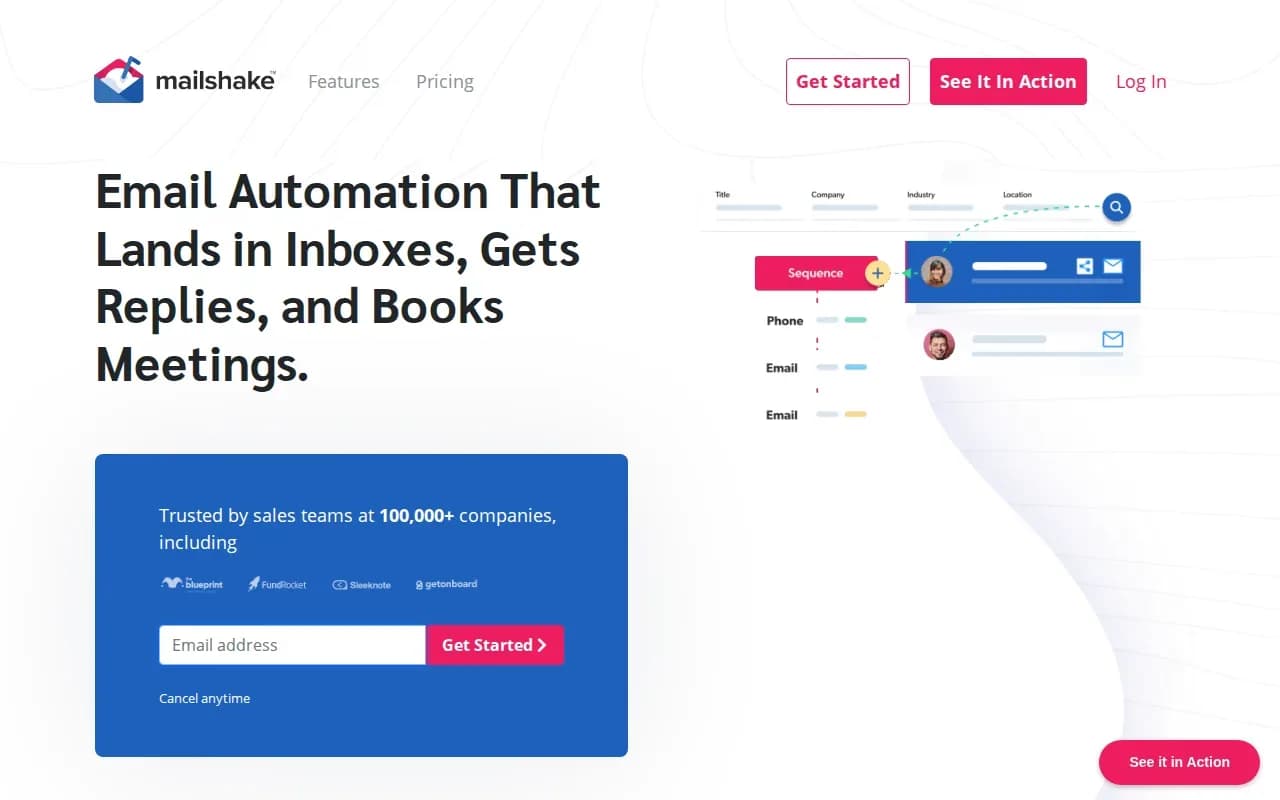
Teams can use its AI-powered sales engagement features to build a cadence, then track opens, replies and clicks. Engagement signals can help reps focus their attention on prospects who have shown interest. That gives a manager a quick way to review activity and coach the next step.
Mailshake lets teams build cadences across email, phone and social channels quickly. A team can use that structure to follow a prospect through email first, then add another channel when the workflow calls for it.
The fit is strongest when outbound is the main job. Before launch, decide who owns replies and what should pause a sequence. If a prospect answers by phone or social, the rep still needs a clear process for logging the response and deciding what happens next.
Mailshake suits a small team that wants multi-channel outreach in a sales engagement workflow. If your top need is AI handling an inbound conversation and completing a booked meeting or CRM update, compare it with UnleashX instead.
3. Reply: Follow-up sequences that account for email replies
Reply is a sales engagement platform for teams that want outreach sequences to react when a prospect responds. Its key fit here is reply-aware follow-up: an incoming email can be tied to the active sequence, so the owner has context and the next step can change.
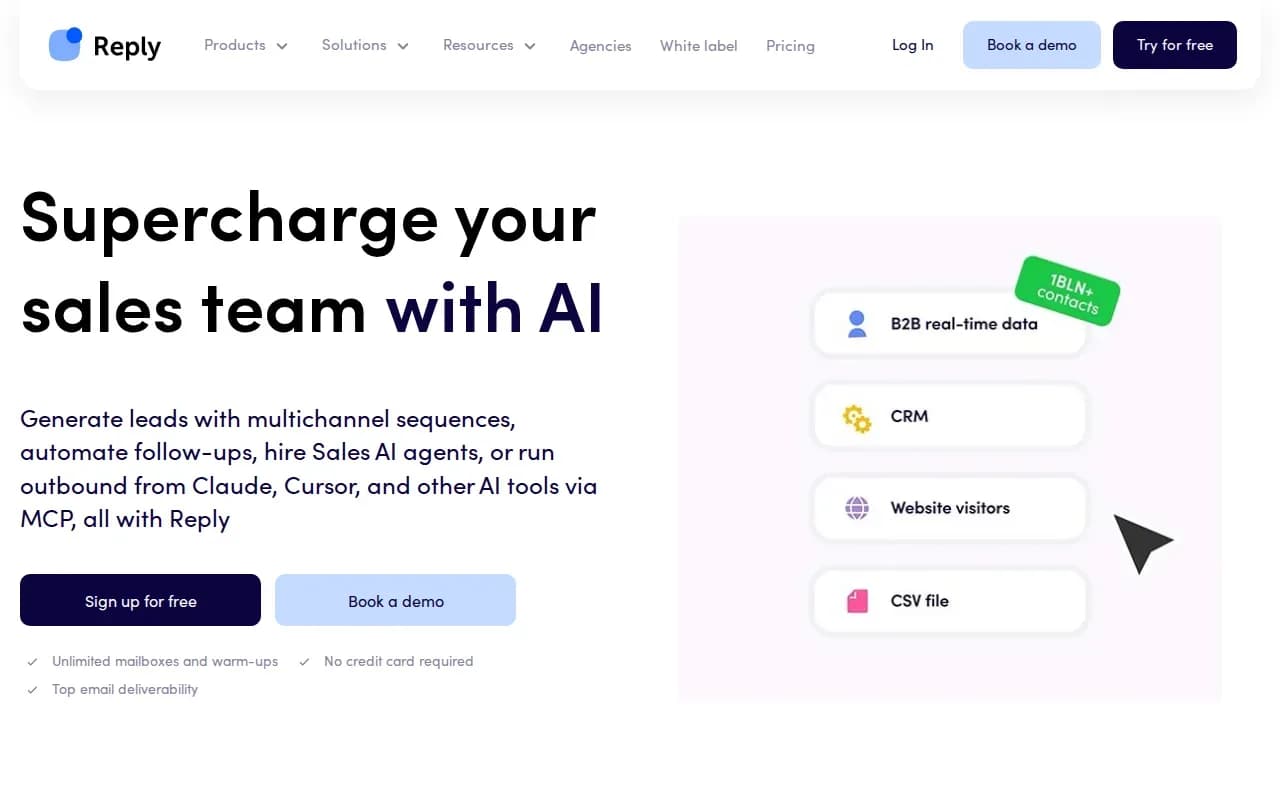
Sequences can use enrollment rules and stopping rules, including stopping when a reply arrives. This helps prevent the awkward case where a prospect answers, but still receives the next scheduled email because nobody changed the sequence.
Reply ties inbound email responses back into the active sequence so owners receive context-aware follow-ups. For a team, the usable question is how that activity reaches its CRM timeline. Set a test lead through the workflow and check that the owner can see the original message, the reply and the planned next action in context.
Reply is a good match when the handoff depends on what a prospect says by email. It can support routing rules and CRM timeline consistency, based on the stated workflow. If your main problem is reaching phone-first prospects, a dialer-led option may suit the team better.
In other words, make reply handling part of the evaluation, not an afterthought. Check whether your team wants the sequence to stop, route the conversation or create a task when an answer arrives.
4. Klenty: Multi-channel cadences for phone-first SDR teams
Klenty is a sales engagement platform with an AI dialer aimed at phone-first SDR teams. Its multi-channel cadences combine calls and email, so reps can follow a set outreach plan instead of deciding from scratch who to contact next.
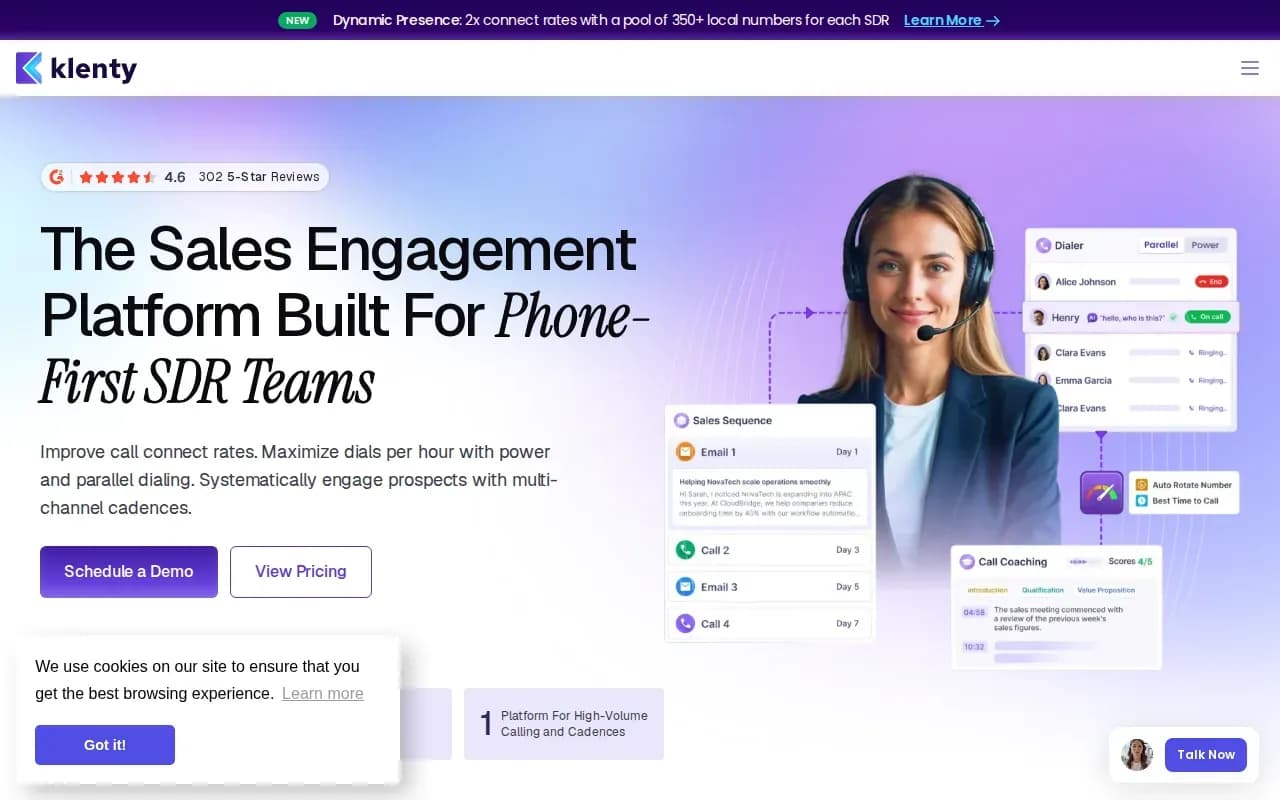
The standout fit is its focus on calling. Klenty’s AI dialer is aimed at teams whose day is built around calls and who want a defined cadence around their outreach.
Calls and email can be combined in a multi-channel cadence. Before adopting a phone-first workflow, agree how reps will record call outcomes and who handles a positive response. A cadence can help organise outreach, but the team still needs a clear owner for each conversation and a consistent way to update the CRM.
Klenty is worth considering when calls lead the cadence and email supports them. For processes that cross systems or require clear ownership of each handoff, review the workflow orchestration approach alongside your sales engagement needs.
5. Chili Piper: Fast qualification, routing and meeting booking
Chili Piper is built for B2B teams that want to respond to inbound demo requests while the prospect is still on the form or page. After a form submission, it can qualify the lead, route it to the right rep and show that rep’s calendar for a meeting booking. Teams comparing this step with broader calendar workflows can also review AI appointment scheduling software, which covers booking tools for sales and other use cases.
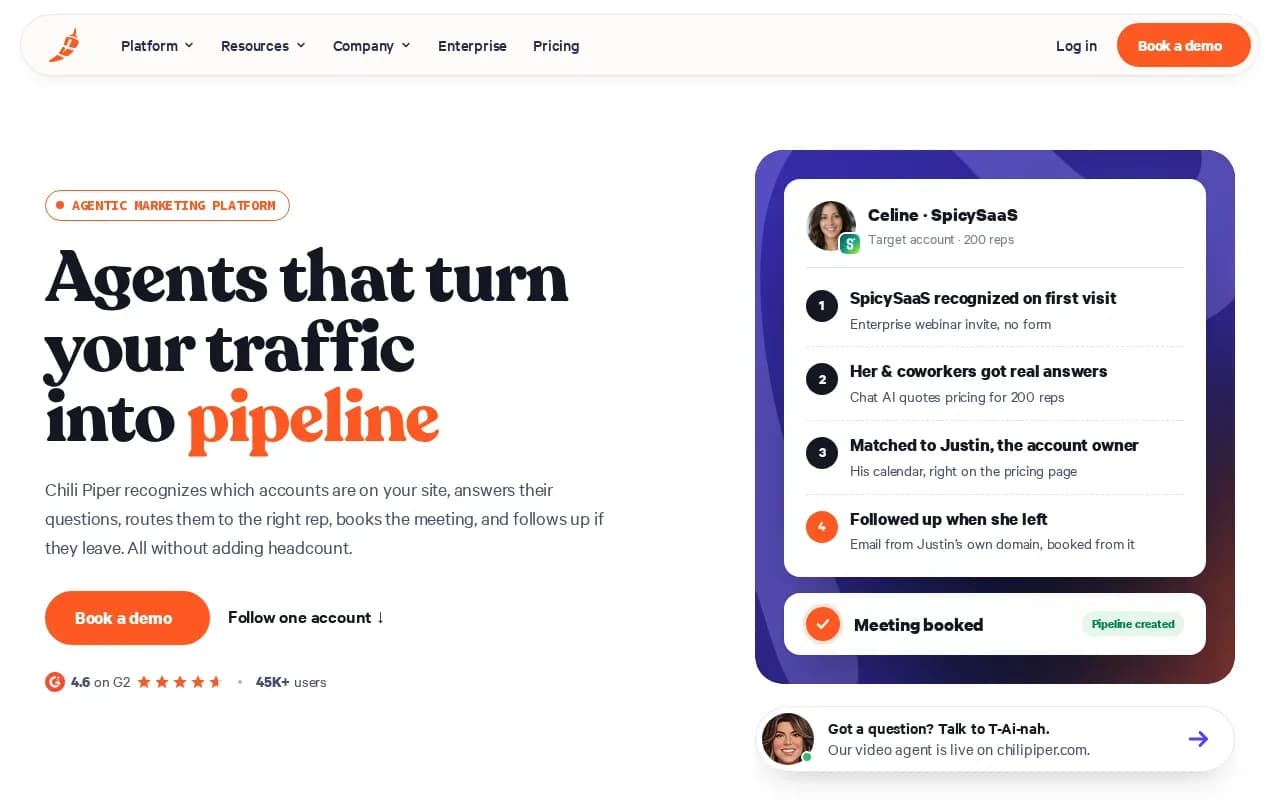
That makes it a focused choice for teams where a slow handoff is the main gap. Instead of sending a confirmation and waiting for a rep to follow up, the process can move directly to a calendar choice after the submission.
Imagine a demo request arrives during a busy sales block. The intended flow is qualification, routing and an available meeting slot in the same session. Your team should test the routing rules against real assignment needs, then confirm that the selected rep and meeting details are correct.
Chili Piper fits inbound scheduling more than long-term outbound nurturing. If a lead leaves before booking, your team should define how another follow-up starts and which system owns that message. It’s a strong fit when getting the right prospect to the right calendar is the immediate goal.
Lead follow up software compared: features and best-fit workflows
Lead follow-up is one part of lead management. The broader process can include assigning a lead, tracking its status and deciding what action comes next. Teams evaluating the earlier capture and qualification stages can also compare AI lead generation software, which focuses on lead qualification, contact discovery and outreach. Customer relationship management systems help teams keep customer and sales records together, but the follow-up workflow may still need a separate engagement or routing tool.
These options solve different points in the process. Compare them by where work starts and what counts as a finished outcome, rather than by the number of AI features on a product page.
| Option | Best-fit workflow | What to verify in a pilot |
|---|---|---|
| UnleashX | AI-led inbound follow-up across voice, WhatsApp, chat and email | Qualification fields, confirmed bookings and CRM updates |
| Mailshake | Fast setup of multi-channel sales outreach | Reply ownership and sequence handling across channels |
| Reply | Email sequences that change when replies arrive | Reply routing, stopping rules and CRM timeline context |
| Klenty | Phone-first SDR cadences with AI dialling | Call outcomes, next-step ownership and CRM records |
| Chili Piper | Inbound demo qualification, routing and meeting booking | Rep assignment and a confirmed calendar event |
Pricing is only one part of the decision. UnleashX publishes a free starting option and a Growth plan at $249 per month, while the other options in this shortlist have distinct workflows that should be tested against your team’s needs. Budget for setup and exception handling as well as software use.
For teams automating sales handoffs, sales pipeline automation is closely related: it covers how lead capture, routing and follow-up can work together while people retain control of customer conversations. For a local service example, AI lead recovery for South Florida lawn care businesses focuses on missed-call follow-up and lead recovery in that market.
One useful way to track the work is to separate attempted actions from confirmed outcomes. Count a message as sent when it leaves, but count a meeting only after the calendar confirms it. A marketing automation workflow can trigger actions, but your scorecard should still show whether the intended next step actually happened.
Set a small pilot around one lead source. Agree on the fields to capture, the actions the software may take and the cases that must go to a person. Then review contact time, qualified leads, confirmed bookings and exceptions together.
FAQ
What does lead follow-up software do?
Lead follow-up software helps a sales team act after someone shows interest. Depending on the tool, it can organise tasks, send a sequence, route a reply or help book a meeting. The key is to decide what result counts as complete, such as a confirmed booking or a CRM record with the right follow-up owner.
Which lead follow-up tool is best for inbound leads?
For AI-led follow-up across several channels, UnleashX is a fit when the team wants an agent to qualify leads and record outcomes in its CRM. Chili Piper is a fit when the main need is to qualify an inbound demo request, route it to a rep and show the rep’s calendar right away.
Can lead follow-up software book meetings automatically?
Yes, some tools can move a lead to a meeting. UnleashX can book through connected calendars after qualification, while Chili Piper can show the right rep’s calendar after an inbound form submission. Test the full flow, including the confirmed calendar event and the CRM record, rather than counting a proposed time as a booking.
What should a sales team check before choosing a tool?
Check that the tool fits the channel where leads respond, connects to the system your team uses as its source of truth and has clear rules for replies or exceptions. Run a pilot with one lead source. Review whether each lead has an owner and whether the expected outcome, such as a meeting, is confirmed.
How should a team measure follow-up results?
Track the steps that show whether the workflow works: time to first contact, qualification results, confirmed meetings and exception handoffs. Keep attempted actions separate from completed outcomes. For example, a sent email is an activity; a booked meeting needs a calendar confirmation and a record the sales team can review.
Conclusion
Choose the tool that matches the point where leads stall: UnleashX for AI-led, multi-channel follow-up; Mailshake or Reply for outreach sequences; Klenty for phone-first cadences; or Chili Piper for inbound booking. Next, run a small pilot and verify that each promised outcome appears in the right system.