

AI lead generation software can find prospects, help qualify them and start outreach, but the right fit depends on where your sales process gets stuck. Here are five options plus UnleashX, with the jobs each tool can support and the limits to weigh before you buy.
We analyzed 27 YouTube comments about AI lead generation software and found that 26% mentioned fast lead response times.
1. UnleashX
UnleashX is an AI workforce platform with AI employees for sales and support. Its sales employee, Peter, works inbound leads by phone, WhatsApp or email, asks your qualification questions and books meetings in a calendar your team uses.
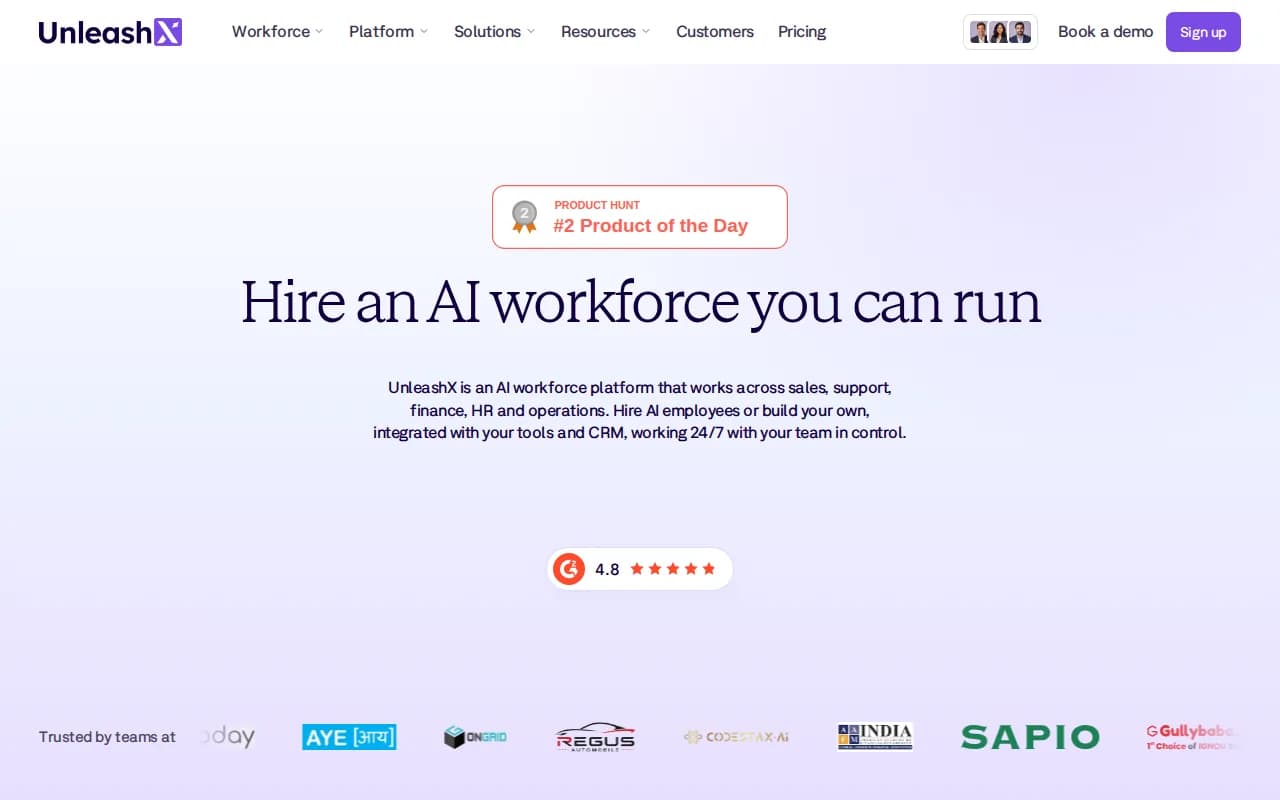
It suits teams that need an agent to take a lead through a defined workflow, not stop after writing a reply. After a qualification conversation, Peter can book a meeting in Google Calendar, Outlook Calendar or Calendly. The result goes into HubSpot, Salesforce, Zoho CRM or Pipedrive.
That last step matters. A conversation is an attempt; a booked meeting or updated CRM record is a result your team can check. Teams can set approved knowledge, permitted actions and approval thresholds. If a request needs judgement, pricing questions and non-standard terms go to a person.
For teams defining the sales role first, the Peter AI sales employee page describes the lead qualification workflow. The separate AI Lead Qualification Workforce page can help teams map qualification to a defined job and system record.
UnleashX works across voice, WhatsApp, chat, email and video. An agent can carry a case across channels, then write the outcome to the CRM or calendar. That makes it a fit for inbound teams handling leads who may respond in different ways, rather than an email-only outbound workflow.
Published pricing starts with Pay As You Go, which includes 1,000 credits to start. Growth costs $249 per month and includes 24,900 credits. Enterprise has negotiated credit rates and includes a dedicated implementation owner, critical support and an uptime SLA.
UnleashX is a strong fit here when the job includes qualification plus a confirmed action in your existing systems. Teams seeking only a contact database may need a more focused tool.
2. Apollo.io: AI-supported sales prospecting in one GTM system
Apollo.io is an AI sales platform presented as one connected AI GTM system. It suits teams that want prospect research and outreach in a shared workspace rather than a set of separate tools.
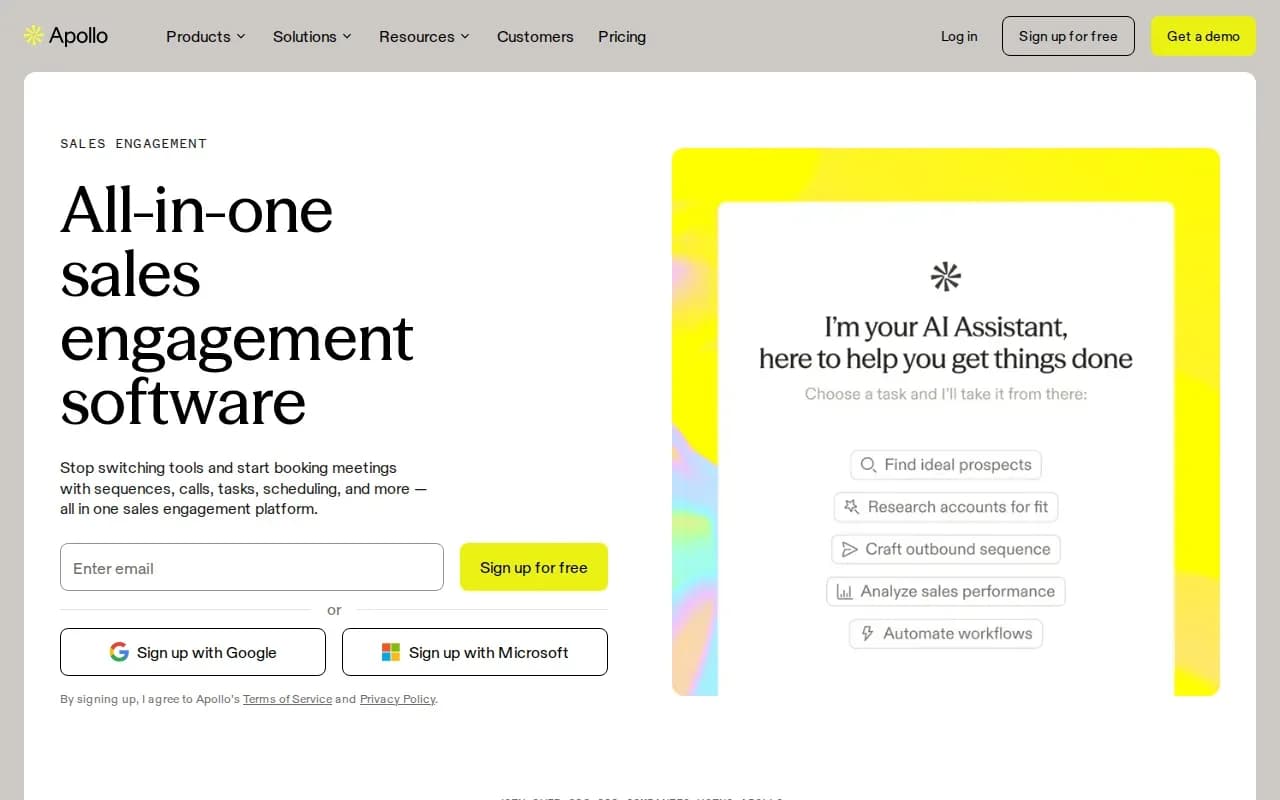
Apollo.io brings prospecting and sales activity into one connected system. Teams should agree on how they define a qualified prospect and who reviews outreach before it is sent.
Apollo.io supports multi-channel sales. Agree on how reps handle a reply that falls outside the usual sequence.
For a small team, a free signup can support an initial check of fit. Apollo.io has a Basic plan at $49 per month. Confirm the current plan details and any seat terms before budgeting, since plan names and pricing can change.
Apollo.io lists Salesforce and HubSpot among its CRM integrations. That gives teams already using either CRM a way to connect prospecting activity with sales records. Check which fields your team needs to preserve before importing a large list.
Choose Apollo.io when prospect data and outbound execution are the main gaps. If your priority is an AI employee that handles inbound qualification and completes a CRM action, compare that workflow separately.
3. lemlist: AI agents for signals, enrichment and messaging
lemlist has AI agents for signals, enrichment and messaging. It suits outbound teams that want support with targeting and outreach rather than a standalone contact lookup tool.
A team can identify what is slowing its campaign before adding more automation.
For example, if the list is sound but reps struggle to choose who to contact first, signals and qualification may be the useful part. If the list lacks role or company context, enrichment may come first. Messaging works best after the team has agreed on the target and the reason for reaching out.
lemlist supports email and LinkedIn through its multichannel plan. That can suit teams that use both channels in a planned sequence. A good campaign still needs ownership rules: decide who pauses outreach after a reply, and make sure the next message does not go out after a prospect has asked for a conversation.
Its stated pricing is $69 per month per workspace for Email, or $109 per user per month for Multichannel. Check the current plan terms and confirm which channel access fits your team before choosing a tier.
AI can draft a first pass, but the team should check whether the message uses sound prospect context. A generic line with a name inserted is still generic. Review a sample sequence against your approved claims and target audience before sending it broadly.
Choose lemlist when your outbound process needs signals, enrichment and message support in one flow. Teams that depend on phone-based qualification or inbound lead handling should check that their key workflow is covered elsewhere.
4. Common Room: AI-assisted account research and messaging
Common Room uses RoomieAI for account research and messages. It suits teams that want AI assistance with account context before they draft outreach.
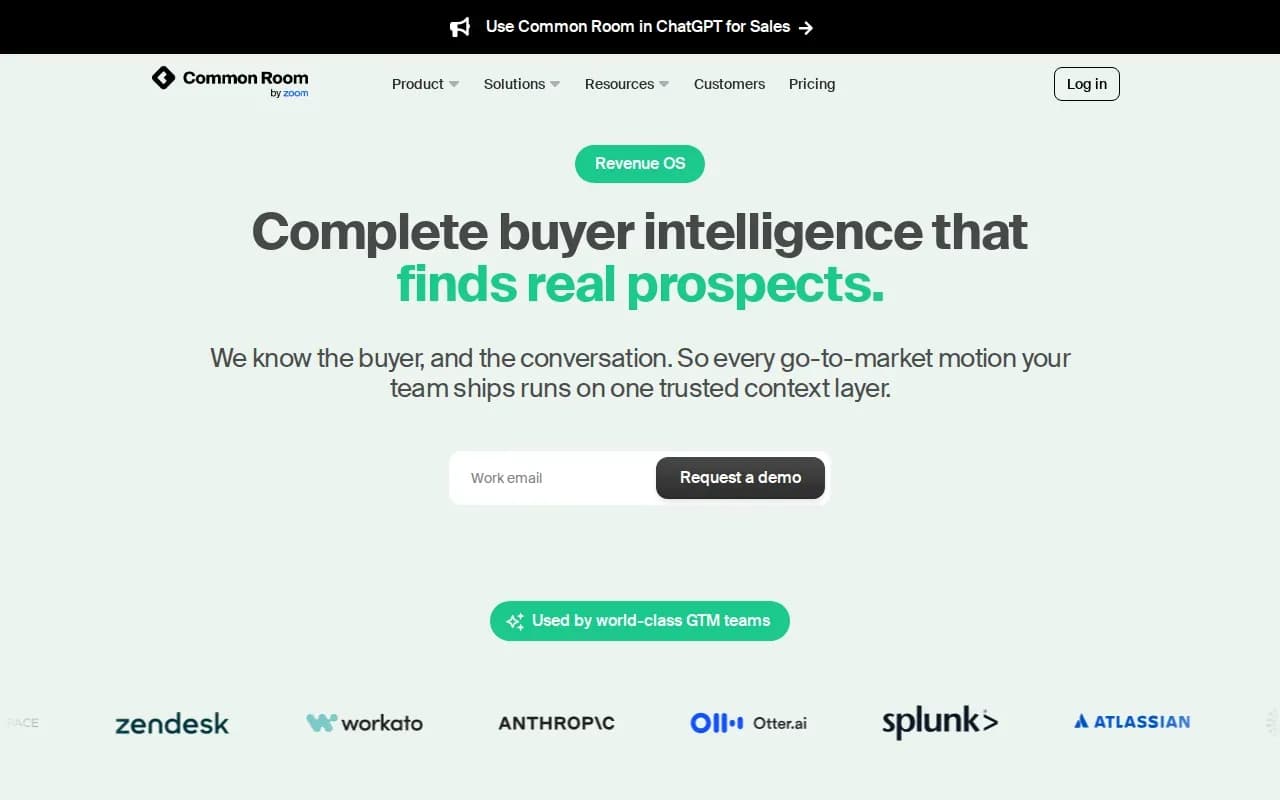
The useful question is whether account research is the missing step in your sales motion. A rep may have a name and company but still need context before writing a relevant note. RoomieAI’s research and messaging can support that part of the work.
Account-level context is most helpful when your team has a clear reason to reach out. Define which information can guide a message and which claims still need a human check. The rep should own the final message, especially when an AI summary could miss a change in the account’s needs.
Common Room Essential costs $2,500 per month, billed annually. That cost may suit teams with a defined account research workflow and budget. Compare it with the value of the work it replaces, including how much rep time currently goes into researching accounts.
Before rollout, choose a small set of accounts and review the research output with reps. Check whether it helps them explain why the account is a fit and what message should follow. Keep a person responsible for the decision to contact the account.
Common Room is the focused choice in this shortlist for AI-assisted account research and messaging. Its annual billing makes budget fit a key part of the evaluation.
5. Saleshandy: Cold email outreach with AI sequence support
Saleshandy is a cold email outreach tool with AI Sequence Copilot to draft sequences. It suits teams whose main need is to prepare and run email outreach, with other channel steps available in the workflow.
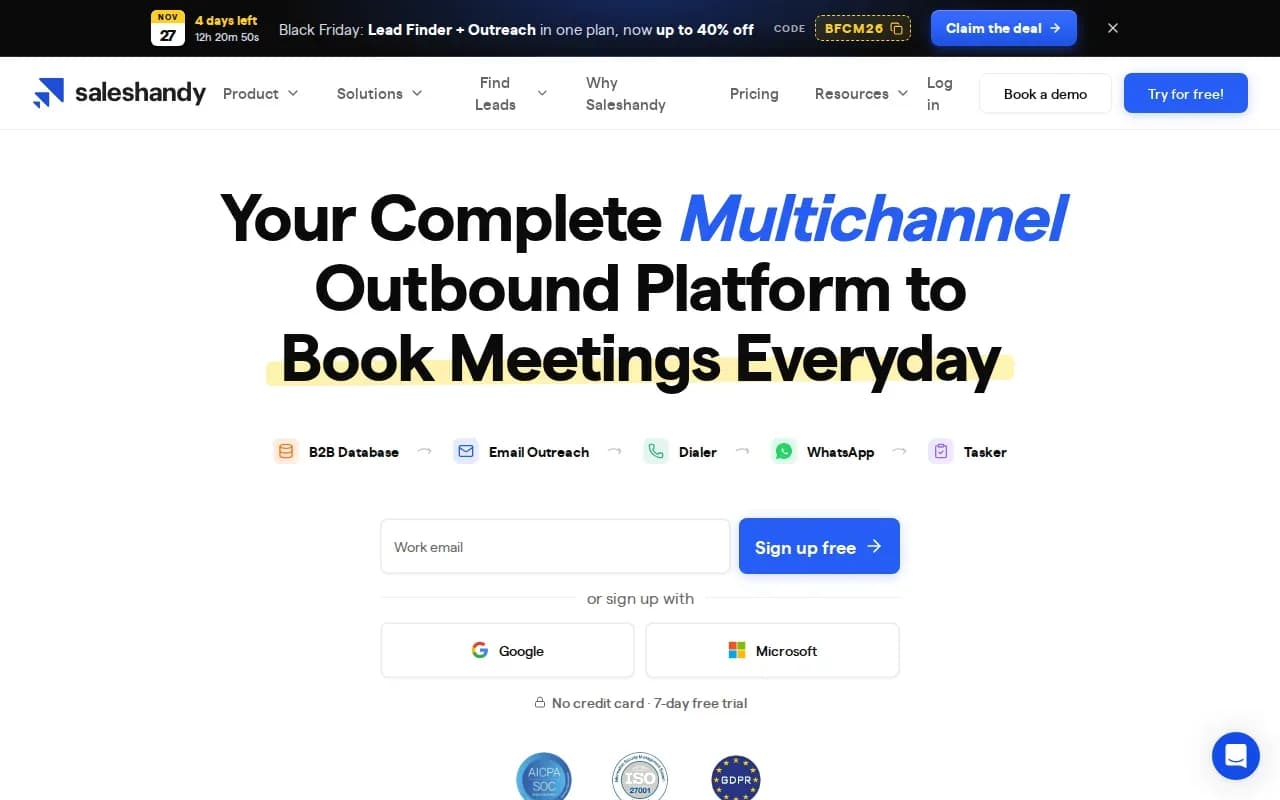
Saleshandy supports multichannel steps for calls, LinkedIn and WhatsApp alongside email. That gives a team more than one way to plan follow-up. Set a clear order for each channel and a stop rule for replies, opt-outs or a meeting booking.
Saleshandy’s pricing starts at $34 per month when billed annually for Starter, or $41 per month with monthly billing. Check which billing term applies to your budget, then confirm the plan’s current limits before you set a campaign volume.
Sequence drafting can reduce the blank-page work, but the AI’s first version should not go straight to prospects. Give it a clear target profile, the purpose of the message and approved product facts. A manager can review the first sequence for accuracy before the team sends it.
Cold email also depends on list quality. If contact data is inaccurate, a better sequence will not fix the underlying problem. Review a sample of records first and decide how your team will handle bounced messages or replies that need a person.
Choose Saleshandy when cold email is central and your team wants help drafting sequences. For teams that need inbound qualification, verified CRM outcomes or a dedicated contact discovery workflow, compare those jobs too.
Compare These AI Lead Generation Software Options
AI lead generation software can take on different parts of a sales workflow. Some tools focus on contact discovery. Others help research accounts or draft outreach. UnleashX is built around carrying a defined sales job through to a recorded result, such as a qualified lead or booked meeting.
| Option | Best fit | Channels or workflow | Price |
|---|---|---|---|
| UnleashX | Inbound qualification and completed CRM actions | Voice, WhatsApp, chat, email and video | Free start with 1,000 credits; Growth $249/month |
| Apollo.io | Prospecting and outbound execution | Email, phone and social channels | Basic cited at $49/month |
| lemlist | Signals, enrichment and messaging | Email; LinkedIn on Multichannel | Email $69/month per workspace; Multichannel $109/user/month |
| Common Room | Account research and messaging | RoomieAI research and messages | Essential $2,500/month, billed annually |
| Saleshandy | Cold email sequences | Email, with steps for calls, LinkedIn and WhatsApp | Starter $34/month billed annually; $41 monthly |
Use the table to shortlist by the task that slows your team down. A contact search tool will not solve a meeting-booking gap by itself. A message assistant will not fix a weak target list.
Next, map the chosen tool to your sales stack. Identify the CRM as the source of truth, then check which fields must be created or updated. For qualification, agree what counts as a fit. For outreach, define who reviews copy and who owns replies.
If WhatsApp is a lead channel, the WhatsApp lead capture and qualification workflow shows how a conversation can lead to qualification and CRM creation. For broader setup choices, the UnleashX platform guide explains how teams can use pre-built roles or build a custom agent.
Run a pilot on one workflow before expanding. Track completed actions, such as qualified records saved or meetings booked. Also track exceptions that need human review. A tool that attempts more tasks but leaves records unfinished may add work instead of removing it.
Test the workflow against your own qualification rules.
Frequently Asked Questions
What does AI lead generation software do?
AI lead generation software helps sales teams find or research prospects, assess fit and start outreach. Some products focus on one task, such as contact discovery or email sequences. Others connect several tasks. Before buying, decide whether your biggest gap is finding leads, qualifying them, reaching them or recording the outcome in your CRM.
Which AI lead generation tool is best for inbound leads?
UnleashX is a strong fit for inbound lead qualification when your team wants an AI employee to ask set questions, book a meeting and write the result to a CRM. It supports voice, WhatsApp, chat and email. Teams should define qualification rules and the handoff point before they put an agent in front of prospects.
Can AI lead generation tools update a CRM?
Yes, some tools connect with CRMs or support record enrichment. UnleashX can write sales outcomes to HubSpot, Salesforce, Zoho CRM or Pipedrive. Confirm which fields update and how duplicates are handled before you import or sync prospect records.
Is there free AI lead generation software?
Some options have a free starting path or credits. UnleashX starts with 1,000 credits. A free tier is useful for testing a workflow, but check what the paid plan includes before relying on it for a team campaign.
How should a team choose an AI lead generation tool?
Choose based on the stage your team needs help with and the result that must appear in your systems. Test a sample workflow with your own qualification rules, CRM fields and exception cases. Check channel fit and plan costs too. Keep a person accountable for reviewing claims, handling unusual replies and confirming that the desired action was completed.
Conclusion
For teams that need inbound qualification to end in a booked meeting or updated CRM record, start with UnleashX and test one workflow against your own rules. See an AI employee run your workflow, or begin with the free 1,000-credit plan and measure confirmed outcomes before expanding.