

AI appointment scheduling software can do more than show open calendar slots. The best fit depends on what needs to happen next: a meeting booked, a patient request handled, or a task placed on your calendar. Here are seven options, with a clear view of who each one suits and what to check before adopting it.
1. UnleashX: Best for customer-facing AI employees that book meetings
UnleashX is an enterprise AI agent platform for sales and customer support teams. Its AI employees can qualify leads, book meetings, handle routine support requests, and record outcomes in the systems your team already uses.
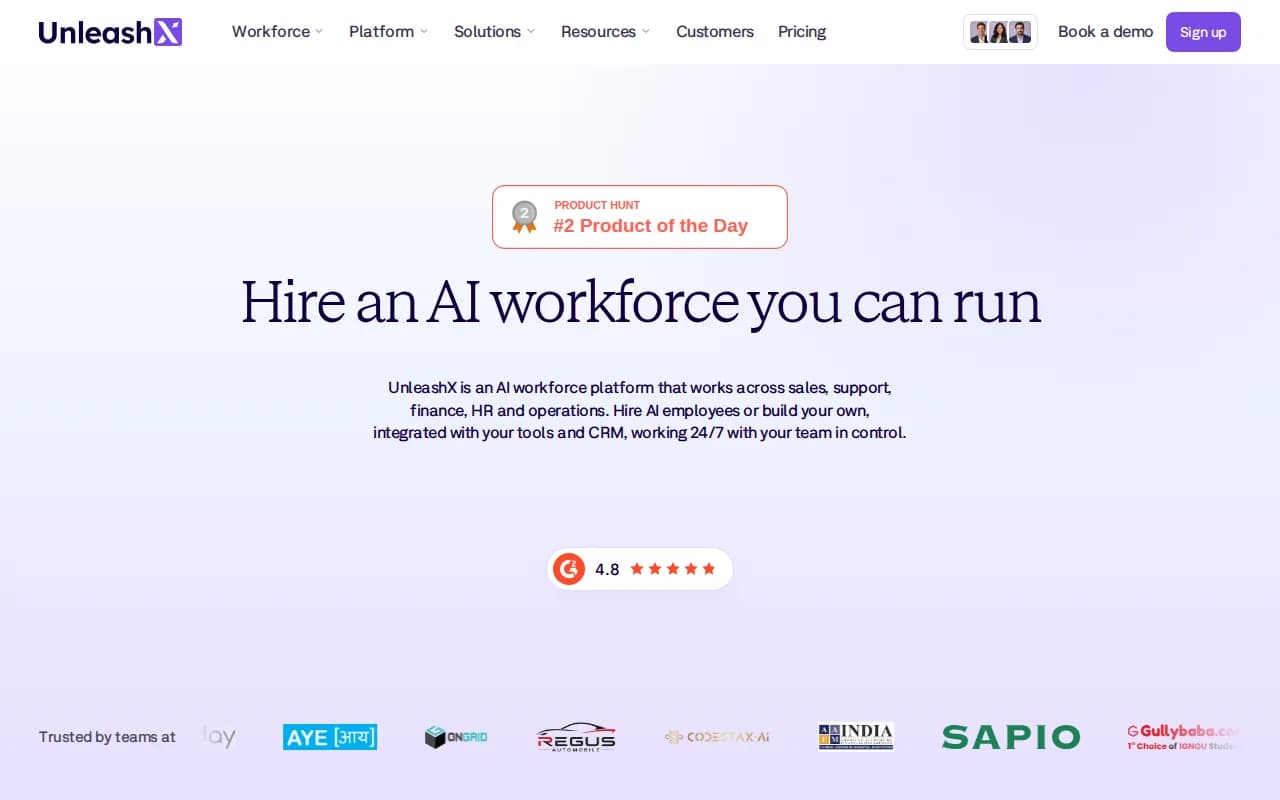
For sales, its AI employee Peter contacts inbound leads by phone, WhatsApp, or email, asks your qualification questions, and books meetings in Google Calendar, Outlook Calendar, or Calendly. The result is written to a supported CRM such as HubSpot, Salesforce, Zoho CRM, or Pipedrive. That makes UnleashX a fit when booking is one part of a larger lead-handling job.
The key operational distinction is the finish line. A conversation that offers a time is only an attempt. Your team can define success as a confirmed calendar event and a matching CRM update. The AI lead qualification workflow shows how qualification, booking, and a documented outcome can sit in one process.
UnleashX also works across voice, WhatsApp, chat, email, and video. One AI employee can carry a case across channels, while approved knowledge, permitted actions, approval thresholds, and audit trails set boundaries. If an exception needs human judgement, such as a non-standard sales term, the agent can pass the case to a person.
Pricing starts with a free Pay As You Go option that includes 1,000 credits. The Growth plan is $249 per month and includes 24,900 credits. For a team estimating cost, include usage, setup, and the time people spend reviewing exceptions, not only the monthly platform fee.
Teams that also need customer support automation can use this comparison of AI customer support software to frame the channel and workflow questions they should ask. UnleashX suits teams that need customer-facing work completed inside their CRM, helpdesk, or calendar, rather than a booking link alone.
2. Scheduler AI: Best for scheduling meetings over email
Scheduler AI is an email-based AI scheduling agent. It handles the negotiation that often sits between “Let’s meet” and a confirmed time, so it fits teams whose scheduling work already happens in email.
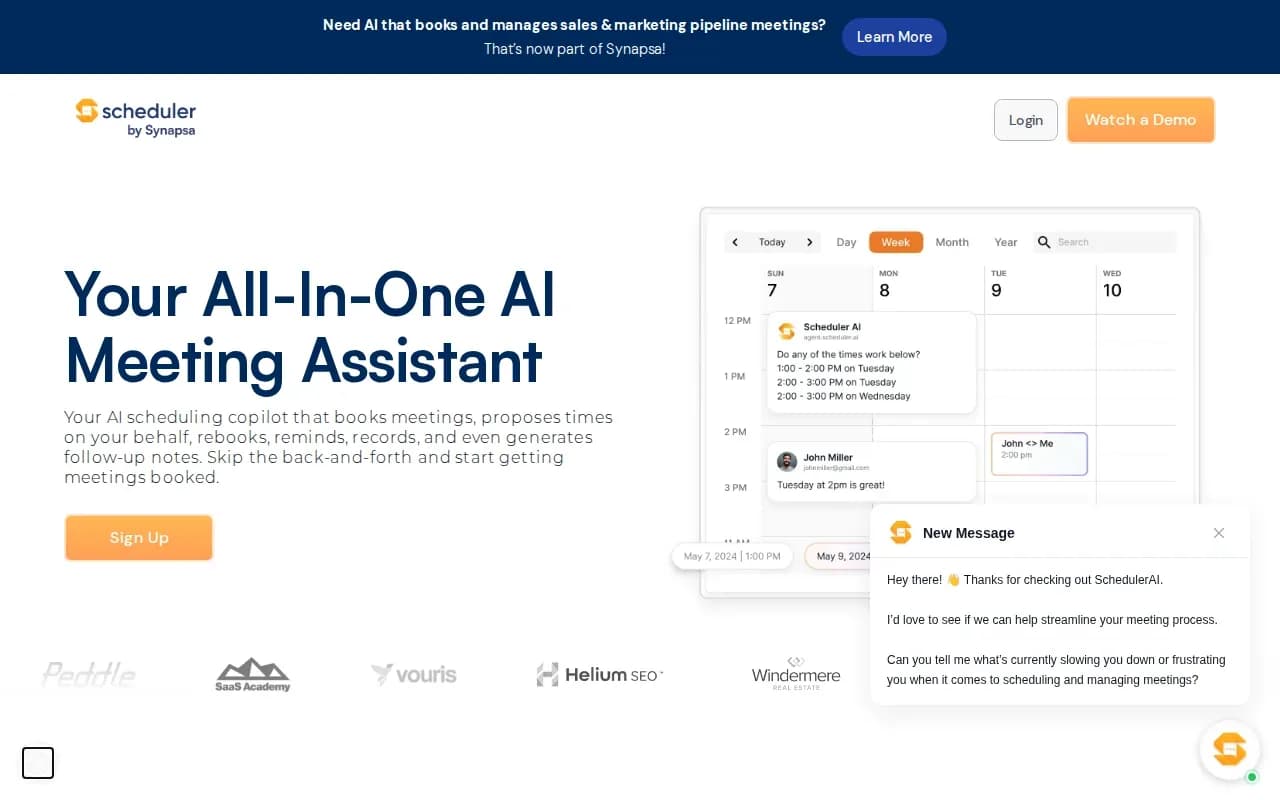
The agent can propose times, book meetings, and rebook when plans change. It can also send reminders, record calls, and generate follow-up notes. The useful point is that the workflow extends past the first booking request. A changed time or a reminder can stay part of the same scheduling job.
That makes it worth considering for sales teams or busy executives who receive a steady flow of meeting requests by email. For example, a prospect might suggest a time that conflicts with an existing event. The agent can propose another slot and handle the reply, rather than asking a team member to restart the exchange.
Scheduler AI’s supported channel is email. That is a clear boundary, not a flaw if email is where your scheduling conversations take place. It may be a poor fit if callers expect to book over the phone or if your business needs an agent to manage requests across chat and messaging apps.
The source information gives a Basic plan from $50 per month or $500 per year, with higher tiers for Startup and Growth. It also describes a 7-day free trial. Before rollout, test a full exchange that includes a time proposal, a reschedule, a reminder, and the final calendar entry. Then check whether the record gives your team enough context for the meeting.
Choose it when your main bottleneck is email back-and-forth. If bookings need to start on other channels, check those channels directly rather than assuming an email agent can handle them.
3. Digital Employees: Best for healthcare appointment calls across channels
Digital Employees handles work across voice, chat, WhatsApp, email, and video, which may suit healthcare teams that receive patient requests in more than one place.

For a clinic, routine scheduling work can include taking an appointment request, sending a reminder, or updating a record after a change. Digital Employees describes appointment booking, reminder sending, calendar invite creation, and record updates as automated tasks. A healthcare appointment scheduling automation template offers a related example of how real-time availability, reminders, and rescheduling can fit into an end-to-end workflow. That can help staff spend less time on repeat calls, while the clinic keeps ownership of care decisions and exceptions.
Healthcare scheduling has more rules than simply finding an empty time. A team may need to confirm the right appointment type or route a request that needs staff attention. Set clear limits for what the agent may book, what information it can access, and when it must hand the request to a person. A confirmed appointment should be checked against the clinic’s actual scheduling system.
Map the actions an agent may take, then test them with your own appointment types and escalation rules.
For a pilot, track whether requests end in a confirmed booking, an updated record, or a named staff handoff. A message sent is not proof that the appointment changed. Review the exception cases too, such as a request the agent should not resolve on its own.
4. Kronologic: Best for proactive sales meeting scheduling
Kronologic is an AI scheduling tool built for sales teams. It proactively proposes meeting times to prospects, so it may suit teams that want to turn lead interest into a scheduled sales conversation without waiting for a prospect to use a booking page.
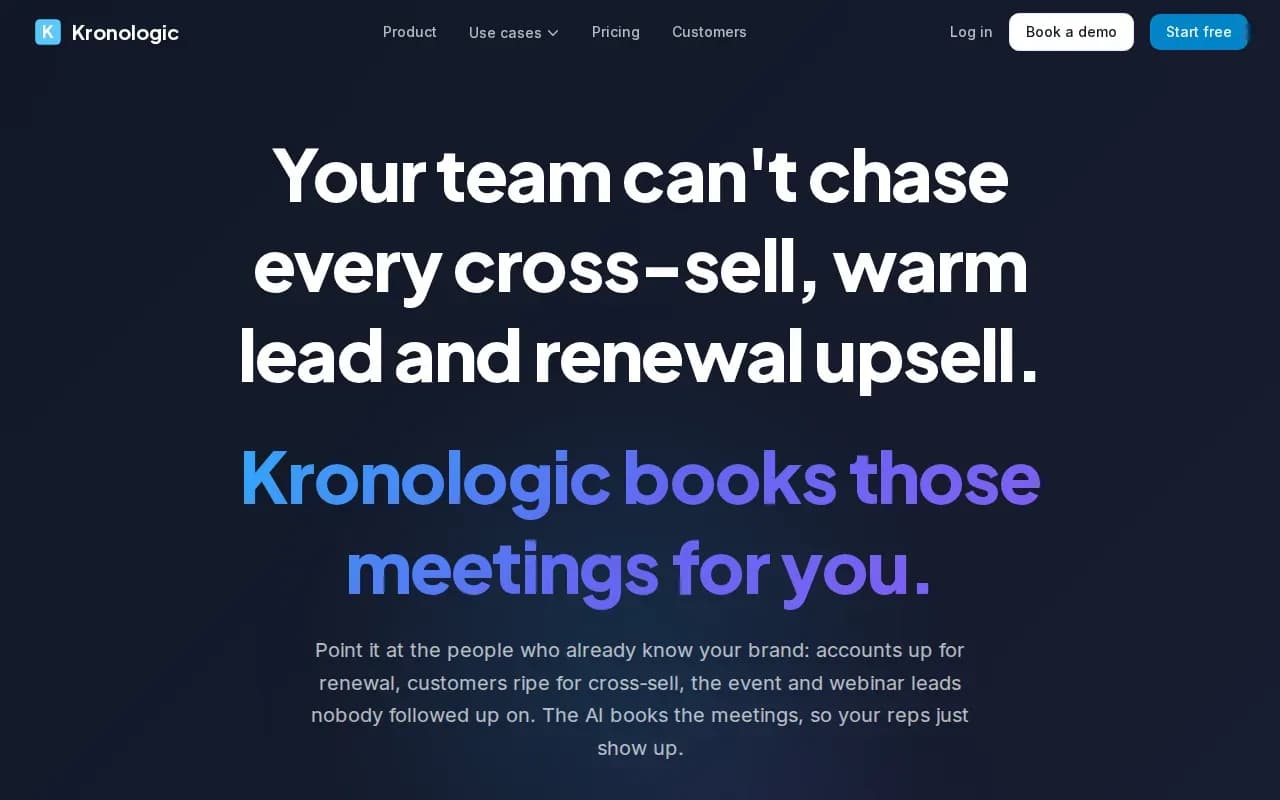
Its stated automation includes lead scheduling, email invitations, natural-language rescheduling, demo booking, and follow-up. The sales team can set the meeting goal, while the scheduling agent handles the email exchange around finding a time. That is a different job from a personal planner that places tasks in an employee’s own calendar.
Proactive scheduling can matter when a team has many leads to contact and each delay adds another manual step. A useful test is to follow one lead from the scheduling request through the final invite. Check that the right prospect receives the proposal, that a changed time is handled correctly, and that the booked meeting appears in the expected calendar.
For teams that qualify leads before setting a demo, define the handoff point between qualification and scheduling. A lead qualification workflow can help clarify what information should travel with the meeting, such as the prospect’s answers and the reason for the call. Keep any pricing or deal exception with a person if it requires human judgement.
Kronologic is strongest when the job is sales meeting outreach and rescheduling. Before choosing it, confirm how its workflow fits your team’s lead records and calendar process. The scheduling action matters only when the right rep can see and prepare for the meeting.
5. Motion: Best for combining calendar scheduling with task planning
Motion combines task management, project planning, and calendar scheduling. Its AI places work on a calendar based on priority, deadlines, and availability, making it a fit for people who need help planning their own workday rather than booking customer appointments.
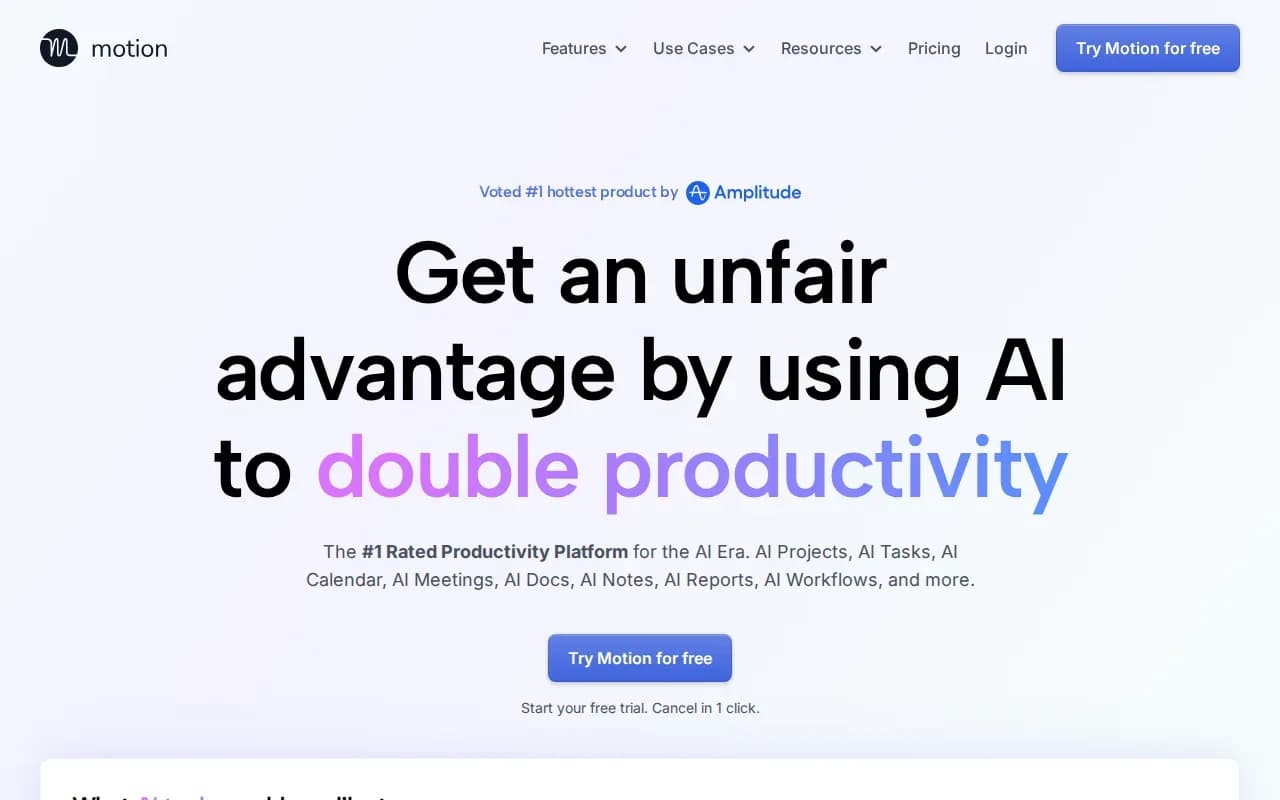
When you add a task, Motion uses details such as its duration, priority, and due date to find a place for it. If a meeting appears or the day changes, it can move the task to another available slot. A task with a hard deadline may take priority over a lower-priority item, so the quality of the plan depends on the details your team enters.
Think of a project lead with a report due today and a new client meeting added to the calendar. Motion can reschedule the work block around that meeting. The person still needs to check that the new plan is workable, especially when a task needs focus or a specific time of day.
Motion offers a 7-day free trial.
This is a different category from customer-facing booking agents. Motion helps place your team’s work on its own calendar; it is not the right choice when a patient or prospect needs to request an appointment through an agent. Try it if your pain point is deciding when internal tasks will get done.
6. HubSpot Meeting Scheduler: Best for sales teams using HubSpot CRM
HubSpot Meeting Scheduler is built for sales teams that want scheduling tied to HubSpot CRM. Its distinguishing point is an AI meeting assistant that compiles prospect context and drafts follow-ups.
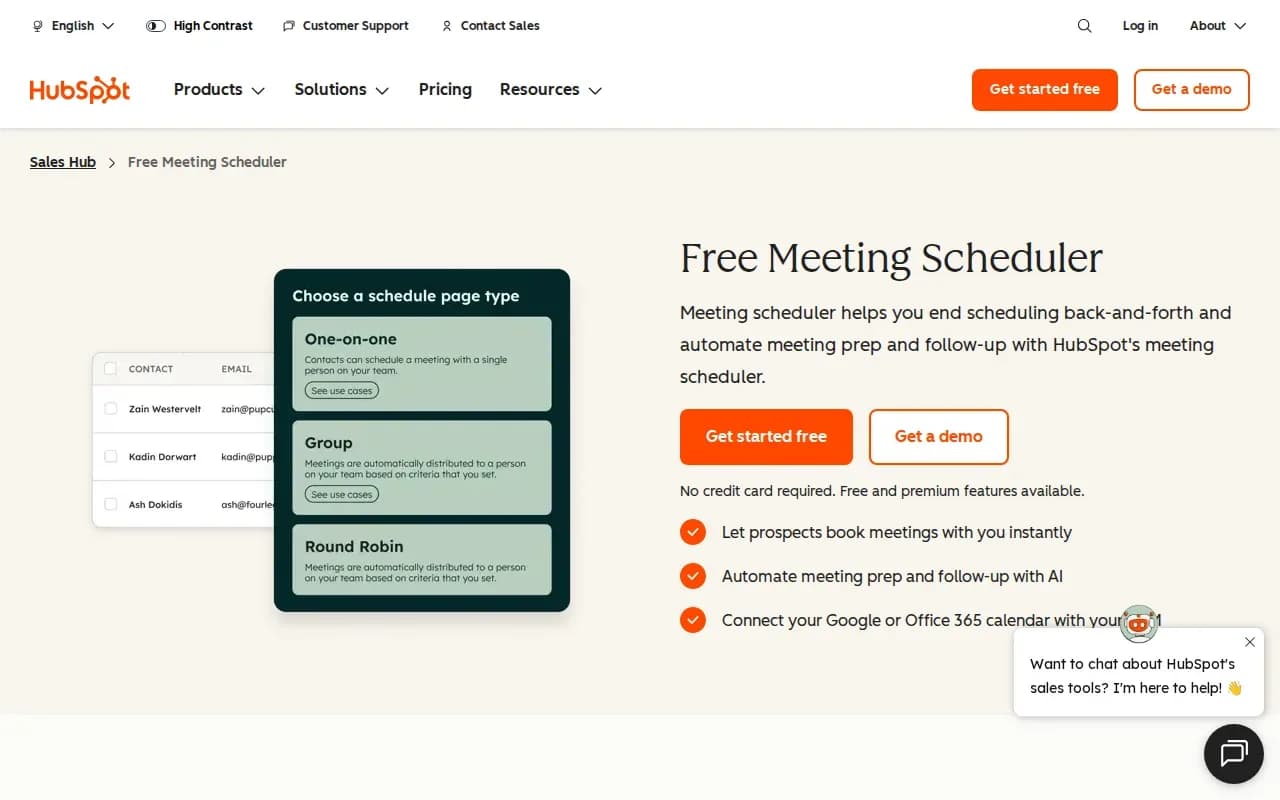
The scheduling workflow can check availability, detect time zones, and propose reschedule times. The assistant can compile prospect context, draft follow-up emails, log notes, and generate next steps. That connects the booking to the sales record rather than leaving the meeting details in a separate calendar event.
For a rep, the practical test is whether the meeting record helps them prepare. Does the prospect context arrive before the call? After the call, can the rep review the notes and next steps before they become part of the CRM record? The rep should still review generated follow-ups before sending them, especially when a message includes commercial terms.
HubSpot Meeting Scheduler integrates with HubSpot CRM, Google Calendar, and Office 365. This makes the scheduler a natural option for teams already using that stack. A team that relies on another source of truth should check how it will keep calendar availability and customer records aligned.
HubSpot says its meeting scheduler has free and premium features. HubSpot’s AI meeting assistant and advanced automation are tied to paid Sales Hub plans. Compare the plan cost with the time your team spends preparing for meetings and writing follow-ups, rather than counting bookings alone.
For a wider look at how UnleashX handles system connections, the UnleashX integrations catalog shows examples of calendar, CRM, and support connections. For any CRM-linked scheduler, agree on which system owns the final meeting record before launch.
7. Zeeg: Best for flexible meeting formats and AI phone booking
Zeeg combines scheduling with an AI phone agent that handles inbound calls and books meetings. It may fit teams that need callers to reach a person or agent by phone, and that also schedule different kinds of team meetings.
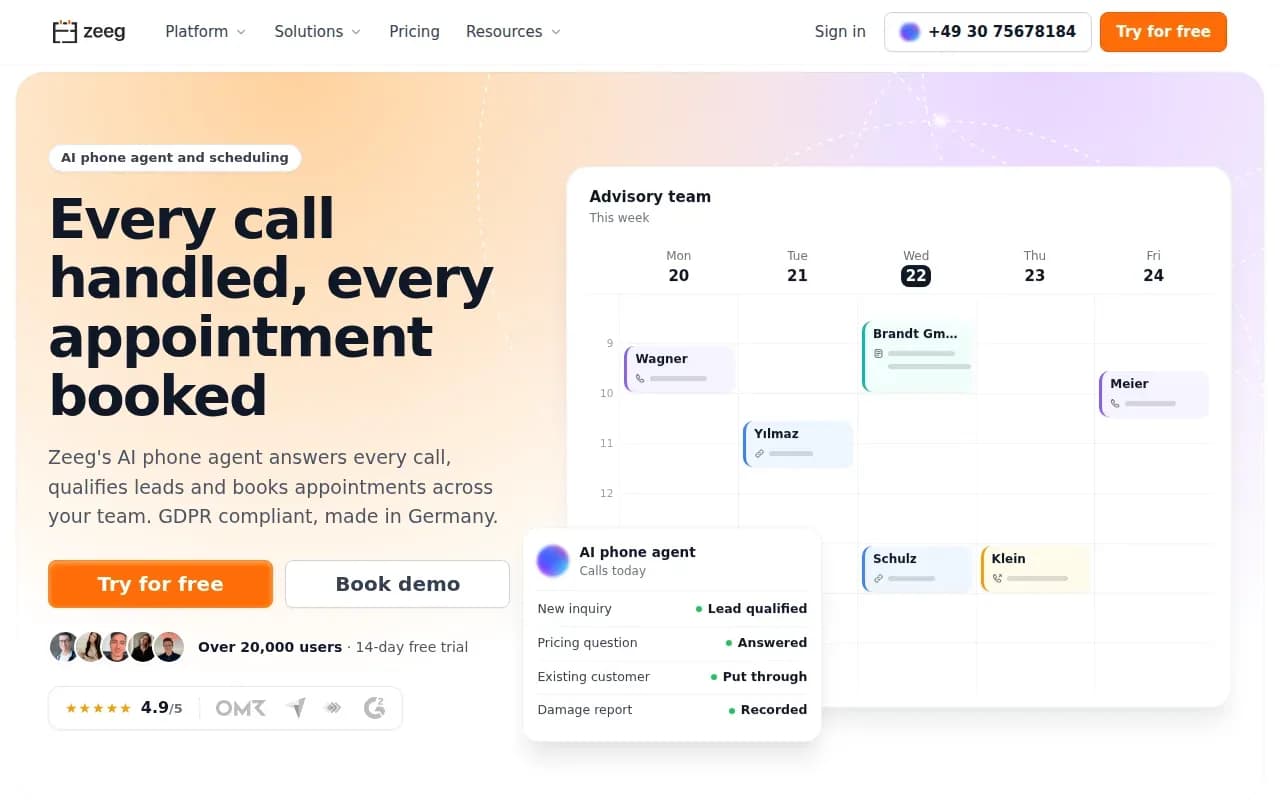
The AI phone agent can handle inbound calls, qualify leads, and book meetings. Zeeg also supports round-robin, collective, panel, and group meeting formats. That range matters when a booking needs more than one host or when a team wants to distribute appointments across available staff.
Use the table to match the meeting setup to the work. It focuses on the scheduling decision, not a feature score.
| Booking need | Zeeg fit | What to confirm in a pilot |
|---|---|---|
| Route inbound calls into appointments | AI phone agent handles calls and books meetings | Check the confirmed booking in the right calendar |
| Share meetings across a team | Round-robin meeting format | Confirm how the team’s assignment rules should work |
| Bring several hosts into one booking | Collective or panel meeting format | Test the required host availability before launch |
| Schedule a group session | Group meeting format | Check that the booking details match the session type |
| Qualify callers before booking | AI phone agent supports lead qualification | Set which answers need a human review |
For teams exploring voice-based booking, UnleashX’s AI voice agent workflow shows why the system should verify a calendar booking before confirming it to a caller. That check helps separate an appointment request from a completed booking.
Zeeg’s listed channel for the AI booking agent is voice calls. Its meeting formats give teams options for assigning hosts, but the team still needs to set the rules behind each format. Test a call that needs qualification, then inspect the calendar record and the details passed to the assigned person.
Frequently Asked Questions
What does AI appointment scheduling software do?
AI appointment scheduling software uses automation to handle parts of booking, such as checking availability, proposing times, confirming appointments, or managing reschedules. Some tools focus on email exchanges, while others take phone calls or help employees plan tasks. Check the supported channel and the system where a confirmed booking is saved.
Can AI scheduling software book appointments over the phone?
Yes, some AI scheduling tools can take inbound calls and book meetings. Zeeg is one example in this shortlist, while Digital Employees lists voice among its supported channels. Before launch, test how the agent checks live availability and what it does when a caller asks for a time or appointment type outside its rules.
Is AI appointment scheduling useful for healthcare?
It can help with routine appointment requests, reminders, and rescheduling, as long as the clinic defines what the system may do. Start with a limited appointment type and make sure staff can see confirmed bookings and unresolved requests. Validate privacy, access, and escalation controls against your organization’s requirements before using patient information.
How should a team measure the value of an AI scheduler?
Measure completed outcomes, not just messages or calls handled. Track confirmed bookings, reschedules completed, reminders sent, and requests handed to staff. Then compare those results with the time your team spends reviewing exceptions and maintaining the workflow. A short pilot with a clear baseline will give you a better cost view than counting total conversations.
What should I check before choosing a scheduling tool?
Check the channel customers will use, the calendar that holds the final booking, and the records the tool can update. Then test a normal booking and an exception, such as a reschedule or a request the agent must pass to a person. Confirm pricing and trial terms for the plan that includes the capabilities you need.
Conclusion
For customer-facing teams that need an AI employee to handle a request through to a verified booking or record update, start with UnleashX. Pick one workflow, define the permitted actions, and run a small pilot that tracks confirmed outcomes and human handoffs before expanding it.