
A missed call can mean a lost lead, while a voicemail may not tell your team what the caller needed. An AI call answering service picks up and talks with callers, instead of simply recording a message. Here are five services plus UnleashX, with the best fit for each kind of call workflow.
We analyzed 23 YouTube comments about AI call answering services and found that 35% mentioned customization and integration options.
1. UnleashX
UnleashX is an enterprise AI agent platform for customer support and sales teams. Its AI employees can handle inbound and outbound calls, then take approved actions in the systems your team already uses. It suits teams that need more than a message or basic call screening.
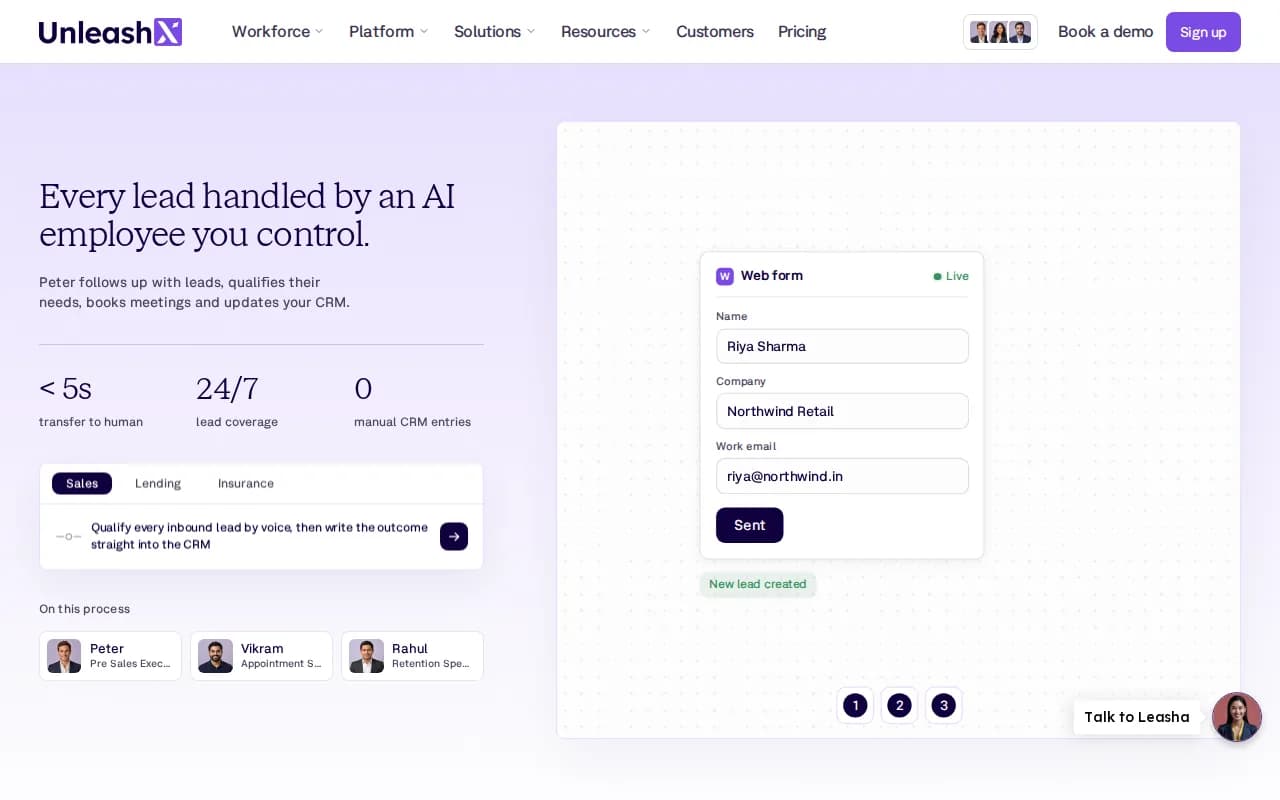
For example, an AI employee can qualify an inbound lead, ask your sales questions and book a meeting in a connected calendar. It can then record the outcome in a CRM such as HubSpot, Salesforce, Zoho CRM, Pipedrive or monday CRM. Support agents can handle requests such as order tracking or returns across voice, WhatsApp, chat and email. If a request needs human judgment, the agent passes it to a named owner with context.
That work-after-the-call focus matters. Voice handling is common, while only 6% of products name CRM integrations. UnleashX connects with five named CRM systems, along with helpdesks and calendars. Teams can set approved knowledge, permitted actions and escalation rules, then judge success by a saved result, such as a booked meeting or updated CRM record.
Pay As You Go starts with 1,000 credits. The Growth plan costs $249 per month and includes 24,900 credits; voice use is 6 credits per minute. Enterprise plans use negotiated credit rates. For an overview of the call workflows, see UnleashX voice agents.
2. Smith.ai: AI call handling with human receptionists behind it
Smith.ai combines AI call handling with its own live receptionists. It fits firms that want 24/7 coverage but also need a person available for calls that call for judgment or empathy. Law firms are a clear use case because intake can involve matter type, conflict checks and consultation scheduling.
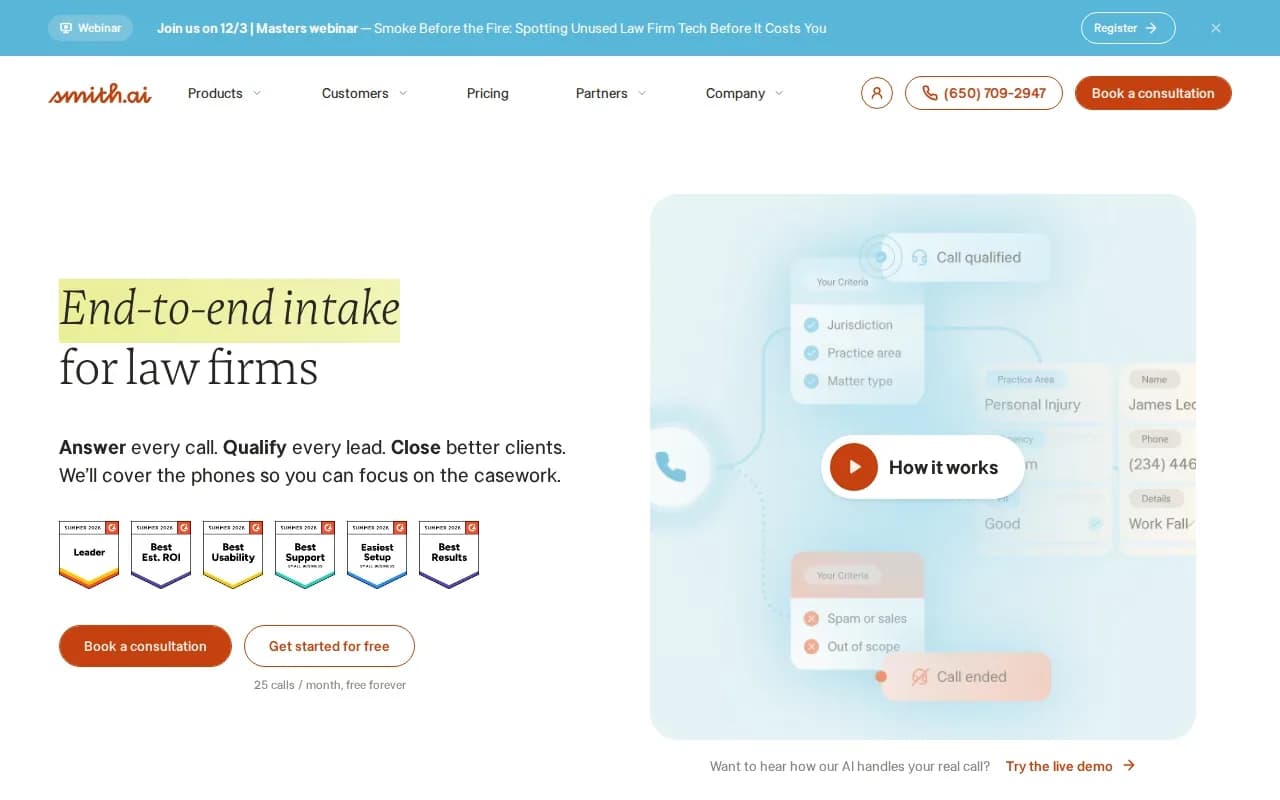
The service can screen callers against a firm’s intake criteria and route or schedule calls based on its instructions. Its receptionists can book appointments on the firm’s calendar, and Smith.ai says its systems connect to Salesforce and HubSpot. This mix gives a business a human fallback instead of relying only on an automated conversation.
Smith.ai charges $3.00 per call on Free, $2.00 on Pro and $1.67 on Enterprise. The Free plan includes 25 calls. Compare expected call volume with the quote before choosing a Pro or Enterprise plan.
Smith.ai is a better fit when human coverage is part of the requirement. For a broader view of call answering models, compare the workflows in AI phone answering service options.
3. Dialzara: Per-minute pricing with built-in setup
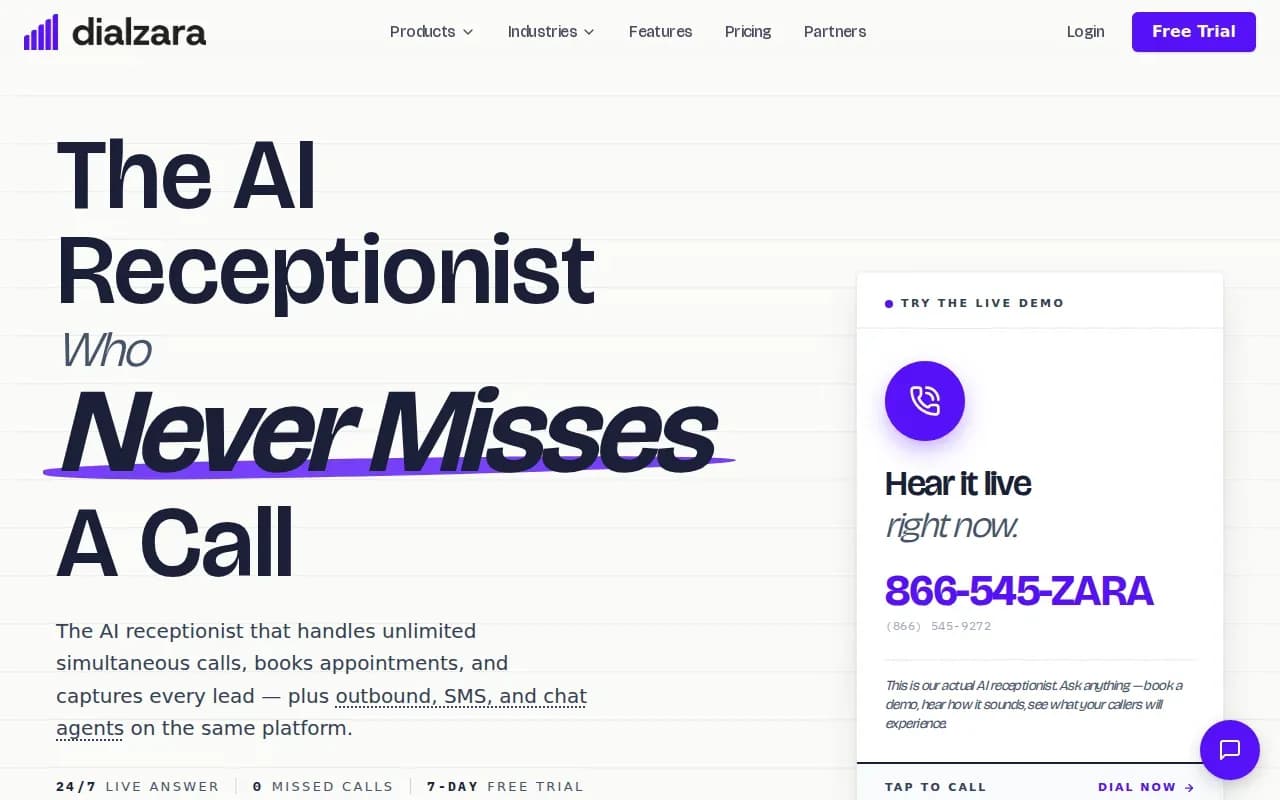
Dialzara is an AI receptionist with per-minute pricing and setup assistance from an AI prompt engineer. It suits a business that wants an AI to answer calls without building a complex call flow from scratch. Its plans include 24/7 answering, call recordings and summaries.
Dialzara’s listed voice rates run from $0.48 per minute on Business Lite to $0.35 per minute on Elite. The plans also bundle monthly minutes, so a team should compare its expected usage with the included allowance. A per-minute rate can be easy to understand, but the monthly bill depends on how long callers stay on the line.
Setup starts with business information and a prompt. The service can use website content or uploaded documents as agent knowledge, and teams can test the agent before forwarding calls. Dialzara also describes a choice of voices and call forwarding from an existing number. That makes the onboarding path relevant for a small office that wants to test common questions before sending every call to the agent.
Think through a simple test: ask the agent to answer a routine hours question, then try a caller who needs a person. Check whether the response matches your policy and whether the handoff reaches the right team member. For other receptionist styles and workflows, see AI voice receptionist tools.
4. Goodcall: 24/7 call answering for local businesses
Goodcall answers calls around the clock and can handle common questions, book appointments and capture new leads. It is a fit for local businesses that already manage their presence through Google and want a phone agent for routine customer calls.
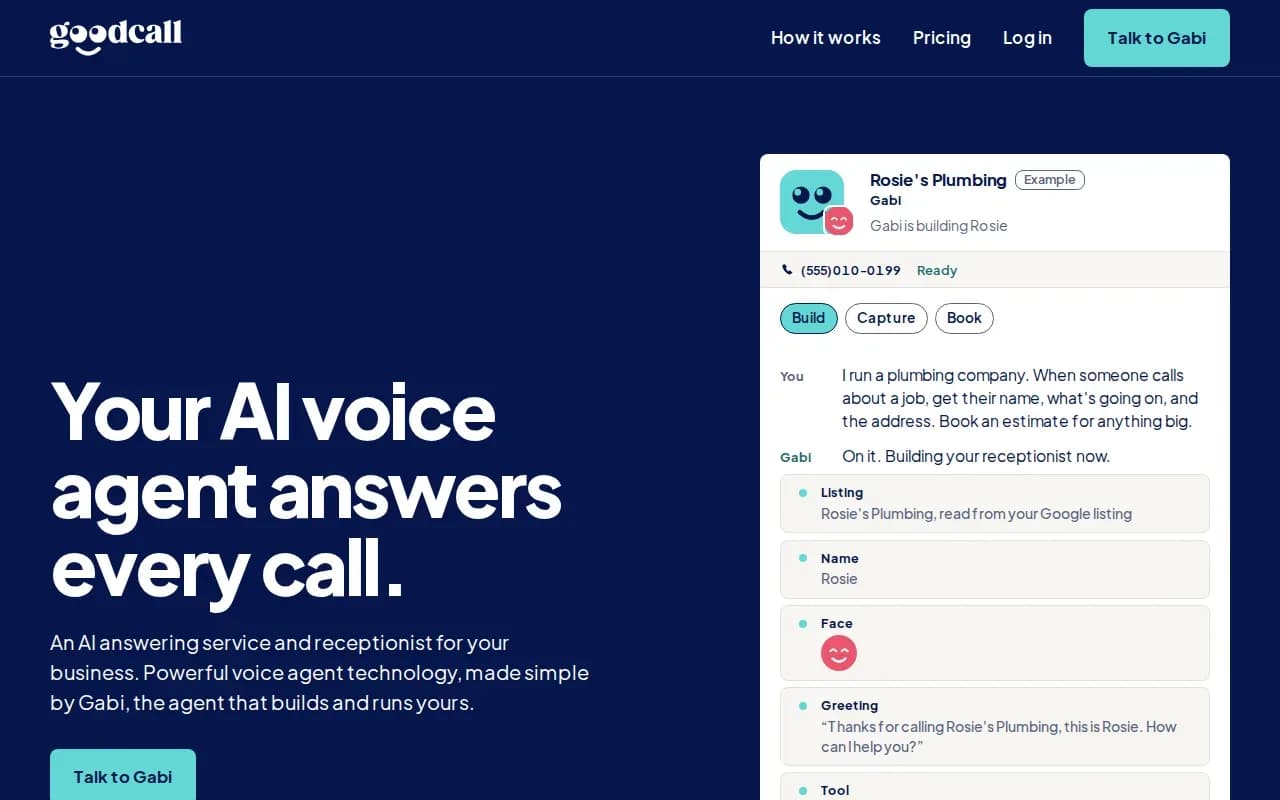
A local service business might need the agent to collect the caller’s request and arrange an estimate. A clinic may want callers to book an appointment. Goodcall’s integrations include Google Business Profiles, Google Calendar and core CRMs, so its fit depends in part on whether those systems match your current setup.
Goodcall’s setup flow is built around describing the business and the desired call handling in plain language. The service says its agent can practise on tricky cases before publishing changes. Teams can also set how the agent hands off a call, such as transferring to a person or taking a message. Review those paths before launch, especially for urgent requests that should not stay with an automated agent.
A local company that gets calls after hours can use this type of setup to answer routine questions when staff are away. For a team, the decision is less about having a voice agent and more about whether it can follow your rules for bookings and escalations.
5. Phone Agent by OnceHub: Scheduling-first call handling
Phone Agent by OnceHub is a scheduling-first phone agent. It is designed for businesses where the main goal of an inbound call is to book a meeting. Consultants, service teams and other appointment-led operations may find that focus useful.
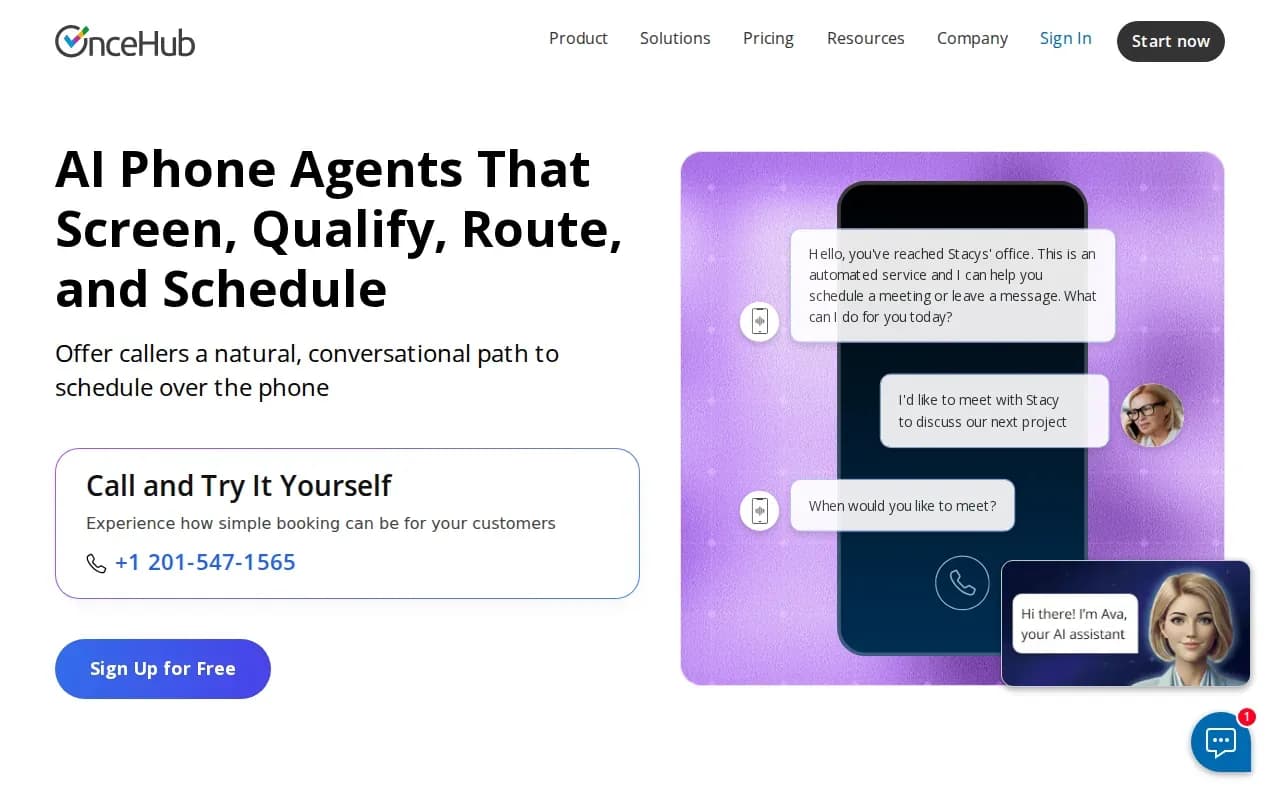
A caller speaks with the agent, which checks calendar availability and schedules during the call. That avoids asking a busy caller to hang up and open a booking link. It also puts scheduling at the centre of the call flow, rather than treating it as one task among many.
That narrow focus can be a good match when the team’s calendar is the key system to update. It is less suited to a workflow where the agent must resolve a support case or make a CRM change as part of the same call, unless those needs are covered by the plan and setup being evaluated. Test what happens when a caller asks for a time outside the calendar or needs a person to confirm a detail.
If appointment booking is the main goal, compare the agent’s scheduling flow with how your team handles availability now. UnleashX also supports calendar-connected meeting booking as part of its wider sales and support workflows; its AI appointment scheduling overview covers that use case.
6. Allo: Business phone system with a built-in AI receptionist
Allo is a business phone system with a built-in AI receptionist, rather than a separate AI add-on. It is suited to small, mobile-first sales teams of 1 to 20 users that want a unified phone system, AI answering and CRM sync.
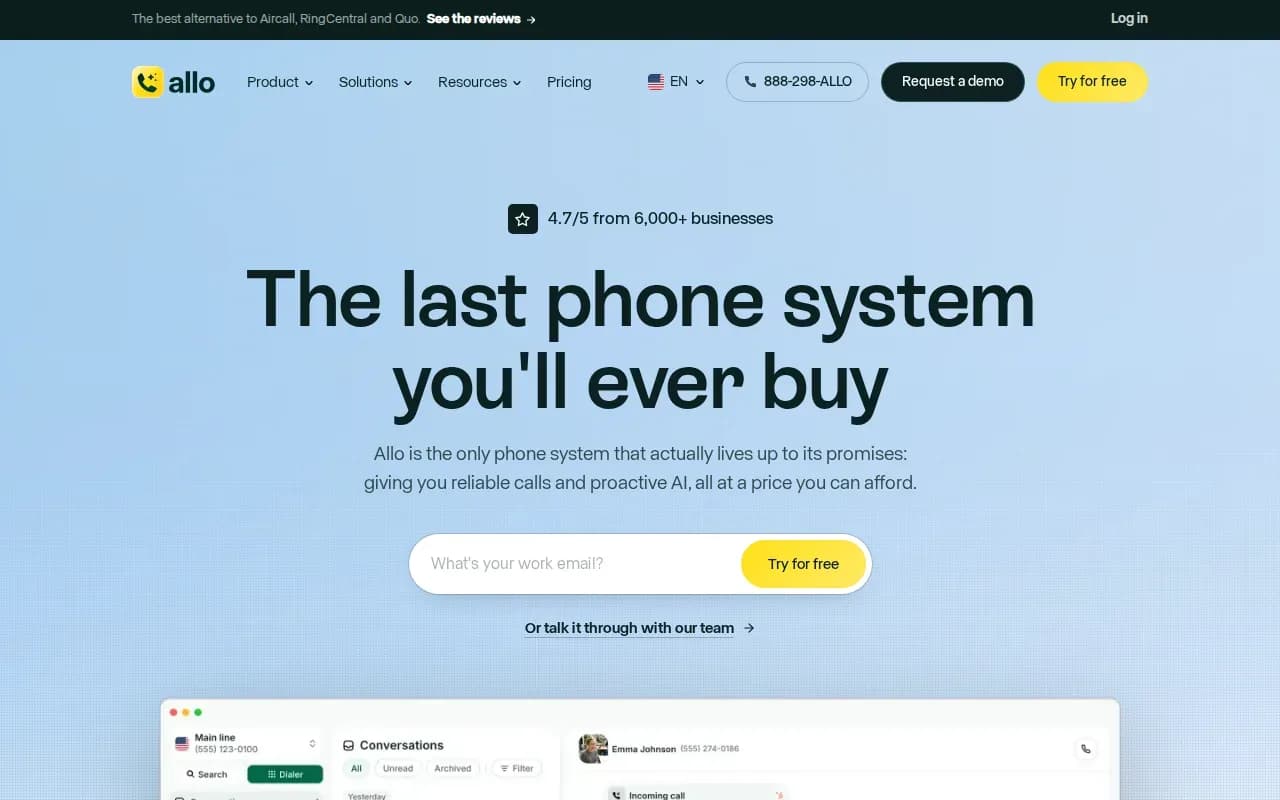
Its AI receptionist can answer calls 24/7, book appointments, answer routine questions and route callers to the right person. Allo uses a flat-rate model that typically starts around $20 per user per month. Since the phone system is part of the package, compare the full setup with your current calling tools, not only the receptionist feature.
Use this decision table to check whether its bundled model fits the way your team works:
| What your team needs | How Allo fits | Decision point |
|---|---|---|
| One business phone system | AI receptionist is built into the phone system | Consider it if you want calling and answering in one service |
| Routine call coverage | Answers calls 24/7 and handles common questions | Set clear rules for when calls should go to a person |
| Appointment handling | Can book appointments | Confirm how its scheduling connects to your current process |
| Healthcare calls | Allo says it signs a BAA | Review your own privacy and compliance needs before launch |
Allo says its agent can answer in seven languages and has more than 200 voice options. Those details may matter for teams serving callers with different language preferences. The key check is still the workflow: test a routine question, a booking request and a case that must reach a staff member.
UnleashX takes a different approach for teams that need an agent to work across support or sales systems, not only answer through a phone system. Its AI customer service workflows describe support tasks that can end in a recorded resolution or a clear human handoff.
Frequently Asked Questions
What does an AI call answering service do?
An AI call answering service answers business calls with a spoken conversation. Depending on the service, it may answer routine questions, capture a lead, book an appointment or route the call to a person. Unlike voicemail, it can respond while the caller is still on the line. Check what actions it can complete and what it does when a request falls outside its rules.
Can an AI answering service handle calls after hours?
Yes, several options in this shortlist describe 24/7 call answering. That can help a team cover evenings, weekends or periods when staff are busy. Before launch, decide which requests the agent may handle on its own. Set a clear path for urgent cases and requests that need human judgment.
Can an AI phone agent book appointments?
Yes, appointment booking is a stated capability for Goodcall, Dialzara, OnceHub Phone Agent and Allo. Their approaches differ, so test how each one checks availability and confirms a booking. Also decide what should happen when the calendar has no suitable time or the caller asks for an exception.
How much does an AI call answering service cost?
Costs depend on the billing model. The options here include per-minute pricing, per-call pricing, flat-rate pricing and credit-based plans. Compare the fee with your expected call volume and usage, then check what each plan includes. A low starting fee may not be the best fit if your team needs more minutes, live receptionists or connected workflows.
How should a business prepare an AI receptionist?
Start with the questions callers ask most often and the actions the agent is allowed to take. Add approved business information, define when to transfer a call, and test ordinary requests alongside edge cases. Then forward a limited set of calls first. Review the results, including whether bookings or CRM updates were recorded correctly, before expanding coverage.
Conclusion
Choose UnleashX when calls need to trigger work in your CRM, calendar or support process; choose a more focused option when your main need is live human reception, local call coverage or scheduling. Next, map three common call types and test each service against the outcome your team needs to record.