

An AI phone answering service can do more than take a message. The useful ones handle a caller’s request and record what happened. Here are six named options, with the work each is set up to handle and the details your team should check.
1. UnleashX: Voice answering connected to completed customer workflows
UnleashX is an enterprise AI agent platform for sales and customer support teams. Its AI employees, including AI voice agents, can answer inbound calls, make approved outbound calls and carry out defined tasks in connected business systems. It suits teams that want a call to end with a verified action, such as a booked meeting or an updated customer record.
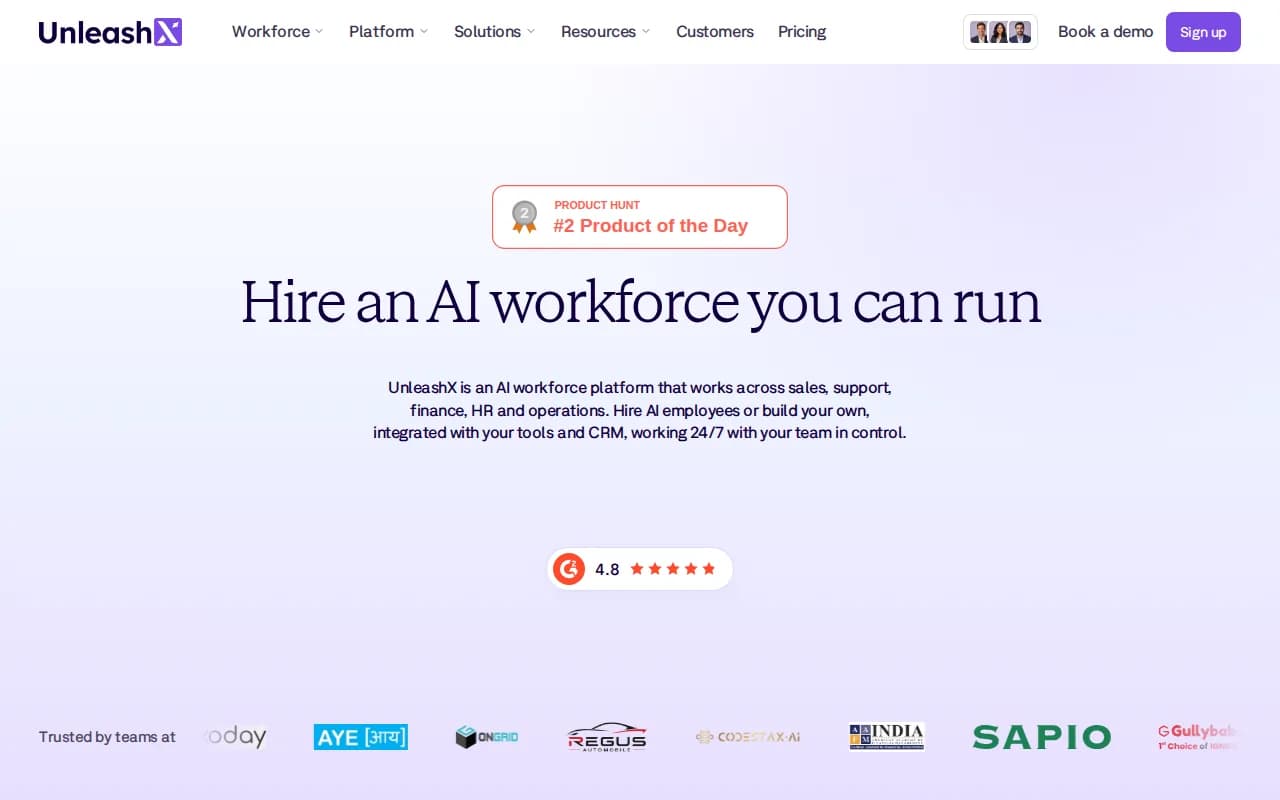
That distinction matters in daily operations. An agent may capture a request for a refund, but the job is not done until the permitted refund action is completed or a person takes ownership. UnleashX is built around defined roles, approved knowledge, permitted actions and rules for handing exceptions to a person. The result is recorded in the CRM, helpdesk or calendar the team already uses.
For sales, Peter can ask a team’s qualification questions, book a meeting in Google Calendar, Outlook Calendar or Calendly, then write the result to HubSpot, Salesforce, Zoho CRM or Pipedrive. Pricing questions and non-standard terms go to a person. For support, agents can handle common requests such as order tracking, returns and onboarding, with escalation context passed along when a case needs human judgment.
Teams comparing call agents with task-based workflows can review UnleashX voice agents for inbound calls and approved follow-ups. The key evaluation is what counts as complete. A call summary is useful, but a changed CRM record or confirmed booking is a clearer result.
UnleashX publishes a Pay As You Go option that starts free with 1,000 credits. Its Growth plan is $249 per month and includes 24,900 credits, with voice billed at six credits per minute. Enterprise plans use negotiated credit rates. Check how credits map to your expected call volume before setting a budget.
The platform suits teams that need voice alongside channels such as WhatsApp, chat or email. Its voice AI orchestration platform supports teams building workflows across customer service and other business functions. It may be more than a team needs if the only goal is to capture messages and send them to a shared inbox.
When a call is handed off, make sure the receiving person gets the request and the steps already taken. UnleashX’s voice agent controls and handoff guide describes the kind of actions and call outcomes teams can define.
2. Smith.ai: Call answering with lead qualification and scheduling
Smith.ai provides call answering with AI and human receptionist options. It suits businesses that want lead qualification or appointment scheduling, with a person available for calls that need human handling.
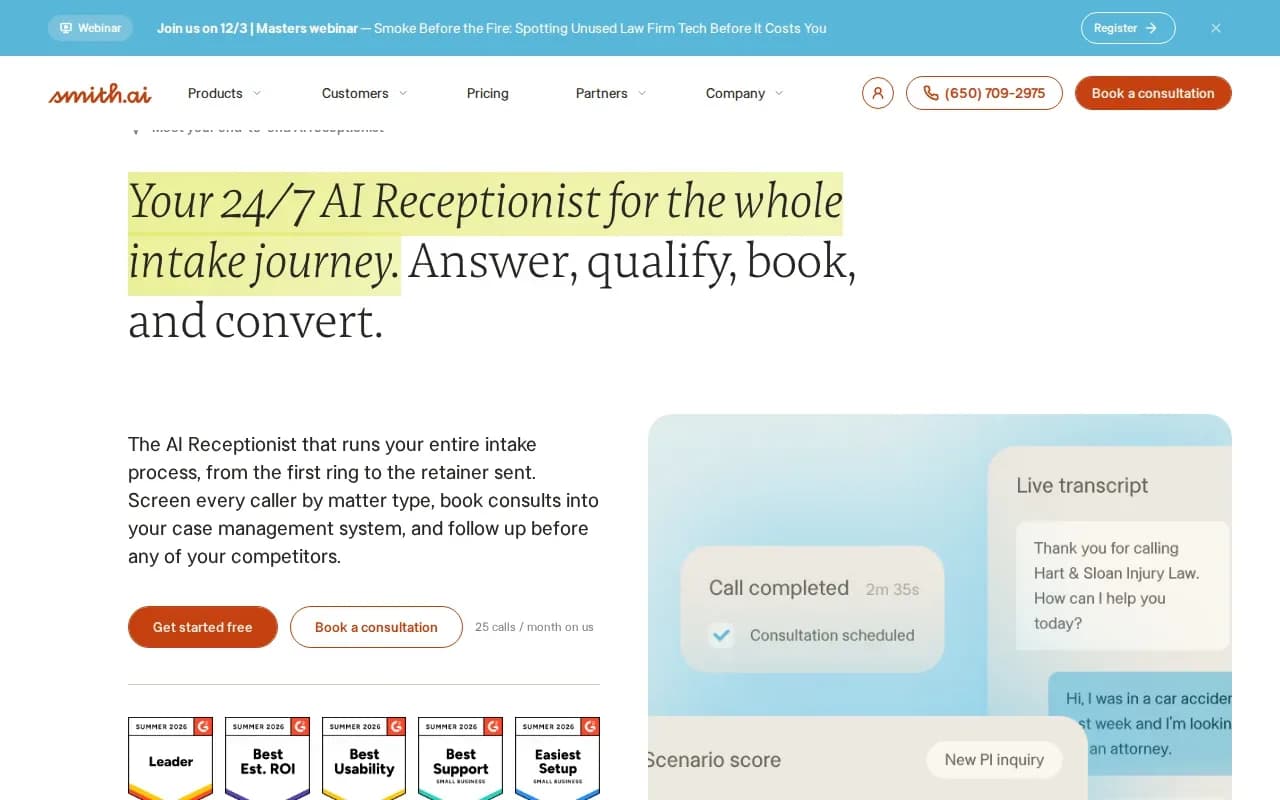
The service can answer inbound calls and support outbound follow-ups. Its automation can qualify leads against criteria set by the business, collect intake details and book appointments. It can also transfer a call when a person needs to take over. Its integrations include Salesforce and HubSpot.
This mix can help a small firm that needs a consistent front desk but does not want every caller routed to the same person. A new lead might answer a few qualification questions before a meeting is scheduled. A caller with an unusual request can be sent to a human instead of being forced through a fixed flow.
Before choosing, ask how the handoff works and what information the human receives.
The AI Receptionist Free plan includes 25 calls, with additional calls at $3 each. Pro is listed for 75 calls, with additional calls at $2 each. Enterprise is listed at $500 per month for 300 calls, with additional calls at rates available on request. Confirm the current plan terms and model your likely monthly call count before comparing it with per-minute pricing.
Per-call pricing is easy to understand when call volume stays within a known range. It can also make costs rise with each extra call. Include overflow periods in your estimate, not only an average month.
Smith.ai is worth considering when human backup is part of the requirement. If your main goal is to make outbound calls and save completed outcomes to a CRM, check that the exact workflow is covered in your selected plan.
3. Newo: Inbound phone answering with text and web chat
Newo is an AI agent that answers inbound calls, texts and web chat for a business. It suits teams that want callers to reach a booking or routing action, rather than leave a message for someone to re-enter later.
On an inbound call, Newo can book an appointment, route the caller or transfer the call to a person. Its integrations include Dentrix, Open Dental, Calendly, Square and Housecall Pro. These connections make it a fit to assess for businesses whose front desk work centres on appointments or service requests.
Transfers also deserve a close look. Ask what context follows the caller and how your staff can see the reason for the handoff.
Text and web chat matter when customers move between channels. For example, a caller might ask about a service, then use web chat later to follow up. Newo’s stated channel support gives teams a way to assess whether they can handle those contacts in one setup. Test the same request across each channel, especially if staff need to see the prior details.
Newo is described here as inbound-only for phone calls. Teams that need outbound lead follow-ups should check that requirement separately instead of assuming inbound call support includes outbound campaigns.
Before launch, test a routine booking and an edge case that should go to a person. Both should leave a clear outcome your staff can verify.
4. ElevenAgents by ElevenLabs: Configurable voice and chat agents
ElevenAgents by ElevenLabs is a platform for configuring, deploying and monitoring voice and chat AI agents across telephony and digital channels. It suits teams that want to shape their own call flows and connect an agent to business systems.
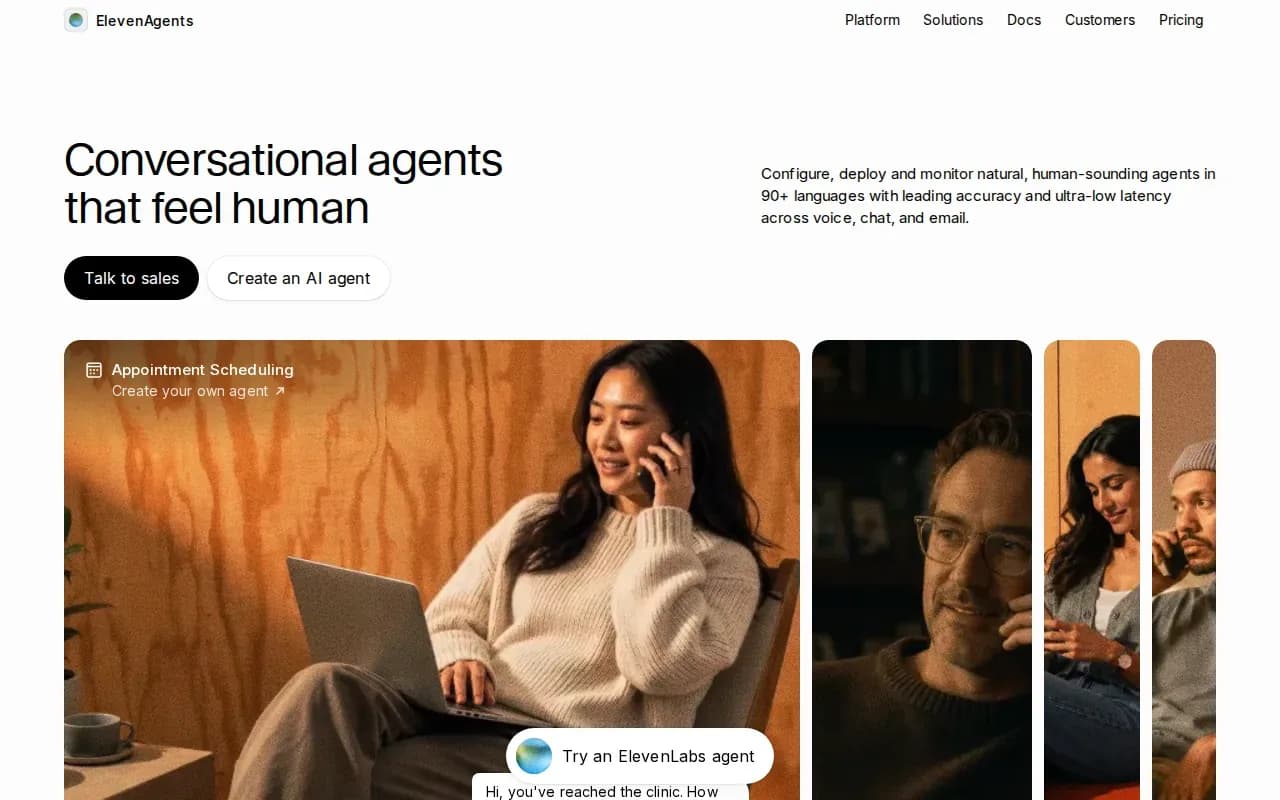
It includes a visual workflow builder and templates, with connections to CRM and calendar tools. It names Salesforce, HubSpot, Google Calendar and Zapier, along with API connections. Teams can design a flow for one call type, then adjust it as their process changes.
That flexibility is useful when different calls need different rules. A basic hours question can get a short answer. A request involving customer data can require a defined check before the agent responds. A traditional interactive voice response system usually guides callers through a menu of set choices. A conversational agent can instead interpret spoken requests, but it still needs clear limits and tested actions.
The vendor material describes support for voice and chat, with deployment options across channels such as phone, email and WhatsApp. It also describes a visual builder that does not require code. For a technical team, APIs and software development kits may matter more than templates. For an operations team, the ability to edit and test a flow without an engineering queue may be the better fit.
ElevenAgents is worth assessing if voice configuration is central to the project. Ask for a test that covers the actual caller phrasing your team hears, then check whether the agent makes the right decision when a caller interrupts or gives incomplete details.
A flexible builder still needs ownership. Assign a person to review changes, check call outcomes and approve new actions before they reach customers. Without that process, a quick flow edit can change what the agent is allowed to do.
5. Auxy: Natural-sounding calls, callbacks and rule-based transfers
Auxy’s voice agent answers inbound calls, responds using a business’s own content, books callbacks during the call and transfers callers under rules the team sets. It suits teams that want their callers to get an answer or a clear next step when staff are busy.
The agent can answer questions from approved content. That is useful for common support requests where the answer depends on company policy. Teams should still decide which topics the agent can answer and which ones need a person to review the case.
Callback booking and live transfer are separate outcomes. A callback records a request for someone to follow up later. A transfer connects the caller to a person during the call. Define which outcome applies to each call type, then make sure the caller hears what will happen next.
For calls that need human judgment, a ticket with a named owner can keep the request from getting lost. Set a rule for who owns the case, what context they receive and when they must respond. A transfer rule should be tested in live-like conditions, including the times when the first person is unavailable.
Auxy’s supplied feature information describes inbound calls with transfer for voice answering. If outbound phone work is a requirement, confirm that the specific call flow you plan to run is supported before selecting it.
Use this option when the team wants callbacks and rules-based transfers to be part of the call design, rather than an informal note-taking process.
6. PolyAI: Enterprise voice automation with business-system connections
PolyAI builds voice automation for customer service and connects with business systems. PolyAI offers inbound call handling with transfer to a person when needed.
Its listed pre-built connections include Salesforce, Zendesk, ServiceNow, NICE and Twilio. For an enterprise team, the main question is how the agent fits the current phone setup and which connections matter to its existing tools.
Check how the service connects to the phone environment and whether the transfer destination matches the team’s workflow. A useful evaluation should cover the system connection, the transfer destination and the record that confirms the final outcome.
For a team handling complex calls, test whether the transfer process lets staff continue the conversation without asking the caller to repeat every detail. Make sure the scenarios you test reflect the calls your team needs to handle.
Plan for implementation work. Map the systems, call paths and transfer rules that need to be checked before deciding whether the service is a fit. Consider the work required to connect the service to existing tools and processes.
Ask the vendor to demonstrate one common call and one exception. Check the system connection, transfer destination and record that confirms the final outcome. If the agent only routes calls, it may reduce menu steps without completing the caller’s task.
AI Phone Answering Services Compared
These options differ most in call direction, channel mix and the work they complete. Use the table to narrow the field, then verify the exact handoff and system actions in a demo.
| Option | Best fit | Call and channel focus | Work to check |
|---|---|---|---|
| UnleashX | Teams that need calls tied to CRM or helpdesk outcomes | Inbound and outbound voice, with other supported channels | Confirm the completed record or action for each workflow |
| Smith.ai | Businesses that want AI answering with human receptionist support | Inbound and outbound calls | Review per-call costs and the human handoff path |
| Newo | Businesses with appointment, routing or service-desk calls | Inbound voice, text and web chat | Test booking, caller context and transfer |
| ElevenAgents by ElevenLabs | Teams that want to configure voice and chat flows | Voice and chat across telephony and digital channels | Check flow controls, integrations and who owns updates |
| Auxy | Teams that need callbacks or rule-based transfers | Inbound voice answering | Set clear rules for callback versus live transfer |
| PolyAI | Enterprise customer service teams | Inbound voice with system connections | Check implementation scope and contact-centre fit |
Pricing models change how you forecast costs. UnleashX publishes a monthly Growth plan and credit-based usage. Smith.ai’s AI Receptionist pricing is based on included calls, with extra-call rates. Other options in this shortlist have no price included here, so ask for a quote or plan details rather than assuming they use the same billing model.
Cost per call alone won’t show whether the service pays for itself. Compare it with completed outcomes: booked appointments, qualified leads or support cases resolved without a second staff entry. Include setup work and the time needed to monitor exceptions.
For a buyer’s test, define one success measure for each call flow and one failure condition. A booked meeting should appear in the calendar. A transfer should reach the right team. An unresolved request should have a named owner. Teams assessing voice within wider business workflows can also review UnleashX voice AI workflows as a reference for linking calls to operational tasks.
Frequently Asked Questions
What is an AI phone answering service?
An AI phone answering service is software that answers calls using a voice agent. Depending on the setup, it can answer common questions, collect details, route a call or book an appointment. The key difference from voicemail is that it can respond during the call. Check whether the option you choose also completes actions in your CRM or scheduling system.
Can an AI answering service transfer calls to a person?
Yes, several options in this shortlist describe call transfer to a person. Before launch, define which requests should transfer and where they should go. Test whether the receiving staff member gets the caller’s request and the details already collected. Also decide what happens if the right person is unavailable.
Can I keep my current business phone number?
Number retention depends on the service and how your phone system is set up. Ask whether you can forward calls from the number customers already know, connect through your current telephony provider or need a new number. Confirm how transfers work with your existing system before changing live call routing.
How should I check data security before using an AI call agent?
Ask how caller data is stored and who can access it. Review the vendor’s security documents and data-processing terms with your security or legal team. Then check how recordings, transcripts and system updates are handled. Don’t send sensitive customer information through a new workflow until your team has approved the setup.
Do these services support multiple languages?
Language support varies by service and configuration. ElevenAgents supports 90 or more languages, while PolyAI offers 45 languages as standard. Ask the vendor to demonstrate the languages and accents your callers use, including how the agent handles a switch in language during a call.
Conclusion
Choose the option that matches the work your calls need to finish. For teams that want voice connected to customer support or sales workflows, start by mapping one call type to a verified outcome in UnleashX. Then run a small pilot and review completed records, transfers and exceptions before expanding.