
An AI voice receptionist can answer after-hours calls, book appointments and route callers by what they need. The best fit depends on whether you need a phone-first front desk or an agent that also completes work across your business systems.
We analyzed 25 YouTube comments about AI voice receptionist and found that 24% mentioned voice quality and accuracy problems.
Here are seven options for U.S. teams, from UnleashX’s AI employees to human-backed reception and enterprise voice platforms.
1. UnleashX
UnleashX is an enterprise AI agent platform for customer support and sales teams. Its AI employees can handle inbound and outbound voice calls alongside WhatsApp, chat, email and video. It’s a fit for teams that need more than call answering, such as booking a meeting and recording the outcome in a CRM.
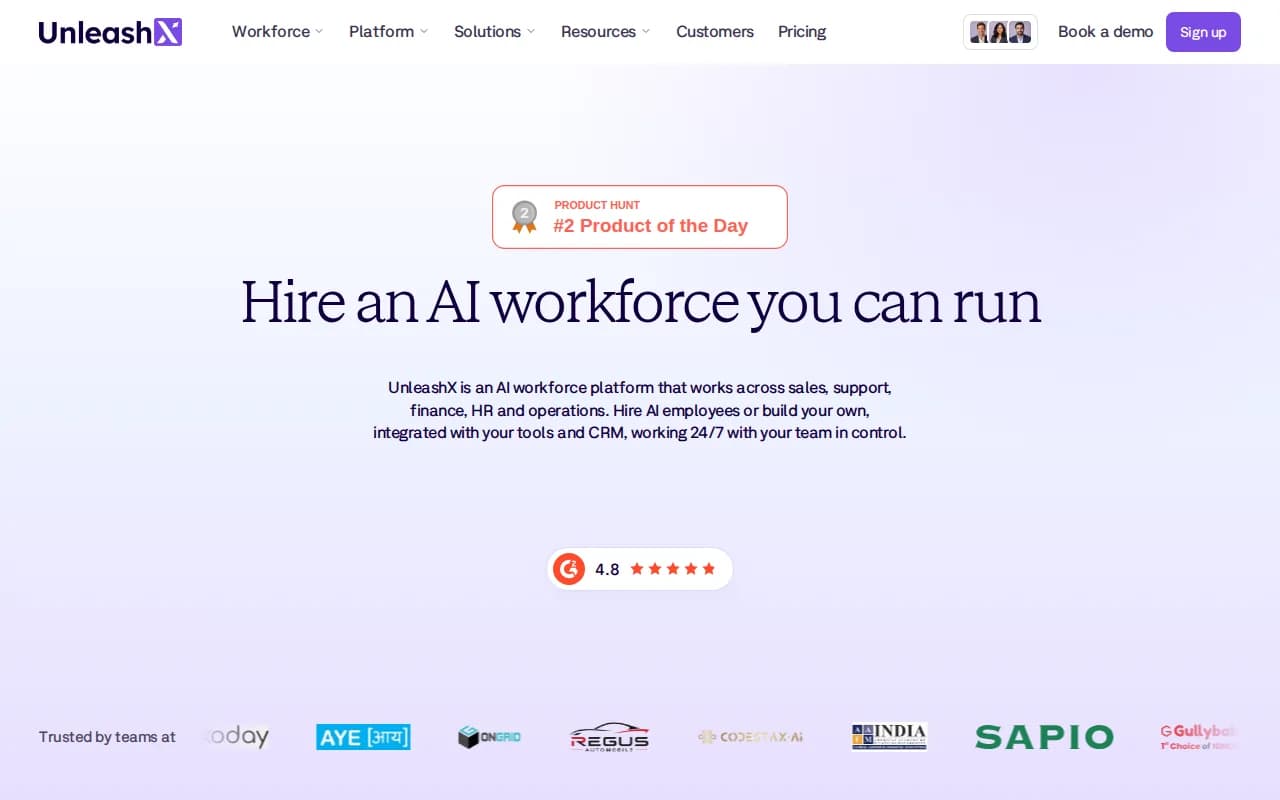
Each AI employee has a defined job, approved knowledge and permitted actions. A sales agent can ask qualification questions, then book a meeting in Google Calendar, Outlook Calendar or Calendly. The result can be written to HubSpot, Salesforce, Zoho CRM or Pipedrive. For support, an agent can answer an order question or handle a return request, then update the connected helpdesk or commerce system.
That distinction matters when you assess the work. A call that ends is not always a completed request. Agree on the outcome you want, such as a confirmed appointment or an updated ticket, and check that the record appears in the system your team uses as its source of truth. UnleashX also supports handoffs to a named person when a case needs judgment, such as a refund exception.
Teams can hire a pre-built AI employee or make a custom one in Agent Studio without code. There are roles for sales development, renewals, claims intake, order tracking and other workflows. For example, an insurance team can explore voice AI agents for insurance workflows when calls need to follow a policy-specific process.
UnleashX publishes a free Pay As You Go option with 1,000 credits to start. Its Growth plan is $249 per month and includes 24,900 credits, with voice charged at six credits per minute. Unused credits never expire. For teams assessing a broader AI workforce platform, the useful question is whether the agent can finish a defined job and leave a clear record, not only whether it can speak naturally.
Use UnleashX when voice is one part of a customer or sales workflow. A team that only needs a basic front desk for incoming calls may prefer a phone-focused service.
2. Smith.ai: AI call answering with human backup
Smith.ai combines AI call handling with access to human receptionists for calls that need more care. It’s a strong fit for legal and professional services teams that want routine intake handled by AI while keeping a human path for complex conversations.
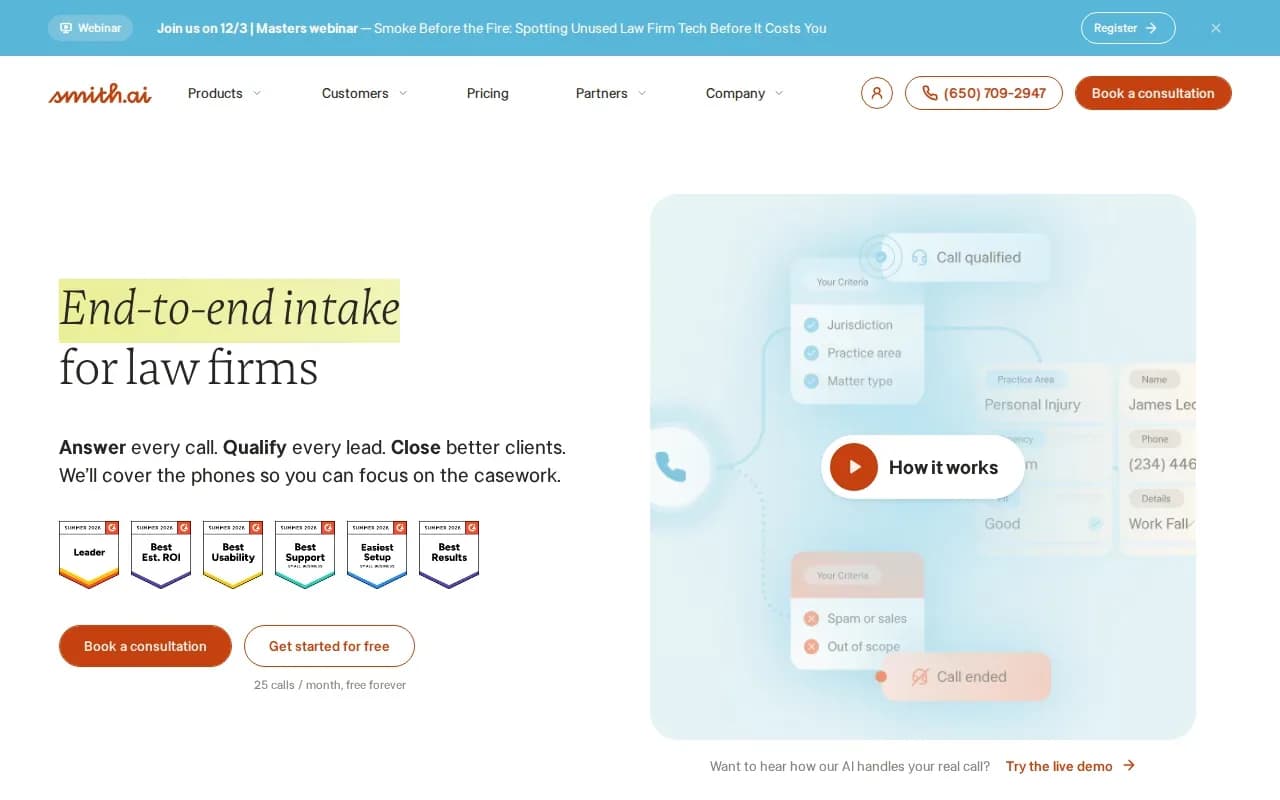
The AI can screen callers, answer questions and book appointments. For legal intake, a firm might ask about the matter type before booking a consultation. Smith.ai’s workflow can connect with case management systems and supported tools such as Clio and Salesforce. It also supports CRM sync and appointment scheduling, which can help staff start a follow-up with the caller’s intake details in view.
The human option is more than a generic escalation. Smith.ai offers access to human receptionists for situations that need a person to listen and decide what happens next. That can suit firms where a caller’s issue needs a person to listen and decide what happens next. Before enabling a handoff, define which calls should transfer and what information the AI should pass along.
Smith.ai offers a free plan with 25 calls a month. Its self-serve plan is $150 per month. The page also describes call recordings and transcripts for quality review, with encrypted storage for those records.
Call quality needs ongoing review, not a one-time setup. Its approach to AI voice agents for enterprise workflows is a useful comparison point if your team also wants agents to complete work beyond the phone call.
Choose Smith.ai when a live person should remain part of the call plan. Set the escalation rules before launch so the AI knows when to stop and a human knows what the caller has already shared.
3. Dialzara: AI receptionist for home-service trades
Dialzara is built for home-service trades such as plumbing, electrical work and HVAC. It’s a fit for contractors who want calls handled with trade-specific terms and a path for emergency dispatch.
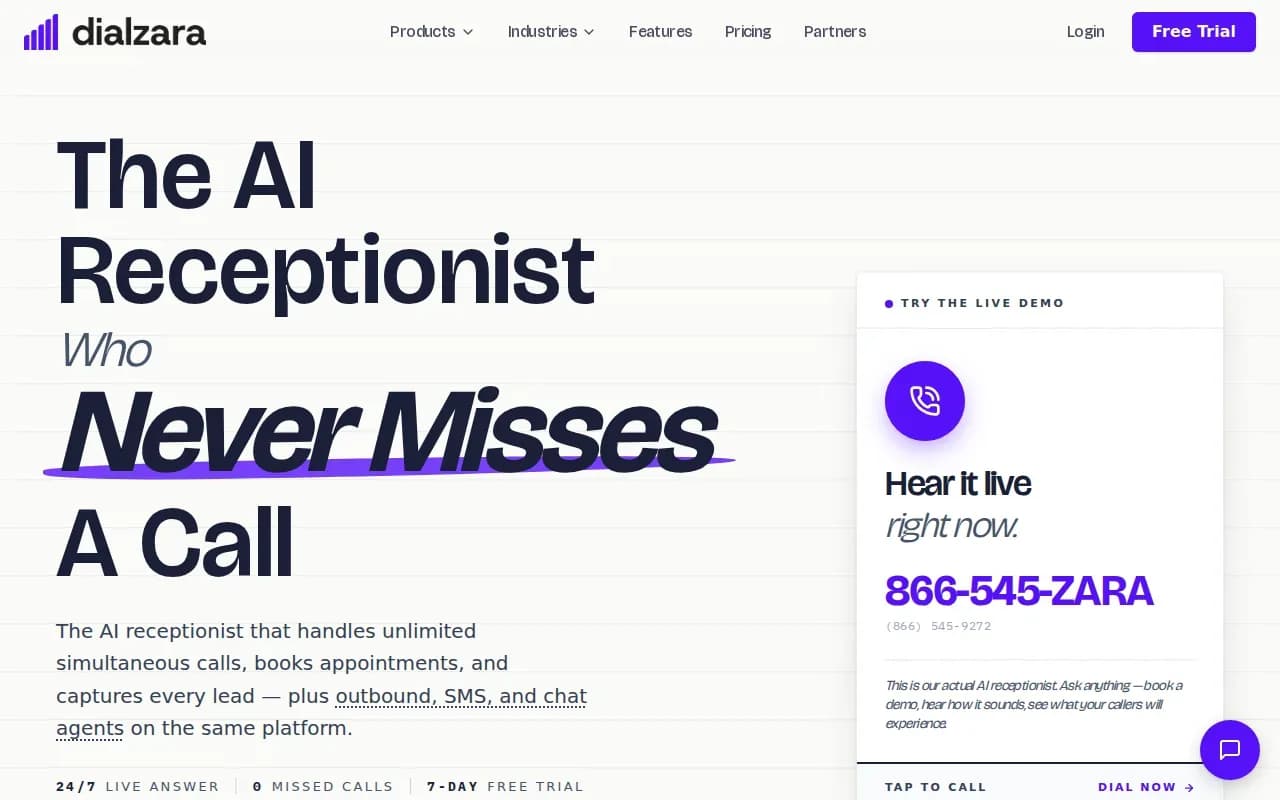
A general receptionist may need help distinguishing a routine booking from a problem that needs urgent attention. Dialzara is designed to understand trade terminology and support emergency call dispatch. Its ServiceTitan integration is relevant to teams that use that system to manage service work. The key operational test is whether the intake captures the details dispatchers need, such as the type of issue and the customer’s request.
Appointment booking and dispatch are part of its automation features. A contractor can assess how those actions fit the existing scheduling process. For example, decide what the agent may book on its own and which calls should go to an on-call person. Keep those rules clear for urgent requests, after-hours coverage and jobs that need a technician’s judgment.
For a small trade business, 24/7 call answering can help cover times when technicians are on a job. But answering is only the first step. During a pilot, check whether the call record contains the job details your team needs to follow up, and whether the system’s handoff is clear when a request falls outside the agent’s authority.
UnleashX also supports voice agents, but its focus is broader than trade call intake. Teams can look at voice agents that take and make calls when they want to connect phone work to a defined task in a business system. For a shop already centred on ServiceTitan, Dialzara’s trade focus may be the more direct fit.
Before choosing, map the call path from first answer to confirmed booking or dispatch. Make sure staff own any exception the AI cannot resolve.
4. XBert by Nextiva: calls, texts, and chats in one receptionist
XBert is Nextiva’s AI receptionist for businesses that handle customer requests through more than phone calls. It answers calls, texts and live chats around the clock, books appointments and transfers complex requests to a team member with context.
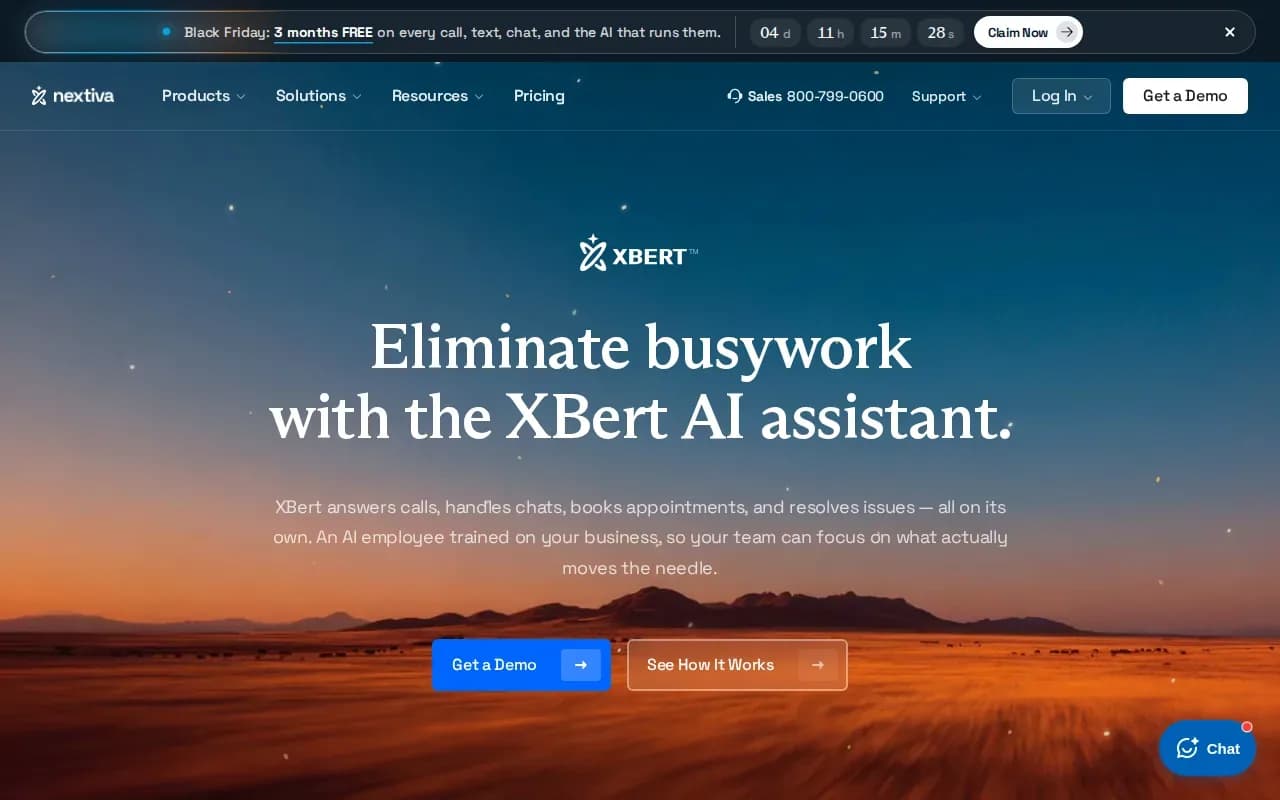
XBert can learn from a business website, FAQs and other business details. Teams can set its hours, choose a voice and define routing rules. It can also book appointments with calendar integration, send confirmations and handle rescheduling requests. Those functions make it worth considering when the front desk gets the same questions across several channels.
For a team that needs an appointment agent, a useful test is a full booking flow. Have the agent check availability, make the booking, send a confirmation and then handle a reschedule request. Confirm that the calendar and call record match. XBert also provides conversation transcripts, summaries and performance reports, so managers can review how requests were handled.
Nextiva’s published price is $99 per month for up to 100 resolutions. Additional conversations cost $1.50 each. The plan includes assisted onboarding and performance reports. Nextiva describes integrations with tools such as Salesforce, HubSpot, Zendesk, Zoho, Google Workspace and Zapier.
XBert may fit a team that wants a receptionist across calls, texts and chats. For an organization that needs agents to work across a larger set of customer workflows, what an AI voice agent can do is a helpful way to frame the difference between answering a call and completing the task behind it.
5. Sona by Quo: an AI agent included with Quo plans
Sona is Quo’s AI agent for answering business calls. It’s a fit for teams that already use Quo or want an AI receptionist built into their business phone system.
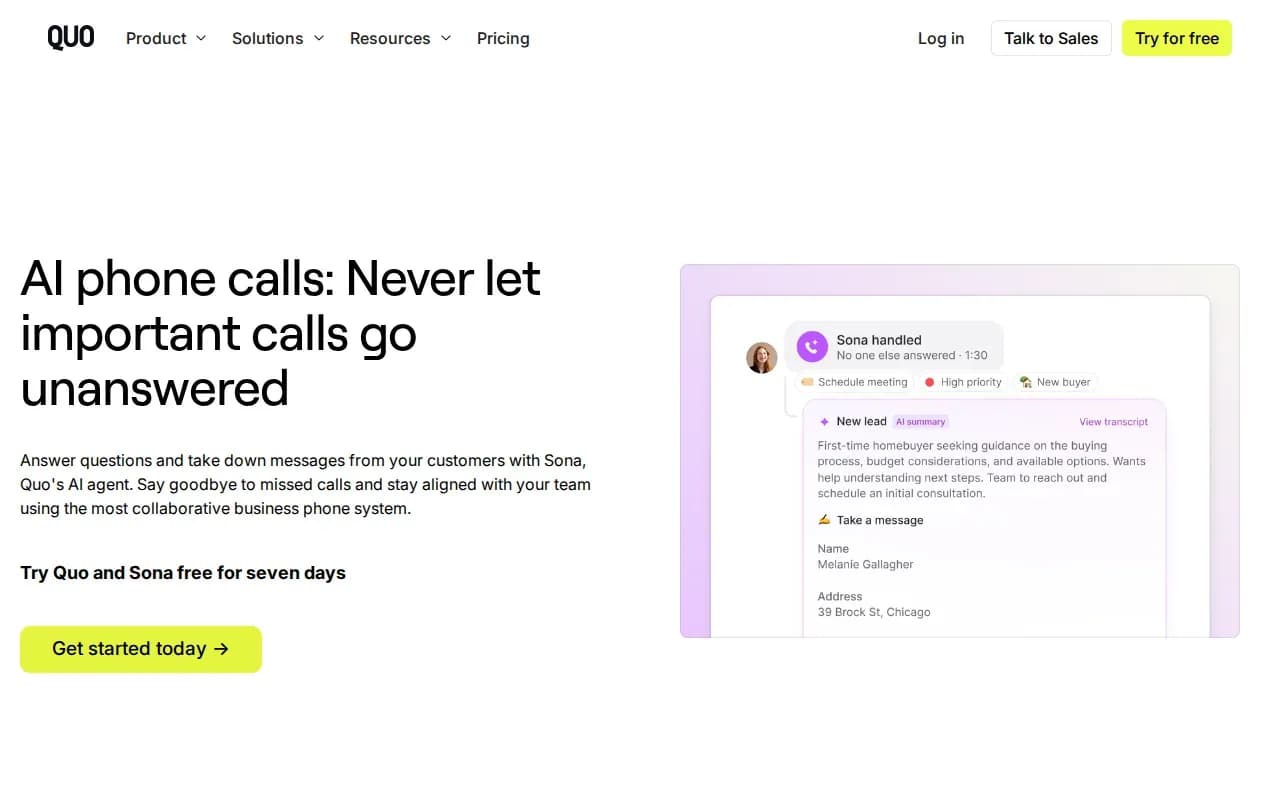
Sona can answer common questions and take messages. Teams can add it to call flows, set it as an after-hours option or use it when staff are busy. They can also provide company policies and FAQ answers, then review call summaries, transcripts and messages in the Quo workspace. This keeps the call review close to the team’s phone activity.
Quo says Sona is included on every plan.
Call routing also matters. A team can set up Sona as a backup when its members are busy, or route calls to it after business hours. Before launch, write down which questions it can answer from approved information. For requests that need a person, check that call forwarding or transfer rules send the caller to the right team member.
Sona can provide call summaries and transcripts, and Quo supports CRM connections such as HubSpot and Salesforce. Teams that need more than phone coverage should assess how their other customer channels are handled, since Sona’s role here is phone reception. It may be an easy place to start if Quo is already part of the team’s daily workflow.
6. Thoughtly: AI call screening with live receptionist support
Thoughtly combines AI call screening with live, U.S.-based human receptionists for complex interactions. It’s a fit for small businesses that want a guided voice agent and a human option when a call needs personal attention.
Thoughtly’s voice agent platform is template-driven, giving teams a starting point for configuring call screening. Before launch, map the caller situations the AI should handle and the point at which a complex interaction should go to a human.
For any call-screening workflow, decide what information a human needs to continue the conversation. This can help the person taking over understand the caller’s intent without asking them to repeat details.
The human receptionist option can help when callers raise a complex issue or need a more nuanced response. Define what counts as a complex interaction before setting the AI live. A rule such as transferring a caller who requests a person is easier to test than a vague instruction to escalate when needed.
Thoughtly can suit teams that want a template-led setup and a human backup. Use a test call to check the script’s branches and the handoff process. The handoff should preserve enough context for the person taking the call to act without asking the caller to repeat the same details.
7. PolyAI: managed conversational voice AI for enterprises
PolyAI is a managed conversational voice AI platform for enterprise contact centres with high call volumes. It builds, deploys and maintains custom agents for large inbound call operations, and it supports more than 45 languages.
PolyAI reports containment rates above 50% in many live deployments. Containment means the agent handles a request without handing it to a human. Treat that as a vendor-reported measure, then ask how it is defined for your call types. A high containment rate is useful only if customers get correct answers and the agent records a valid outcome.
Its enterprise fit is about more than language coverage. A large contact centre may need an agent that connects to existing systems and follows business rules across a high volume of calls. PolyAI describes its managed platform as building and maintaining custom agents.
Security and governance deserve their own review. Ask which information the agent can access, how caller identity is checked for sensitive requests and how a human takes ownership of exceptions. A structured risk review can help organizations think about AI risks across design, use and review. For enterprise teams, those controls should be part of the deployment plan, not an afterthought.
| Decision point | PolyAI fit | What your team should verify |
|---|---|---|
| Call volume | Enterprise contact centres with high inbound volume | Expected call load and escalation ownership |
| Language needs | Support for more than 45 languages | Test the languages your callers use |
| Deployment | Managed custom conversational agents | Review system connections and call outcomes |
| Budget | Pricing by quote | Request pricing for a defined call workload |
PolyAI is a stronger match for a large contact centre than a small team seeking a quick front-desk add-on. If uptime and escalation commitments shape your procurement, define the service measures your team needs before reviewing an AI voice platform service level agreement.
For any vendor, confirm the agent can be tested against your call scenarios and that managers can review exceptions. Set clear rules for customer data access and storage as part of your deployment plan.
FAQ
What does an AI voice receptionist do?
An AI voice receptionist answers business calls and responds to common requests. Depending on the product, it can route callers by intent, take messages or book appointments. Some tools also connect call outcomes to a CRM or hand complex requests to a person. Check the full workflow, including where the record is saved, before you choose.
Can an AI receptionist answer calls after hours?
Yes, several options in this list describe around-the-clock or after-hours call coverage. Teams can use an agent when staff are busy or send calls to it outside business hours. Set clear routing rules first, especially for urgent calls. Test a few after-hours scenarios and confirm that the right person receives any escalation.
Can an AI receptionist book appointments?
Yes, some AI receptionists can book appointments through calendar connections. XBert describes real-time appointment booking, while UnleashX can book meetings through supported calendars. Before launch, test availability checks, confirmations and rescheduling. Then confirm the booking appears in the calendar your team treats as the source of truth.
How do I keep an AI receptionist from giving the wrong answer?
Give it approved information, limit what it can do and define when it must hand a request to a person. Test common questions as well as edge cases, such as a policy exception or a caller who asks for a human. Review transcripts and records after launch, then update the instructions when the team finds a gap.
Is an AI receptionist cheaper than a human receptionist?
It can be, but the cost depends on call volume, plan structure and how much human backup you need. Compare the monthly or usage fee with the work the agent actually completes. Include setup, call review and exception handling in your estimate. A low fee matters less if staff still need to repeat most of the work.
Conclusion
For teams that need phone reception plus completed work across customer systems, start with UnleashX and define one job to test, such as qualifying a lead or booking a meeting. Review the outcome in your CRM, then see the platform options and begin with the plan that fits your pilot.