

AI appointment booking can turn a late-night enquiry into a confirmed slot without a round of emails. But tools vary: some guide leads to a booking page, while others book inside the conversation. Here are six named options, with the best fit for each.
1. UnleashX
UnleashX is an enterprise AI agent platform for customer support and sales teams. Its AI employees can qualify leads and book meetings across voice, WhatsApp, chat, email, and video. The right fit is a team with repeat booking work that needs the confirmed result written to its CRM or calendar.
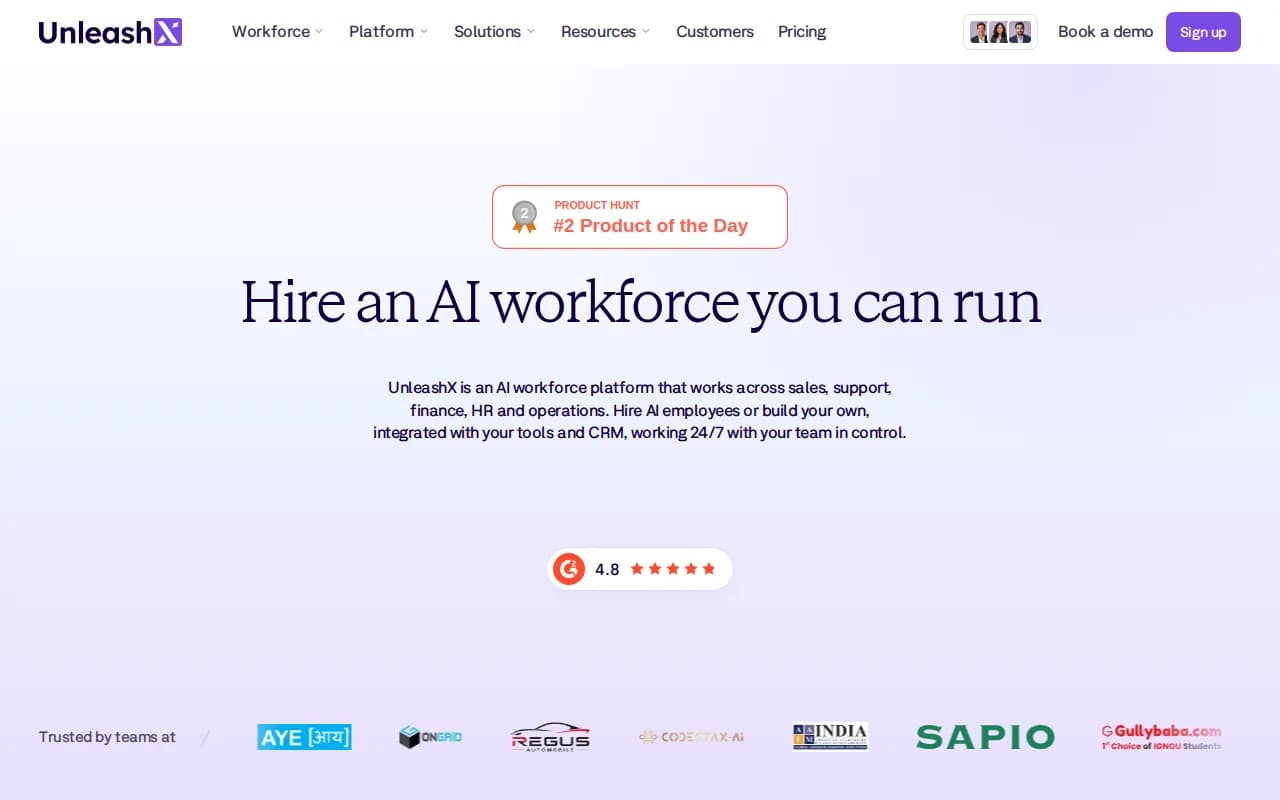
For sales, Peter contacts inbound leads by phone, WhatsApp, or email, asks the team’s qualification questions, and books meetings in Google Calendar, Outlook Calendar, or Calendly. He then records the result in a connected CRM. A lead that needs a pricing exception goes to a person instead of getting an unapproved answer.
That bounded role is useful for support too. An agent can answer a routine request, take an allowed action, and pass a disputed case to a named person with the context and next decision. Teams can set approved knowledge, permitted actions, and escalation rules before launch. The goal is a verified booking or CRM update, not a conversation that merely sounds complete.
UnleashX pricing starts with a free Pay As You Go plan that includes 1,000 credits. Growth costs $249 per month and includes 24,900 credits. For teams mapping their systems before a pilot, its calendar and CRM connections page can help clarify where booking records should land.
2. Calendly: AI routing for matching leads to meeting slots
Calendly is a booking-page and routing tool. Its AI routing can suggest a meeting slot based on team availability, lead score, and meeting type. It suits sales teams that want a prospect to choose a time through a link, while routing the meeting to the right person.
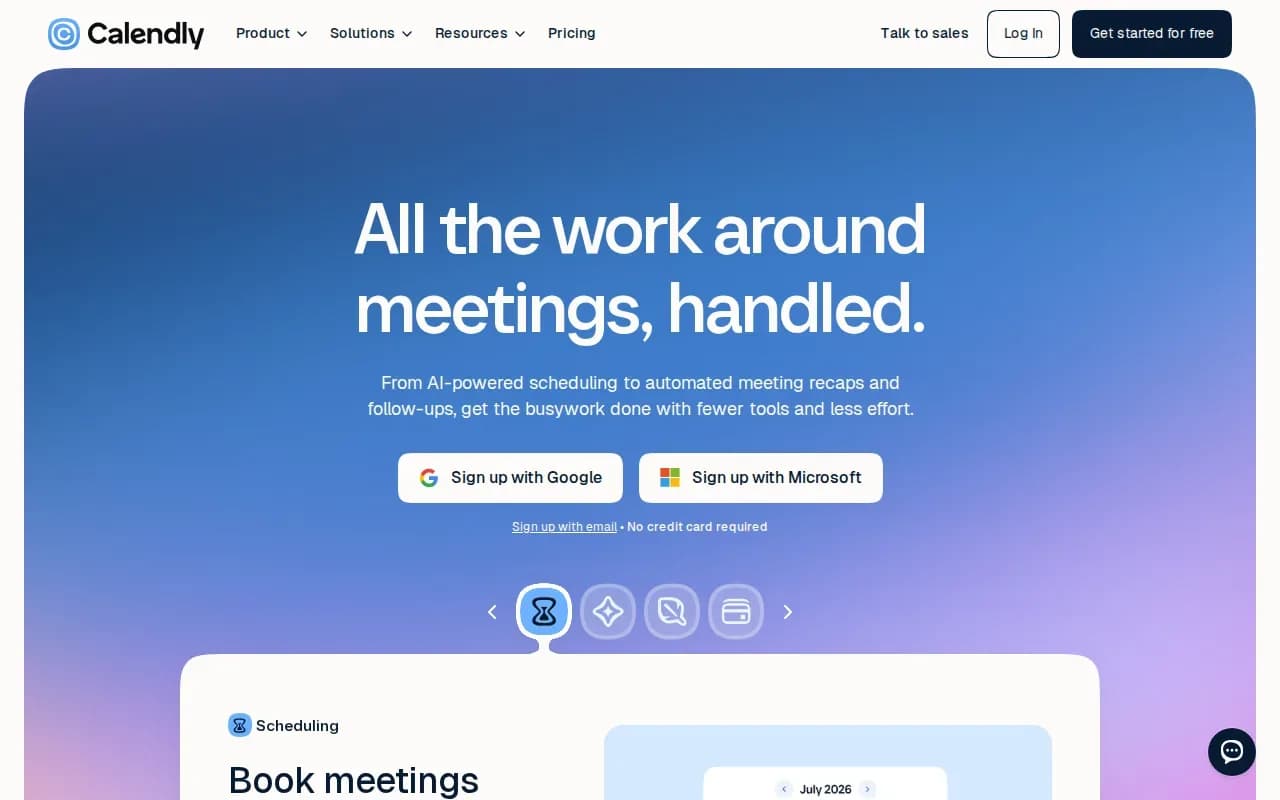
Calendly also syncs work and personal calendars to show available times and help prevent double bookings. Teams can set availability, add buffers, and put limits on daily meetings. For a lead who is ready to book a demo, a link can remove the need to trade times over email.
The booking page can be shared through email, social media, or a website. Teams can also embed it on a page or place clickable times in an email. Calendly lists more than 100 integrations, and its tools include reminders and follow-ups. If a prospect needs a conversation before choosing a time, though, a link-first flow may be less suitable than booking within a chat.
Calendar sync depends on how event details move between systems. A calendar data format can help your team check how appointments appear across connected calendars.
Calendly has a free tier. Its Standard plan is $10 per seat per month, and Teams is $16 per seat per month when billed annually. Enterprise starts at $15,000 per year. It’s a clear fit when the buyer is comfortable choosing a slot from a page.
3. DM Champ: Appointment booking in social messaging conversations
DM Champ is an AI sales agent that books appointments inside WhatsApp, Instagram, and Facebook Messenger conversations, without sending the customer to a calendar link. It may suit a business that already gets booking enquiries through social messages and wants to qualify the lead in that same exchange.
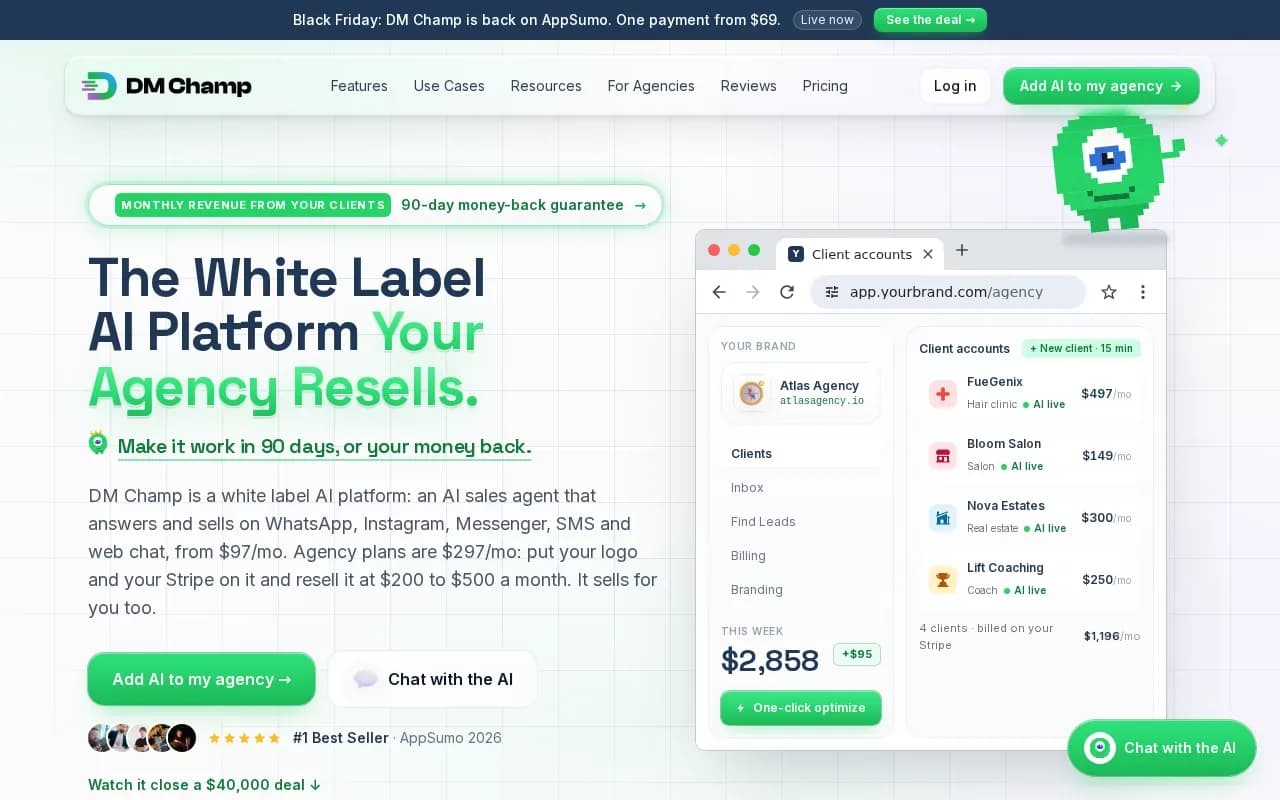
The conversation can move from a buying signal to an appointment. A customer might ask about timing, then say “tomorrow afternoon.” The agent can offer two slots and ask the customer to confirm one. DM Champ says the booking flow can check Google Calendar availability and send the calendar invite to the customer’s email.
That keeps the customer in the channel where the question started. DM Champ says bookings can also create a deal record in its built-in sales pipeline, with the channel and qualifying answers attached. Its listed monthly plans are Business at $97, Agency at $297, and Agency Unlimited at $497, with 50% off for yearly payment.
It’s a channel-specific choice. Teams with little inbound messaging activity may get less value from a tool built around social conversations. For a sample automotive flow, UnleashX has a WhatsApp appointment booking and reminder workflow that shows how availability checks, confirmation, and reminders can fit together.
One detail to test in any chat-based booking flow is how it confirms the customer’s local time. A time zone affects what “tomorrow afternoon” means when the customer and business are in different places.
4. Scheduler AI: Email-based meeting scheduling and follow-up
Scheduler AI is an email-based scheduling agent. It can propose meeting times, book or rebook meetings, send reminders, record calls, and generate follow-up notes. It may suit a team whose scheduling requests already arrive in email and whose staff spend time replying with possible slots.
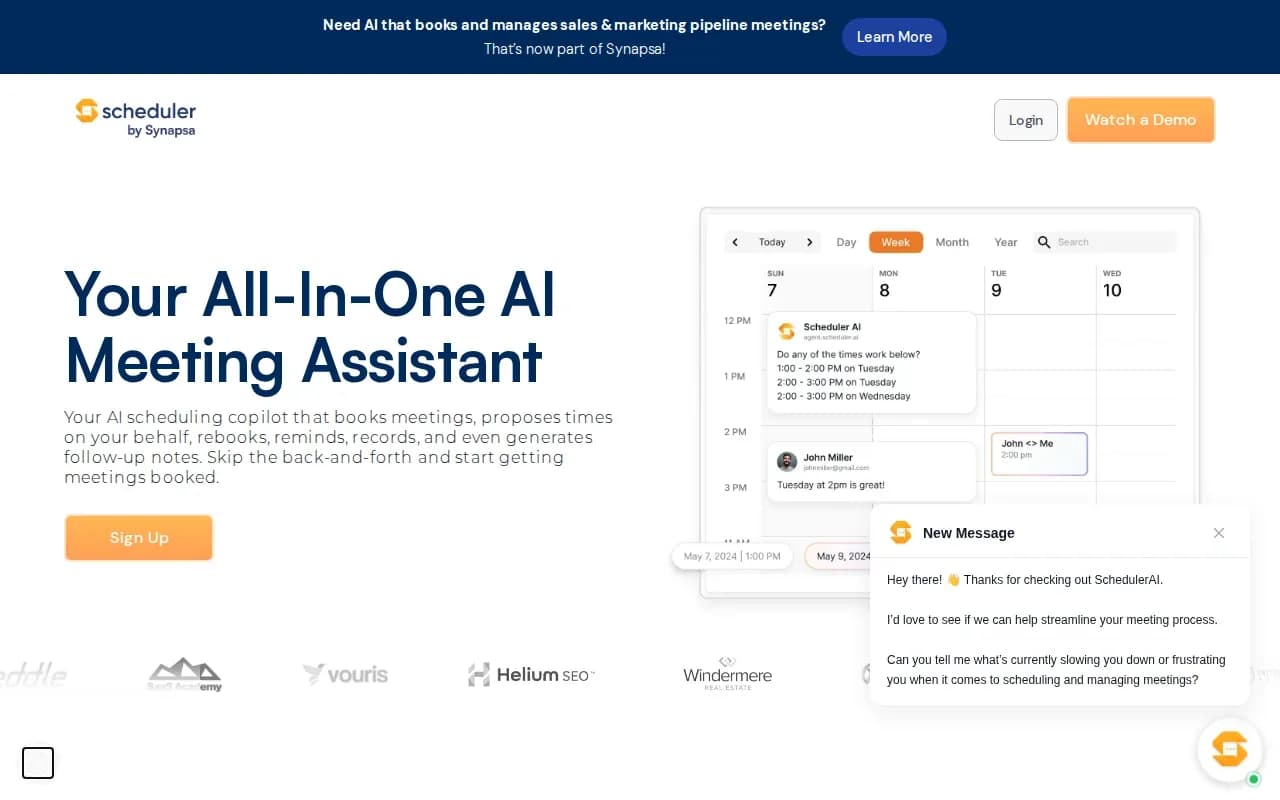
The main difference is the starting point. A customer can reply in an existing email thread instead of opening a booking page or switching to a messaging app. The agent can handle the scheduling exchange in that channel, which may help when a buyer writes a time preference in plain language.
Booking is only useful when the confirmed time reaches the calendar your team relies on. Before adopting an email agent, define what counts as a completed booking. For example, a proposed time is not a confirmed meeting; the calendar event needs to be saved, and the customer should receive the right confirmation.
Also agree on what happens when the request needs judgment. A request to move a meeting is routine if an approved slot is available. A change that needs a manager’s approval should have a clear handoff, so the email thread does not leave the customer waiting without an owner.
Scheduler AI’s listed channel is email. If your appointment work starts with phone enquiries, compare that channel fit with an AI voice receptionist that can handle a spoken request. Keep the choice tied to where customers actually start the booking conversation.
5. Cal.com: Flexible scheduling links with AI routing
Cal.com is an open-source scheduling platform with a self-hostable core and an API-first architecture. Its AI booking assistance uses routing and smart suggestions. It may suit technical teams that want more control over how scheduling links fit into their own systems.
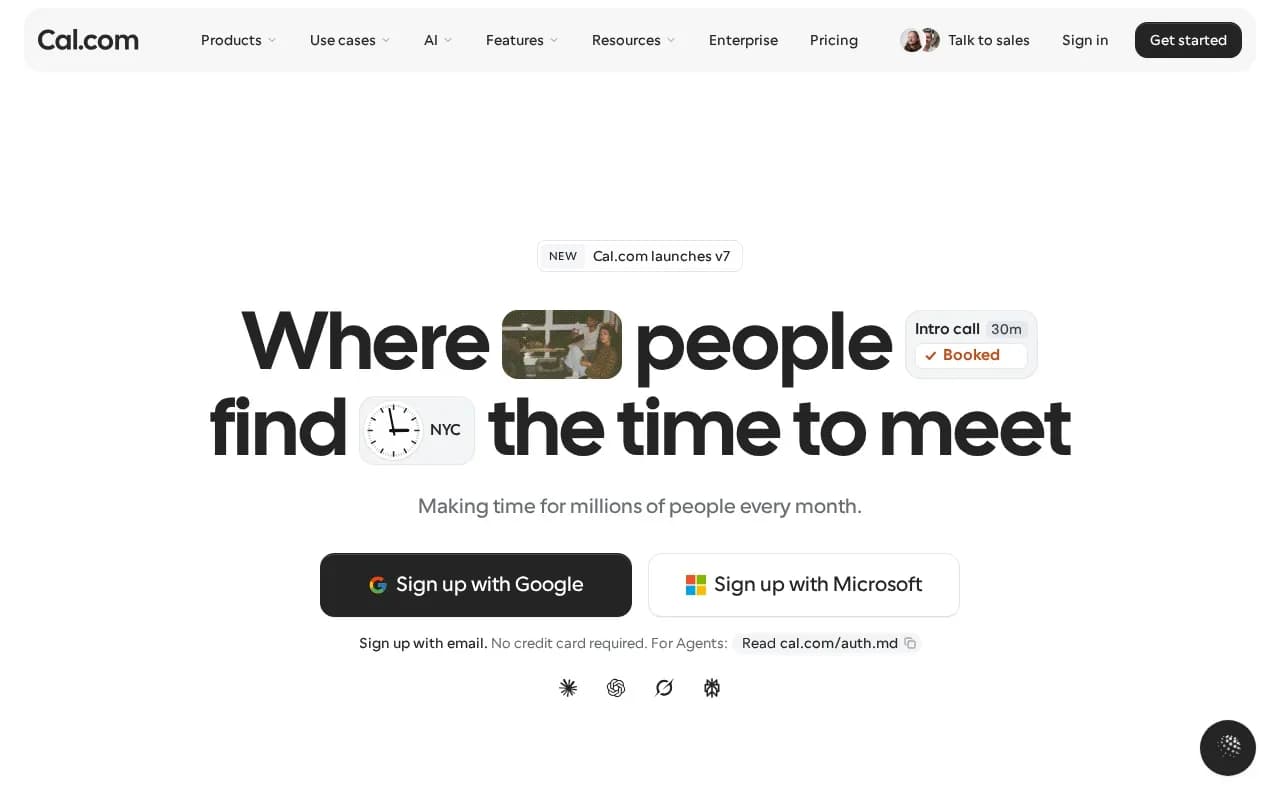
Cal.com supports routing forms, round-robin assignment, workflows, and team scheduling.
For a shared meeting, Cal.com can find times when multiple people are free, with each person’s time zone taken into account. Teams can also use booking insights to review events and scheduling trends. Those details matter when a meeting needs several staff members rather than one open slot.
Self-hosting gives a technical team a way to manage the core on its own terms, but it also puts more responsibility on that team. Check who will maintain the setup and test the full booking path, including what happens when a slot is no longer free. Choose Cal.com when flexibility and system control matter more than a ready-made booking page alone.
6. Setmore: Online booking with automated reminders
Setmore is online appointment scheduling software with a Booking Page and automated reminders. It may suit a salon, clinic, or local service business that wants customers to book online without waiting for a staff reply.
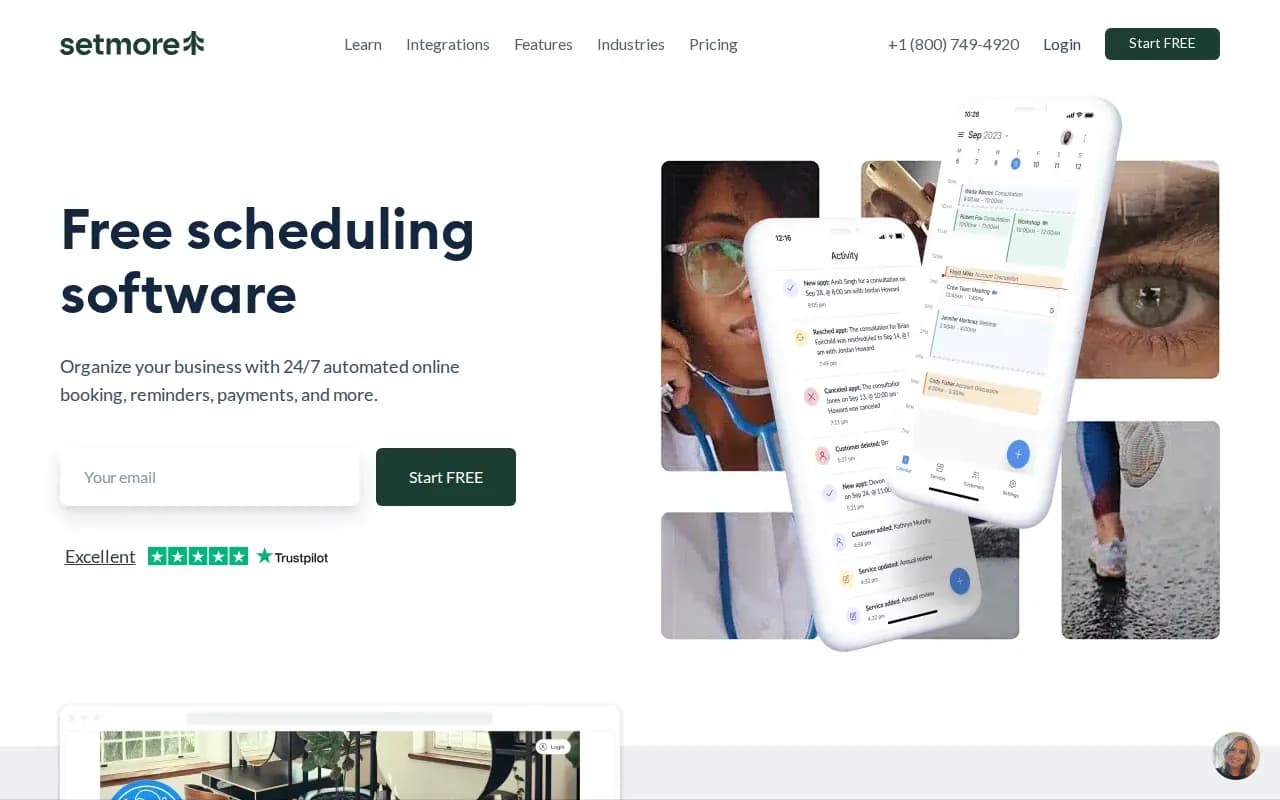
Customers can view services and current availability on the Booking Page. A confirmed booking lands in the business calendar. Setmore also says businesses can link the page from their website, Facebook, and Instagram, so customers can start booking where they find the service.
Setmore supports calendar sync with Google, plus payment options through providers such as Stripe and PayPal. It can send personalised email or text reminders. Those tools can cover common booking needs, such as a customer choosing a service and receiving a confirmation before the visit.
There’s a distinction between self-service scheduling and conversational AI. Setmore’s strengths here are the booking page, calendar, payment options, and reminders. If your team needs an agent to ask qualifying questions or complete a booking through a conversation, compare that requirement directly before choosing.
Setmore states that its free plan supports up to four users. For a small business that mainly needs a public booking page, it’s a direct way to let customers self-schedule around the clock.
Compare the Best AI Appointment Booking Tools
The key choice is where the booking conversation happens and how much work the system completes. Use this table to match a tool to your current intake channel, then test whether it writes a confirmed result where your staff expect it.
| Tool | Booking interaction | Best fit | Operational check |
|---|---|---|---|
| UnleashX | AI employees work across voice, messaging, chat, email, and video | Sales or support teams with defined workflows | Verify the booking and CRM update, plus the exception handoff |
| Calendly | Booking page, embed, or routing flow | Teams that want prospects to choose a slot | Check routing rules and calendar sync |
| DM Champ | Booking inside social messaging | Businesses with inbound social-message leads | Test slot confirmation and the calendar invite |
| Scheduler AI | Email conversation | Teams that schedule through email threads | Confirm the event is saved, not only proposed |
| Cal.com | Scheduling links with routing and API-based booking | Technical teams that want control over scheduling | Assign ownership for setup and upkeep |
| Setmore | Public self-booking page | Service businesses taking direct online bookings | Review reminders and calendar sync |
If your priority is a customer-facing workflow with a clear result in a connected system, UnleashX is the strongest match in this shortlist. Your team can review its AI workforce platform before choosing a pilot. For a narrower comparison of scheduling products, see the site’s AI appointment scheduling software shortlist.
Frequently Asked Questions About AI Appointment Booking
What is AI appointment booking?
AI appointment booking uses an AI system to handle some or all of the exchange that leads to a meeting or service appointment. Depending on the tool, it may suggest a slot through a booking page, respond by email, or book inside a messaging conversation. Check whether it confirms the calendar event or only recommends a time.
Can AI book appointments without sending a calendar link?
Yes. DM Champ books inside supported social messaging conversations, while UnleashX AI employees can book as part of approved customer and sales workflows. In either case, test the full path: the customer selects a time, the calendar is updated, and the customer receives a clear confirmation.
Can AI appointment tools qualify leads before booking?
Some can. UnleashX’s sales AI employee asks the team’s qualification questions before booking a meeting. That lets a sales team set rules for who reaches a rep’s calendar. Make sure the workflow also defines what happens when an answer falls outside the approved criteria.
What should I check before choosing an appointment booking tool?
Start with the channel customers use most, then check calendar access, confirmation steps, and where the booking record is saved. Ask how the tool handles a changed or unavailable slot. For any case that needs human judgment, define who receives the handoff and what context they’ll get.
Conclusion
Choose the tool that fits the channel where customers already ask to book. For teams that need a bounded AI employee to qualify leads, book meetings, and record outcomes, start with UnleashX’s free 1,000-credit plan and test one workflow with clear completion rules.