

A sales AI can do more than answer a website question. The right one can qualify a lead, book a meeting or pass a useful summary to a rep. Here are six conversational AI for sales platforms, with the jobs each is built to handle and the checks to make before you choose.
1. UnleashX
UnleashX is an AI workforce platform for sales and support teams. Its AI employees handle defined jobs, such as qualifying leads or booking meetings, and can work across voice, WhatsApp, website chat, email and video.
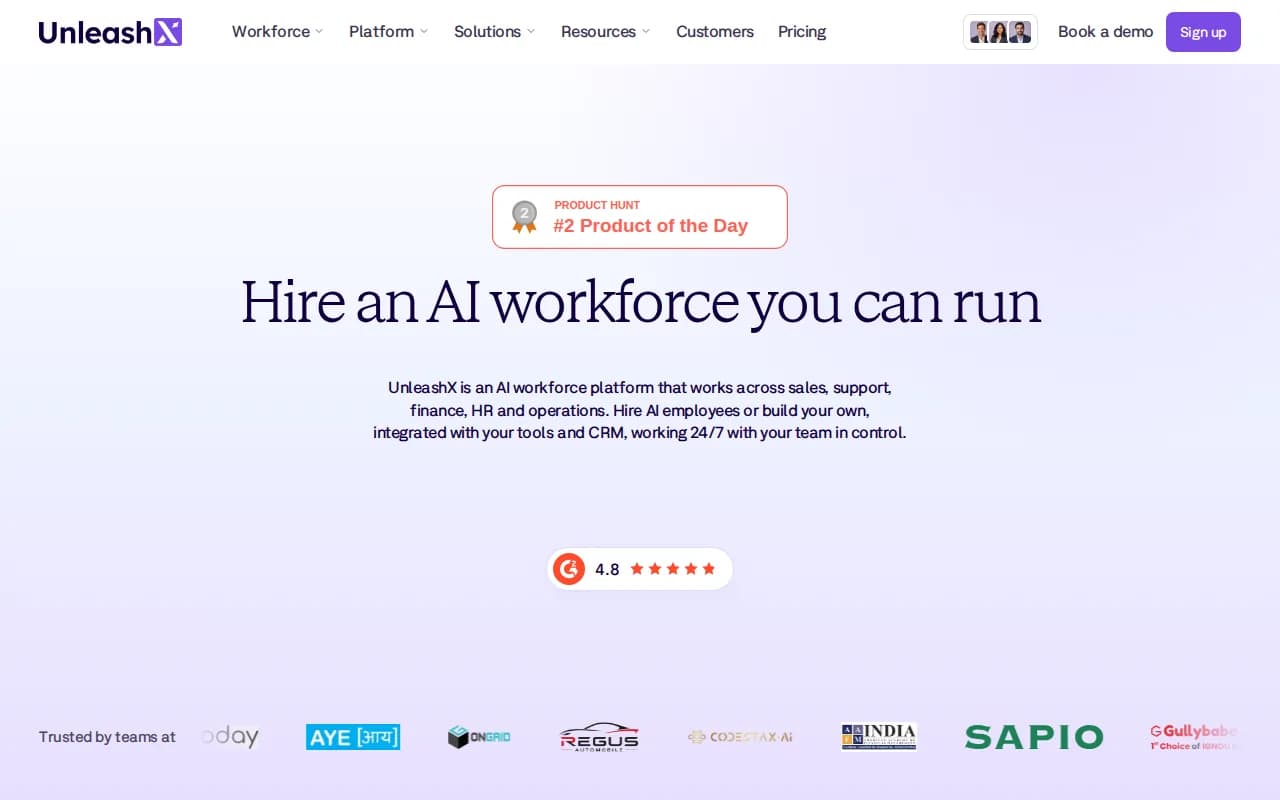
It fits teams that want an agent to finish a task in the systems they already use. For example, its sales employee Peter can ask qualification questions, book a meeting through a connected calendar, and write the result to a CRM such as HubSpot, Salesforce, Zoho CRM or Pipedrive. A rep can then review the outcome in the system of record, rather than treating a completed conversation as proof that the work is done.
Teams can start with a pre-built sales role or build a custom AI employee in Agent Studio. The job can have approved knowledge, defined actions and rules for when a person must take over. For pricing, UnleashX has a Pay As You Go plan that starts with 1,000 credits, a Growth plan at $249 a month, and custom Enterprise terms. Unused credits never expire.
That control matters when a conversation moves beyond the agent’s authority. A question about standard qualification can stay with the agent; unusual terms or pricing questions go to a person. Teams planning a rollout can use the sales automation playbook to map those steps before launch.
UnleashX is a fit when voice or WhatsApp matters alongside chat, or when sales outcomes need to land in a CRM or calendar. Start by defining what counts as a completed job, such as a qualified meeting saved to the right record.
2. ZoomInfo Chat: for account-based B2B sales
ZoomInfo Chat is a B2B conversational marketing platform. It suits sales-led teams that focus on target accounts and want website conversations to reflect visitor context.
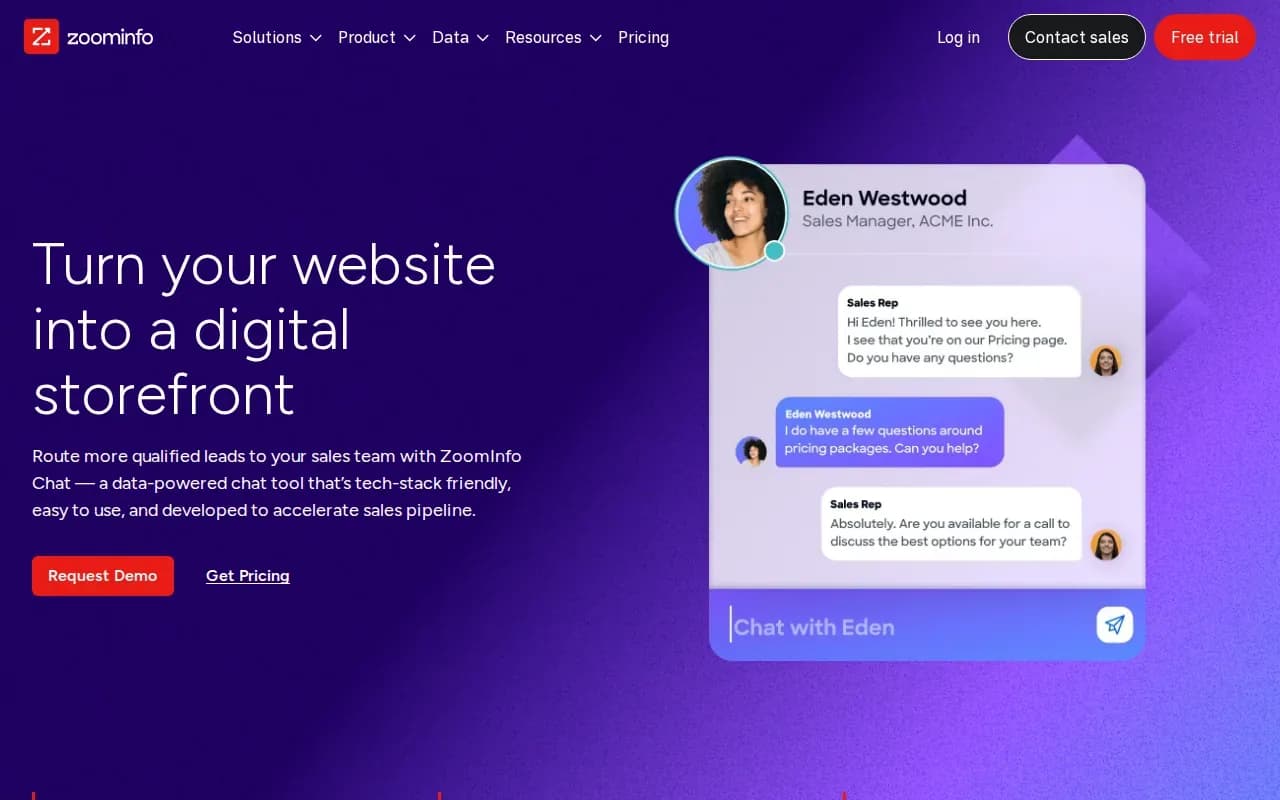
Its chat flows can use CRM or marketing automation data, as well as firmographic information, to tailor messages. Teams can also set conditions based on visitor behaviour, such as pages viewed or time spent on a page. That can help a sales team show a meeting prompt to a visitor who has spent time on a product page, while showing useful content to someone who is still exploring.
ZoomInfo Chat supports lead qualification and meeting booking. Teams can bring conversations into Slack or Microsoft Teams through real-time notifications, so a rep can join when a target account arrives.
Custom pricing makes this a quote-based choice. Before a demo, write down the account signals that should change the chat path. Then ask the vendor to show how those signals affect the conversation and how a booked meeting reaches the sales team.
For account-based selling, the key question is whether the visitor context changes the next action. If every visitor sees the same greeting and route, the account focus may not add much to the workflow.
3. HubSpot Customer Agent: for lead qualification inside HubSpot
HubSpot Customer Agent is an AI chat agent that qualifies leads within HubSpot CRM. It’s a natural fit for teams already working in HubSpot that want website visitors to get a quick first response.
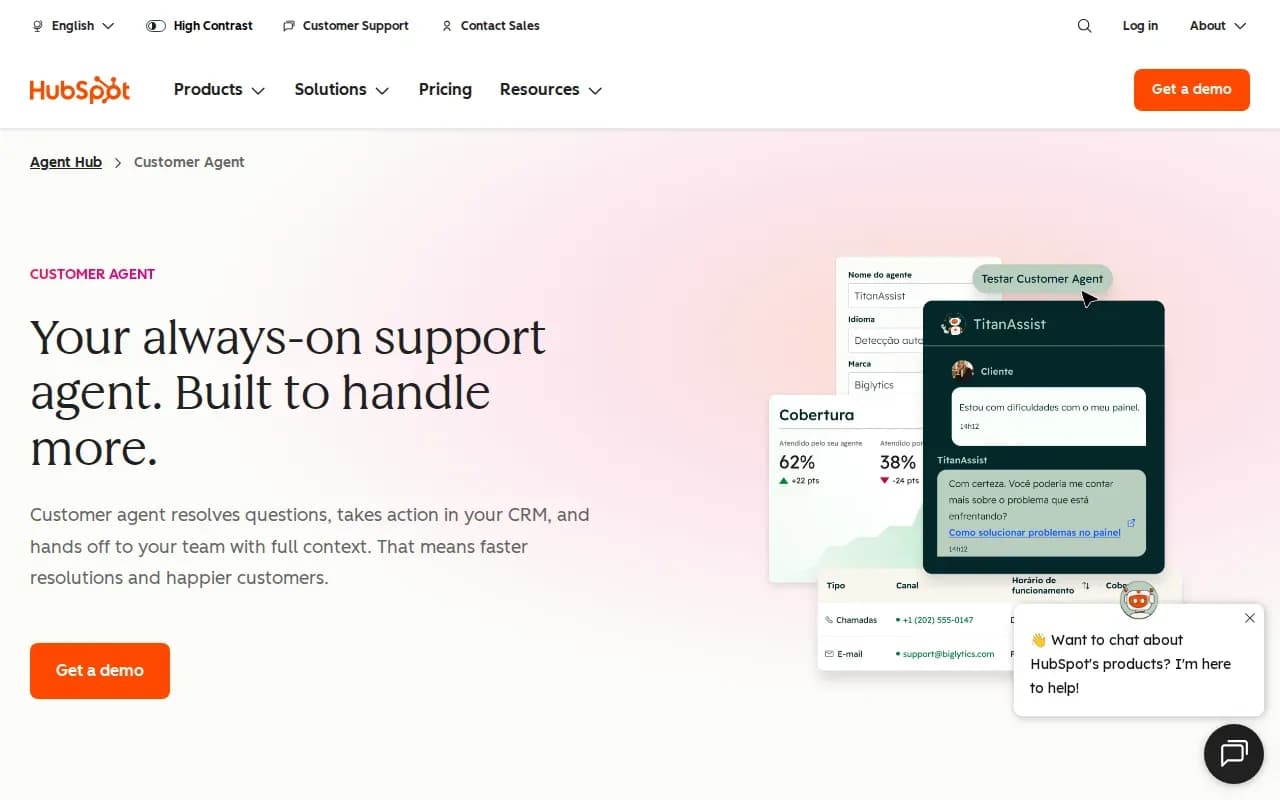
The agent can engage inbound visitors, ask questions based on the team’s criteria and book meetings with the right rep. That can shorten the gap between a visitor asking for help and a salesperson seeing a clear next step. HubSpot lists the cost at $0.50 per resolved conversation.
Keep the qualification rules simple enough to check. A team might ask about a prospect’s need, then route a meeting request to the right owner. A score or answer should guide follow-up, not make a final call about a prospect’s fit without human review.
Before turning on meeting booking, confirm which calendars and routing rules the workflow will use. Then test what happens when the agent cannot confirm an answer or the visitor asks for a human. The AI lead qualification overview can help your team set criteria and decide how to handle uncertain answers.
Choose Customer Agent when website chat and HubSpot are already central to the sales process. It is less suited to a team whose first-touch work depends on voice or WhatsApp.
4. Intercom Fin: for lead qualification and meeting booking
Intercom Fin can qualify leads and book meetings through sales conversations. It fits teams that want an AI agent to answer product questions before handing a qualified prospect to a rep.
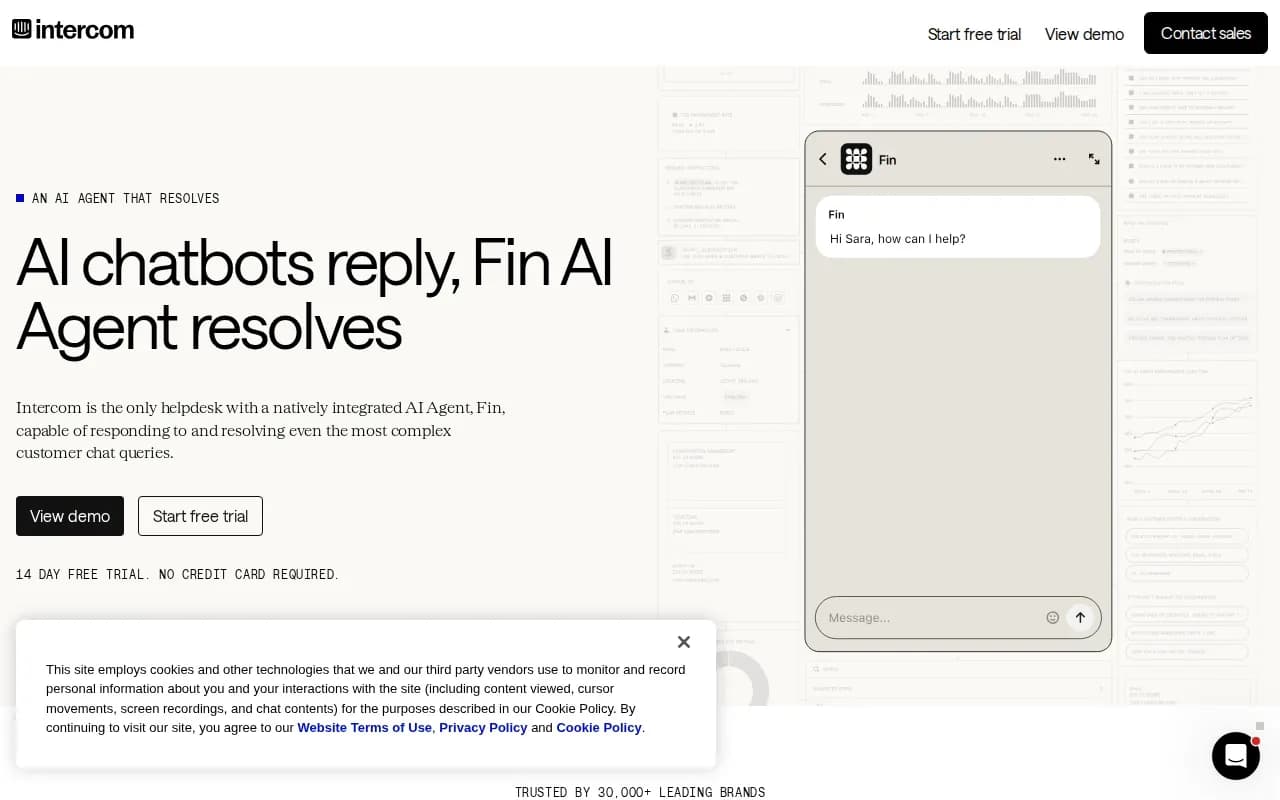
Fin can ask qualification questions based on a sales playbook, help prospects explore product fit and book meetings. When a person takes over, the conversation history and a summary can give the rep context. That handoff is useful when the prospect has already shared a need or raised an objection, so the human doesn’t have to start from the first question again.
One boundary to check is follow-up after qualification. Intercom Fin doesn’t currently run automated email follow-up sequences after qualification. If your process depends on nurturing leads who aren’t ready to book, plan how a human-owned workflow will cover that gap.
Fin for Sales is available on Intercom’s latest pricing plans and is billed by successful outcome after a 14-day free trial. Check plan eligibility and expected usage before rollout. A team should also test the handoff with a real sales scenario: an interested prospect asks a hard question, gives a partial answer, then asks to speak with someone.
Fin is worth considering when the team wants qualification and booking in an Intercom-based sales flow. Agree on what counts as a successful outcome before enabling the workflow.
5. Zoho SalesIQ: for chat-based lead capture with CRM integration
Zoho SalesIQ is a chat platform with CRM integration and a free tier. It suits teams that want to capture website leads and create CRM records from a chat conversation.
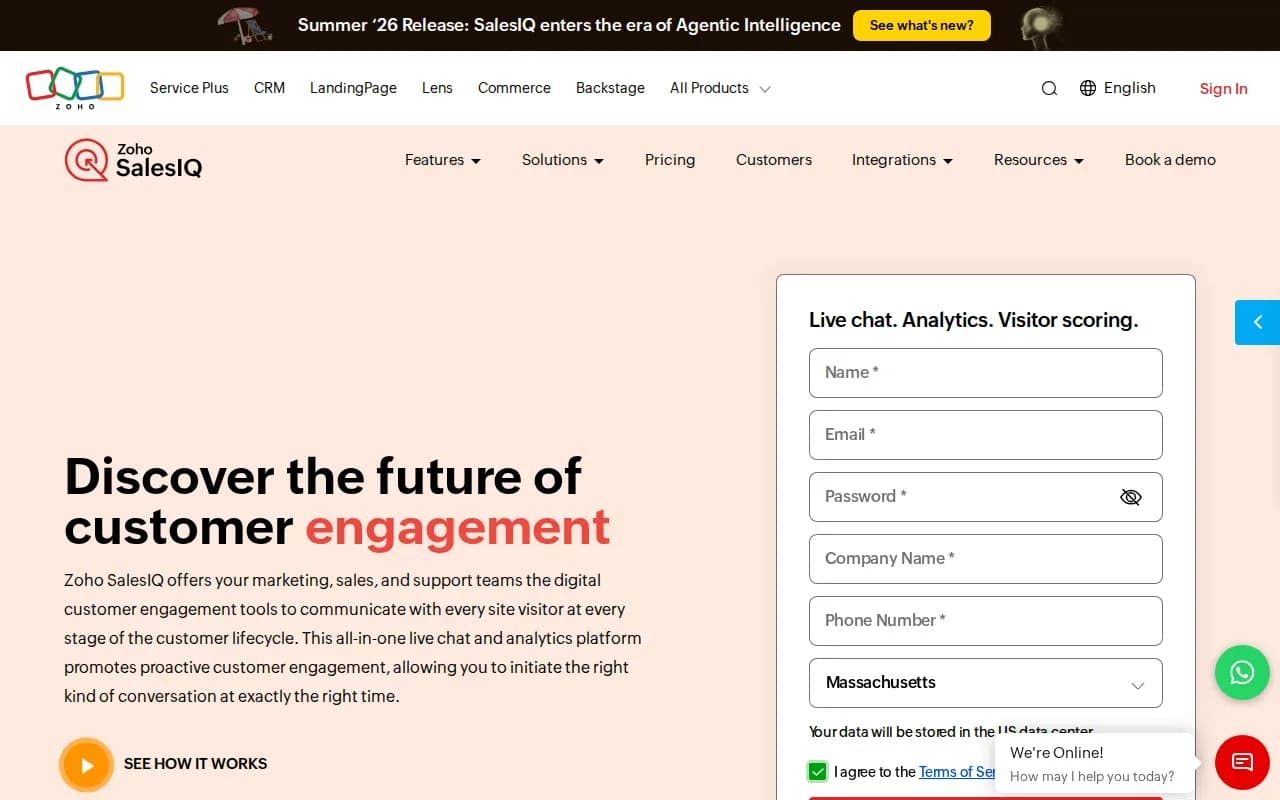
Its automation can capture lead details and create CRM records. That makes it useful when a visitor shares an email address or asks for a sales follow-up. The team can decide which fields are needed, then check whether those fields are saved correctly before relying on the chat flow for lead routing.
The Basic plan costs $7 per operator a month when billed annually. Artisan and Zoho SalesIQ both have a free plan, so teams can assess whether a starter option covers the first use case before committing to a wider rollout.
For an online store, chat answers are only as useful as the product details behind them. Teams updating product copy across sales channels may also find this overview of AI content tools for ecommerce relevant when keeping catalog information in sync.
Zoho SalesIQ is a sensible choice for teams focused on website chat and CRM record creation. Check the fields, ownership rules and human handoff before expanding the bot’s role.
6. Artisan: for AI-first outbound sales
Artisan is an AI-first outbound sales platform powered by AI employees. It fits teams that want support with outbound prospecting and follow-up, rather than a tool focused only on incoming website chats.
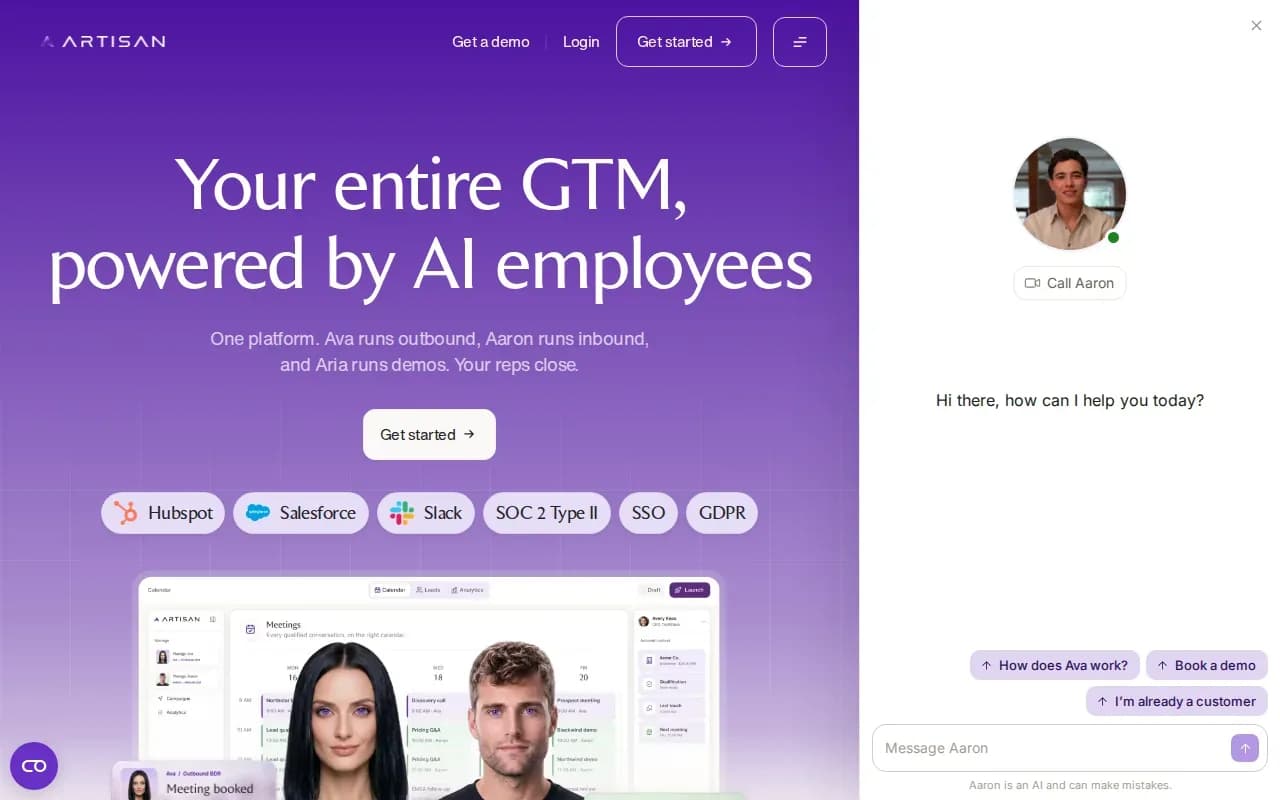
Its AI sales employee, Ava, can help find prospects, write and send personalised outreach, handle replies and book meetings, similar to the workflows explored in tests of AI agents for outbound sales calls. The platform also supports campaign controls, such as approval before outreach goes out. Those controls give a team a way to review messages while it checks tone and targeting.
Artisan has a free plan. Its outbound focus makes it a different choice from platforms built around qualifying a visitor who is already on a sales page. Before a trial, decide which work belongs to the AI and what a rep must approve. For instance, the AI may handle an initial reply, while a rep takes over when a prospect asks about a non-standard price or contract term.
| Decision point | What to confirm |
|---|---|
| Sales motion | Outbound prospecting and follow-up |
| Human review | Whether outreach needs approval before sending |
| Meeting handoff | How a booked meeting reaches its rep and calendar |
| Measure of success | Replies, qualified meetings or another agreed outcome |
Artisan is best judged on the outbound work your team wants to reduce. Compare its results against a defined sales outcome, not the number of messages sent.
Frequently Asked Questions
What is conversational AI for sales?
Conversational AI for sales is software that talks with prospects through a channel such as website chat, then helps move the sales workflow forward. It may answer product questions, ask qualification questions or book a meeting. The useful test is whether the next step is recorded and owned, not whether the chat sounds fluent.
Can conversational AI qualify leads and book meetings?
Yes, some sales AI platforms can qualify leads and book meetings. The options in this shortlist include tools that support both tasks. Set the questions, routing rules and meeting criteria first, then test cases where a prospect gives incomplete details or requests a person.
Can AI sales agents work with a CRM?
Yes, CRM connections can let an agent save qualification details or create and update lead records. Confirm which fields change, who owns the record and how errors are handled. A chat that ends without a verified CRM update may leave the sales team with no reliable next step.
How should a team compare pricing?
Compare pricing alongside the work each platform completes. A free tier, a per-conversation charge, a per-operator fee and custom pricing are different models. Estimate likely usage, then ask what counts as a billable outcome and whether your required channels or integrations affect the quote.
What should I check before deploying a sales AI agent?
Check the channel, CRM connection, response speed and languages your buyers need. Also confirm where data is processed, what permissions the agent has and how a human takes over. Ask whether deployment is cloud-based or supports another model, then test the agent against normal questions and exception cases.
Conclusion
Pick the platform that matches the sales work you need done, not the broadest feature list. UnleashX is a strong option when the workflow needs voice or WhatsApp alongside CRM updates and clear human handoffs. Choose one repeatable use case, set a success measure, and run a limited pilot before expanding.