

The best AI customer support software should do more than send a quick reply. It should fit your support workflow, connect to the right systems and know when a person needs to step in. Here are five options, with the best fit and key trade-offs for each.
1. UnleashX — AI employees that complete support tasks
UnleashX is an AI workforce platform for support teams that want AI employees to handle defined tasks across customer channels. An AI employee can answer an order question, check connected records and take an allowed next step, then save the outcome to the system your team already uses.
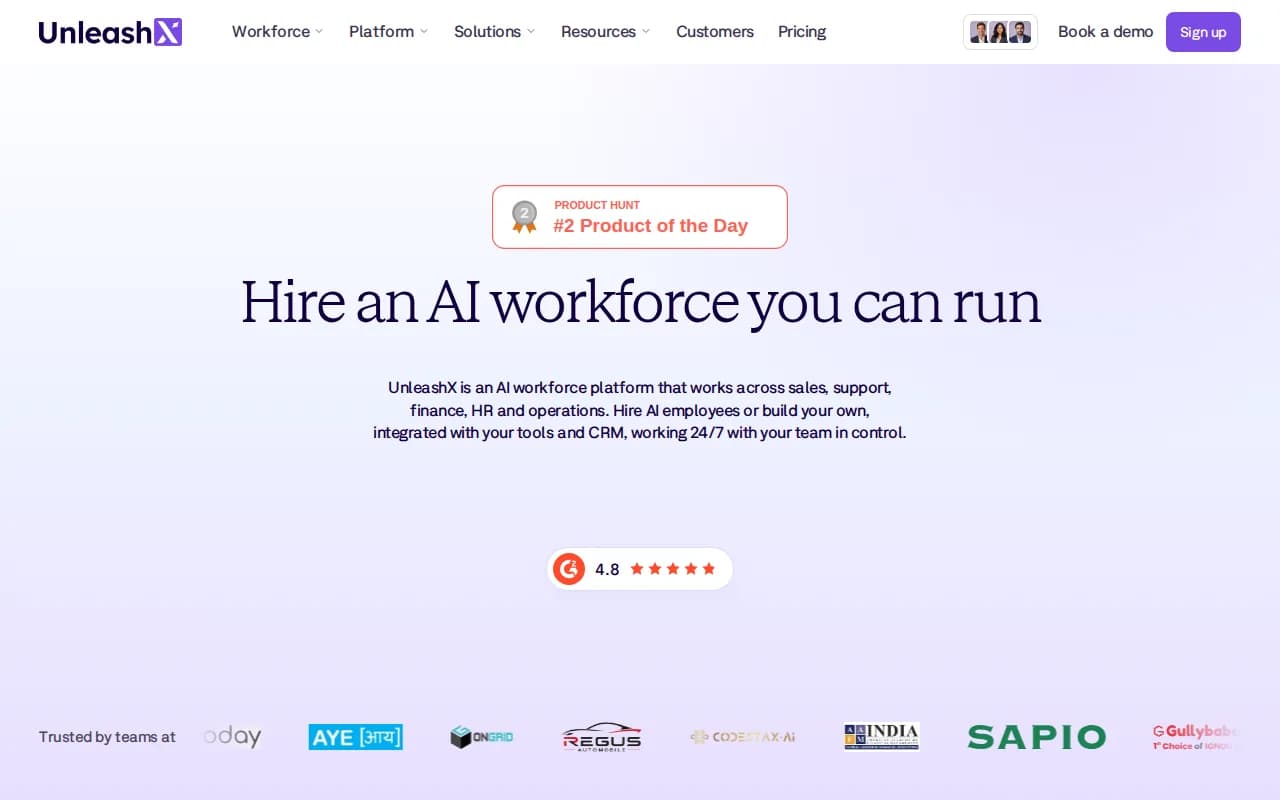
That focus on a completed job makes it a fit for repeat support work such as delivery updates, returns, refunds, onboarding and service reminders. Pre-built roles include Ishaan for order tracking and Zara for returns, refunds and exchanges. Teams can also build a custom AI employee in Agent Studio when a ready-made role doesn’t match the work.
UnleashX works across voice, WhatsApp, website chat, email and video. It connects with helpdesks such as Freshdesk and Zendesk, plus commerce systems such as Shopify. For a refund request, a team can set the permitted action and approval rules in advance. A policy exception can go to a named person with the request and the work already done.
That boundary is worth making explicit: the agent’s task is done when the approved result is recorded, not simply when the conversation ends. Teams planning an AI rollout can compare that model with the UnleashX customer service workforce approach.
Pay As You Go starts with 1,000 credits, then usage and model costs are billed separately. Growth is $249 per month and includes 24,900 credits. UnleashX is a strong fit when your team wants voice or WhatsApp support and needs repeat work recorded in its existing systems. It isn’t positioned for internal IT or HR service desks.
2. Zendesk: AI agents for teams already using Zendesk
Zendesk is a natural option for teams that already use Zendesk for ticketing and want AI within the same service environment. Its AI agents can handle real-time conversations autonomously, then hand a case to a human when needed.
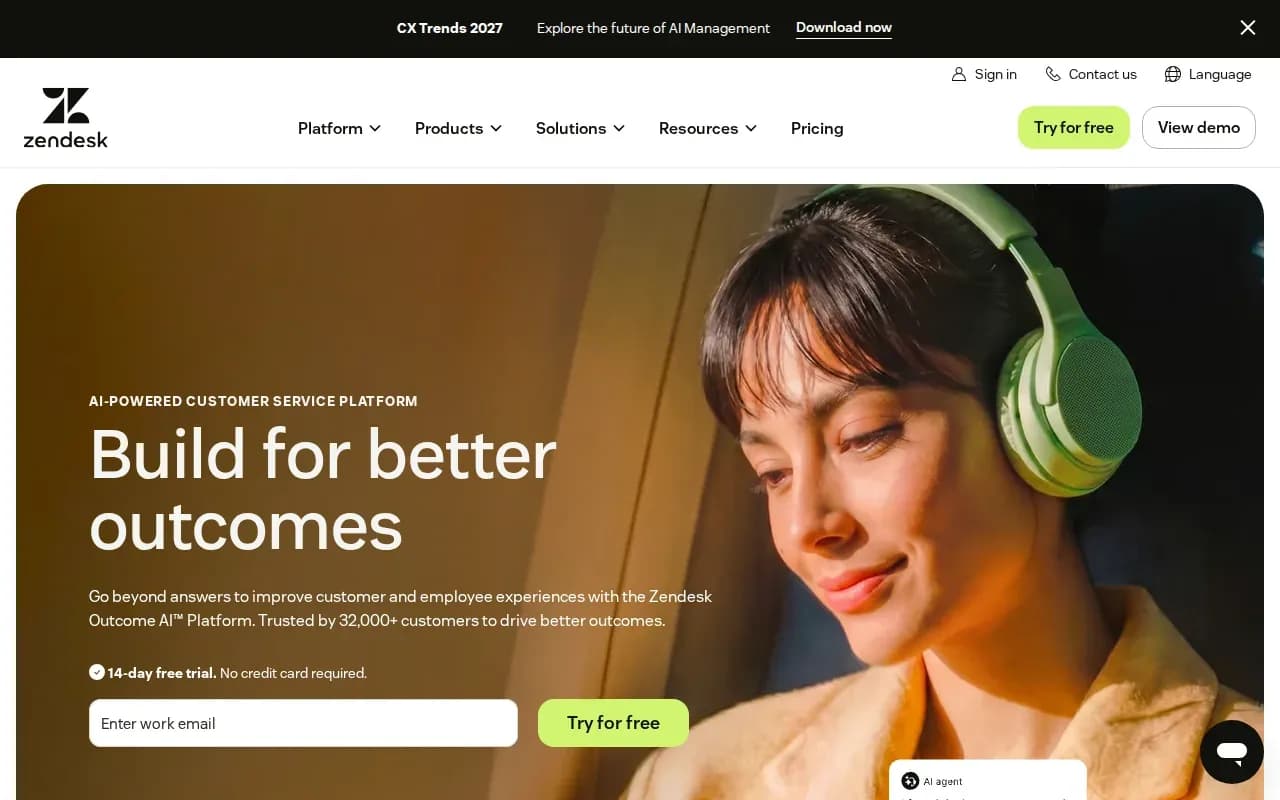
That setup can reduce the need to move support work into a separate tool. Your team can assess AI responses alongside the ticket workflow and define which requests are safe to automate. For example, a routine status question may be suitable for an AI agent, while a disputed charge or policy exception should have a clear route to a person.
Zendesk’s AI agents are designed for more than basic answers. The product information describes workflows that can handle customer requests and hand off with context. Zendesk also lists integrations with ServiceNow and Jira Service Management, which may matter to teams whose support work touches other service systems.
Pricing depends on the package. Support Team starts at $25 per agent per month. AI-powered Suite tiers start at $69 per agent per month, while Advanced AI add-ons are around $50 per agent per month on top. Compare the full seat cost against your expected usage before budgeting.
Zendesk is a sensible shortlist choice when the ticketing system is already in place and your team wants AI agents within that setup. If you’re weighing embedded AI against a separate agent layer, the features to check in AI customer support tools include system access, permitted actions and a useful human handoff.
3. Freshdesk by Freshworks: AI within the ticketing workflow
Freshdesk by Freshworks is a helpdesk with AI built into the ticketing workflow. It suits teams that want ticket management and AI support in one service product, rather than adding a separate AI agent layer.
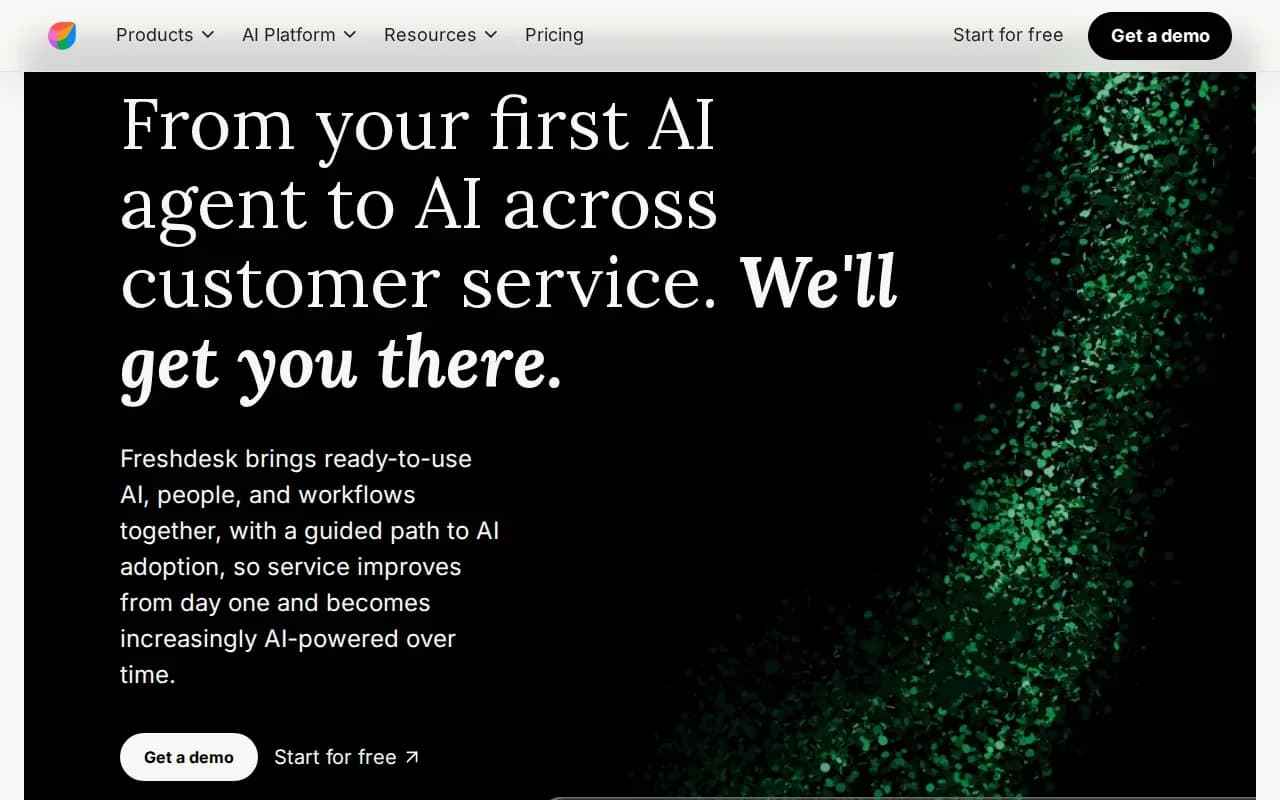
Freshdesk combines AI agents, ticketing and omnichannel support across email, chat, phone and messaging. Its key differentiator is the way AI sits within ticket handling. The platform also connects to more than 1,000 apps, which can help teams keep the helpdesk connected to the wider stack they rely on.
That built-in approach is useful when the main job is handling incoming tickets and supporting agents in their queue. A team can begin with repeat questions, then assess whether AI can take on more work without changing its helpdesk setup. Keep the human route clear for cases that need a judgement call or fall outside approved policy.
Growth starts at $18 per agent per month. The Pro tier is $59 per agent per month and adds multilingual support and custom reporting. Check the tier against your actual needs: a lower seat price may not cover the channel or reporting features your workflow requires.
Freshdesk is worth considering when your support operation is ticket-led and you want AI in the same workflow. If your team is defining what an AI agent can safely do, this customer support AI agent shortlist gives more context on different types of agent tools.
4. Ada: multilingual self-service at high volume
Ada is built for high-volume, multilingual self-service. It is a fit for teams that want customers to get help through automated conversations before routine cases reach a support rep.
Ada’s no-code builder lets teams set up self-service workflows without making every change a development task. Its listed channels include messaging, voice and email. That mix can suit a support operation where customers use more than one channel and language coverage is part of the service plan.
Before launch, test the agent on the requests that create the most work. For example, a team might check how it handles an order update in English and Spanish, then test how it responds when a customer’s request falls outside the approved flow. A useful pilot should check the answer and the next action, including whether the case reaches a person with enough context.
Ada’s pricing is custom and quoted per deployment. That model calls for a clear workload estimate before comparing it with per-agent tools. Ask vendors to explain which usage measures shape the quote and how a change in volume affects your expected cost.
Ada makes the most sense when a large share of support can move through multilingual self-service. The AI and human support split is also worth setting before launch, so unusual cases have a clear owner instead of looping through automated replies.
5. Zoho Desk: budget-friendly AI for Zoho teams
Zoho Desk is a budget-focused helpdesk with Zia AI, especially for teams already using Zoho products. It can suit a smaller support team that wants ticketing and AI features within its existing business software ecosystem.
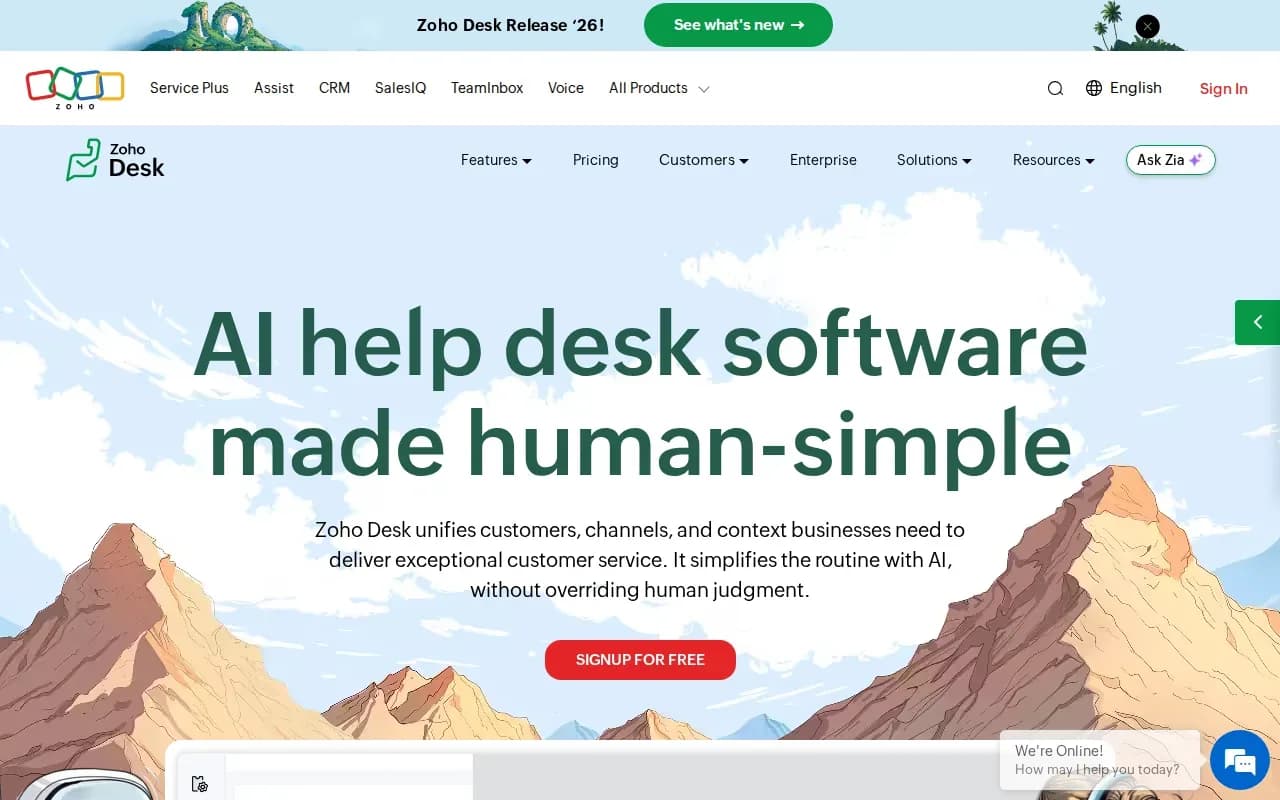
Zia is the AI assistant for Zoho Desk. Zoho Desk provides AI support for customers across channels and uses context to help the team handle service work. Zoho Desk also supports automation and analytics, so managers can review workflows as support volume changes.
Express starts at $7 per user per month. Zia AI features arrive at the Enterprise tier, which costs $40 per user per month. Compare the tier that includes the AI functions your team needs, rather than treating the entry price as the full cost of an AI-enabled setup.
One useful question is whether your team needs suggestions and ticket support, or an agent that can take actions under set rules. That distinction affects the permissions, review steps and escalation path you’ll need. For a team already working in Zoho, Desk may reduce the need to add another support system; for others, fit depends on how well its workflows match existing processes.
Zoho Desk is the budget-minded pick for teams already in that ecosystem. Its AI features are tied to the Enterprise tier, so price the plan against the level of automation you intend to use.
Best AI customer support software: comparison table
Use this table to narrow the shortlist by workflow and billing model. Per-agent plans scale with team size, while custom deployment pricing needs a workload estimate before a fair comparison. In every demo, check how the AI handles a missed answer or a request that needs human judgement.
| Option | Best fit | Pricing model | Decision check |
|---|---|---|---|
| UnleashX | Repeat support tasks across voice, WhatsApp, chat and email | Pay As You Go; Growth at $249 per month | Confirm the result is written to your system of record |
| Zendesk | Teams already using Zendesk ticketing | Per agent, with AI Suite tiers and add-ons | Price the AI tier and any add-on together |
| Freshdesk by Freshworks | Ticket-led teams wanting built-in AI | Per agent; Growth and Pro tiers | Check which tier covers your language and reporting needs |
| Ada | High-volume multilingual self-service | Custom quote per deployment | Request a quote tied to your expected workload |
| Zoho Desk | Teams already using Zoho | Per user; Zia AI at Enterprise | Compare the AI-enabled tier with your budget |
For a careful pilot, choose a small set of repeat, low-risk requests. If a vendor supports a dry run on past tickets, use it to inspect answers before customers see them. Then track confirmed resolutions, repeat contacts and handoffs. For regulated or sensitive work, set approved sources, action limits, review rules and a named owner for exceptions before deployment.
Frequently asked questions
What is the best AI customer support software for a small team?
Zoho Desk may suit a small team already using Zoho, while Freshdesk is another option for ticket-led support. Compare the price of the tier that includes the AI features you need, not just the lowest entry plan. Also check channels, integrations and how a case reaches a person when the AI can’t safely finish it.
How do AI customer support tools charge?
These tools may charge per agent or user, by tier, or through a custom deployment quote. UnleashX has Pay As You Go pricing and a Growth plan at $249 per month. Freshdesk and Zoho Desk use per-agent or per-user pricing, while Ada uses a custom quote. Add-ons and AI access can affect the total.
Can AI customer support software handle refunds?
Some AI systems can take actions when they have access to the right business records and permission to act. Before allowing refunds, define eligibility rules, approval limits and audit steps. Test edge cases, such as a disputed delivery, and make sure the AI can send the case to a person with its work and context attached.
How can I test an AI support tool before launch?
Start with a small set of common, low-risk requests and compare the AI’s responses with approved answers. Ask whether the vendor supports replaying past tickets in a dry run. Check the final action too: a reply is not a resolution if a ticket, order or customer record still needs an update.
Should AI replace human customer support agents?
AI is a better fit for repeat tasks with clear rules than for cases that need judgement or an exception. Keep people responsible for sensitive complaints, unusual requests and decisions outside policy. Set a clear handoff owner, and review a sample of completed cases so your team can spot errors and adjust the agent’s scope.
Conclusion
Choose the tool that fits the work your team needs done, not the longest feature list. If support requests require action across channels and records, start by mapping one repeat workflow and its exception path. Then run a limited pilot and confirm that completed work is recorded correctly before expanding it.