

AI agents for customer support can do more than answer a question. The useful ones can also take an approved action, such as updating a ticket or checking an order. Here are seven options, starting with UnleashX, and the kind of support work each fits best.
1. UnleashX: AI employees for customer-support work
UnleashX is an enterprise AI agent platform where teams hire pre-built AI employees or build their own for customer support and sales work. Each AI employee has a defined job, approved knowledge, permitted actions, and rules for handing an exception to a person. The work counts as complete when its outcome is saved in the system your team uses.
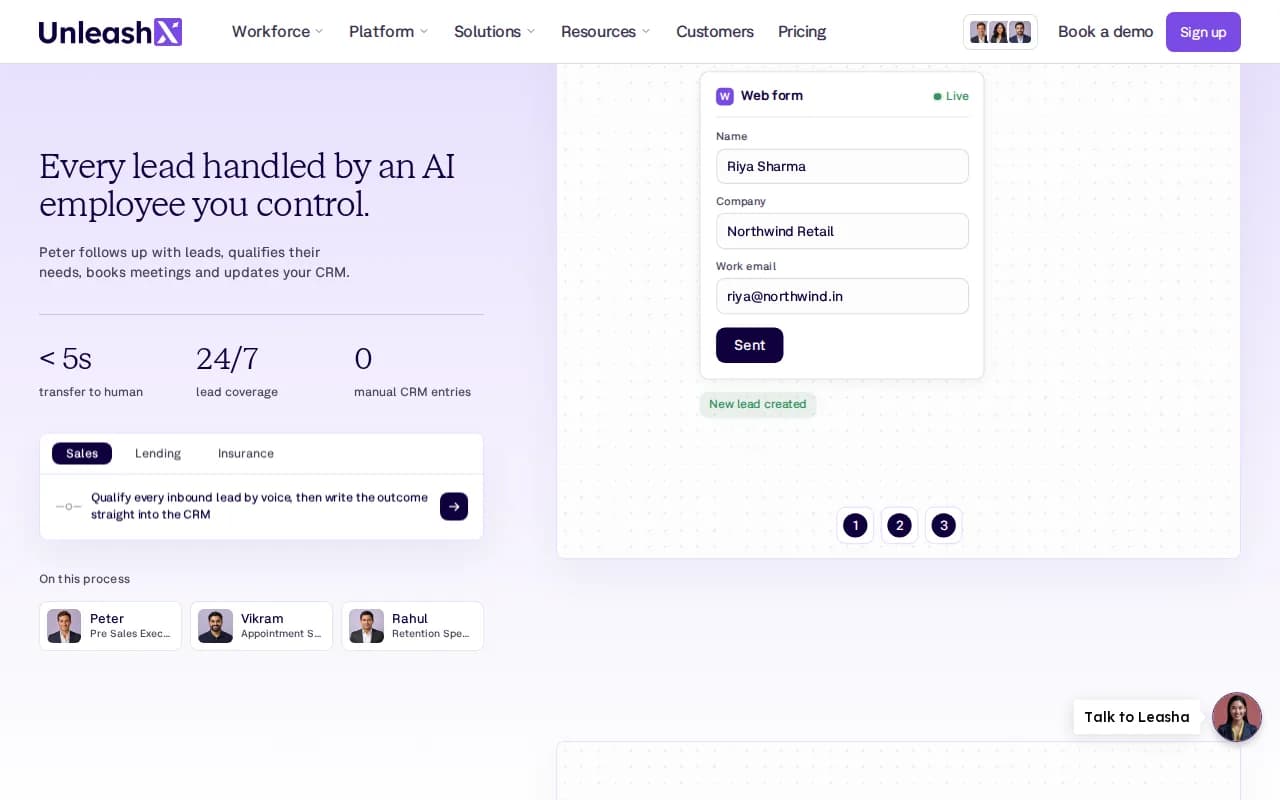
For support teams, that can mean an order status update, a return request, or a checkout question. UnleashX has pre-built roles for order tracking, returns and refunds, checkout support, and customer onboarding. One employee can work across voice, web chat, in-app chat, and WhatsApp, email, or video, then record the result in a connected helpdesk or commerce system.
For instance, a delivery agent can check an order and share an update. If the customer disputes the delivery, it can pass the case to a named person with the request and the steps already taken. That distinction matters: a conversation that ends is not the same as a ticket resolved or an exception assigned to its owner.
Teams can connect UnleashX with tools such as Freshdesk, Intercom, Zendesk, Shopify, and their CRM. Its published plans include a free start with 1,000 credits. The Growth plan is $249 per month and includes 24,900 credits. Enterprise plans use a custom credit commitment. Check which actions count as completed work before you estimate how much automation a workflow can support.
Teams handling frequent order questions can look at the order-tracking AI employee as a focused starting point. A narrow job makes it easier to set clear limits and review whether each case ended with a recorded outcome.
Start with one support workflow.
2. Zendesk AI: AI agents for broader service automation
Zendesk AI is built for customer service teams that want to automate more than simple FAQs. Its agents can work across messaging, email, voice, web, mobile, and social channels. They can use business context and authorized systems to act on requests, while keeping the support team in control of policies and outcomes.
That makes Zendesk AI a fit for teams with multi-step requests, such as a customer who needs an answer and a record update. The system can ask clarifying questions, follow natural-language instructions, and use connected tools or APIs to complete work.
Teams can test agent behaviour against scenarios before launch, compare configurations, and review outcomes through built-in quality controls. Those checks are useful when a support request can lead to a change in a customer record. Define what the agent may do, what it must not do, and which cases require a person to take over.
Zendesk AI agents can work within Zendesk or alongside an existing service platform. The product is included in Suite and Support plans, with pricing based on successful outcomes. That model makes the meaning of a successful resolution important to confirm when you forecast usage. A request that escalates to a human is different from one the agent resolves on its own.
Traditional chatbots often focus on scripted replies. Zendesk describes its agents as able to handle multi-intent requests and take actions across systems. A chatbot can still be useful for simple answers, but your team should check whether the tool can complete the follow-up action your workflow needs.
Consider Zendesk AI when your team needs automation across several service channels and wants review controls built into the workflow. Keep a human route for policy exceptions and cases that need judgment.
3. Freddy AI by Freshworks: ready-to-launch support agents
Freddy AI by Freshworks is the built-in AI solution for automated customer support. It comes with ready-to-launch agents and support for teams as they put them to work. Freshworks also describes Freddy as a way to answer questions quickly, support team productivity, and act on insights.
Freshdesk Freddy AI is a fit for teams that want to improve ticket handling within Freshworks customer service products. Other named capabilities include a conversational knowledge base and conversational actions for building bots. These can help staff get a shorter view of a conversation before they decide what to do next.
That distinction matters on a busy queue. A summary may help an agent understand a long exchange, but your team still needs to check the ticket itself for the final action and ownership. For example, if a customer asks to change an account detail, agree whether the AI should answer, make the update, or send the request to a person.
Freshworks also lists sentiment analysis and Freddy Insights beta access with at least one add-on licence. Feature availability depends on the Freshworks customer service product. If your team uses more than one product, confirm which features apply to the product and plan you are evaluating.
Freshworks publishes add-on rates in several currencies. In the United States, the add-on costs $29 per month on an annual basis or $35 month to month. Treat that as an add-on price, not as a price for every Freddy AI function. Compare the exact add-on and feature set against your ticket-handling needs.
Freddy AI is worth a look when your team already works in Freshworks and wants ready-to-launch agent support alongside ticket tools. The main evaluation task is to map each feature to a specific point in your queue, not assume every ticket can be automated end to end.
Before a trial, agree on a small set of ticket types. Track whether the agent’s summary saves review time and whether the next action is recorded correctly. For a wider view of deployment choices, review key features to look for in AI customer support tools.
4. Genesys Cloud CX: AI for contact centres
Genesys Cloud CX is an AI-powered cloud contact centre solution. It brings voice, digital channels, workforce engagement, and analytics together in one platform. That makes it a fit for contact centres that need AI as part of a wider service operation, rather than a stand-alone chat tool.
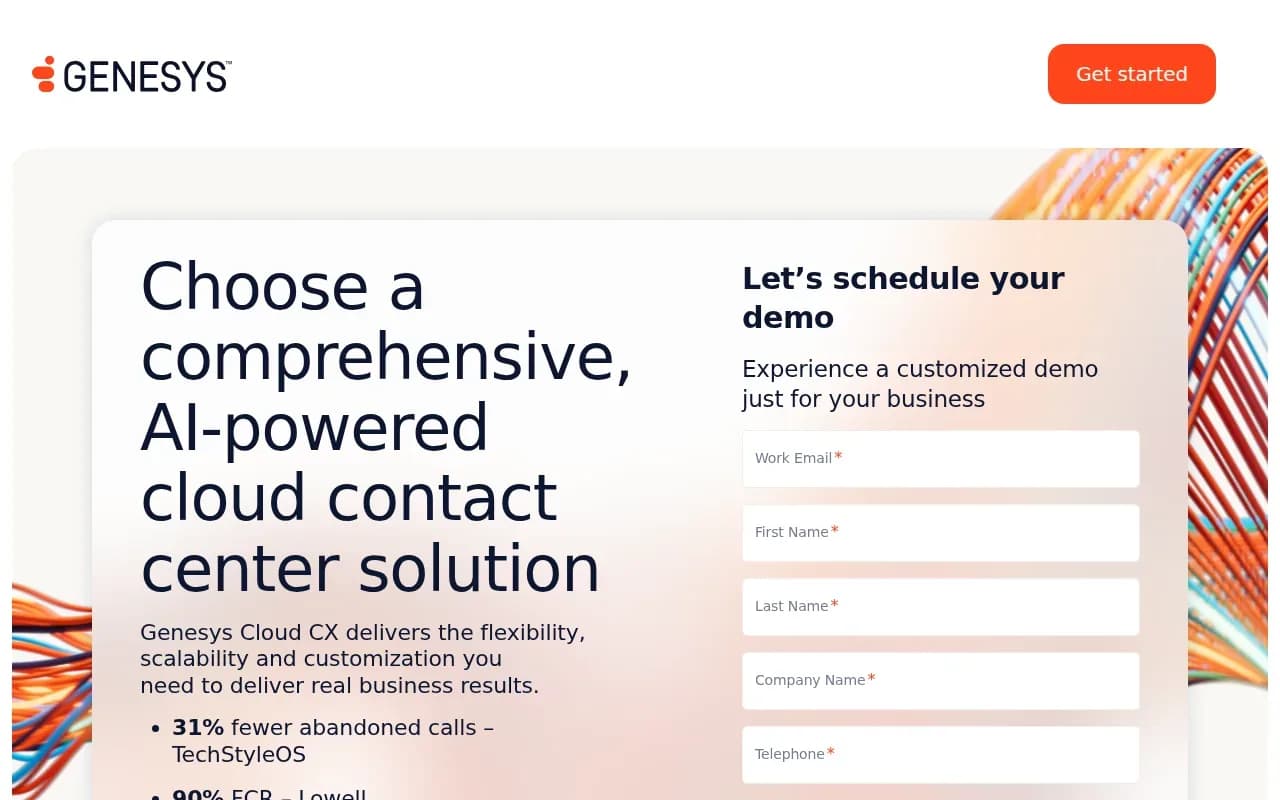
Genesys describes its AI agents as able to reason, act, and adapt across customer experiences. Its platform also includes tools for human teams and insights for measuring experiences. For a contact centre, this can matter when a request begins in one channel and then needs a person or another workflow to resolve it.
Genesys says its cloud platform integrates with Salesforce and ServiceNow, as well as a wider partner ecosystem in customer experience. Your evaluation should still test the systems and records your own support workflows depend on. A channel list is not proof that an agent can read the right customer record or write back a confirmed outcome.
Use a sample workflow to check the handoff. For example, if an automated voice interaction cannot finish a billing request, confirm that the receiving agent gets the customer’s context and knows which step remains. Also check which analytics help your managers review outcomes, not just activity volume.
Genesys Cloud CX is the stronger fit in this shortlist for contact centres that need voice and digital service in a unified operating environment. It may be more platform than a small support team needs if the goal is only to automate a narrow group of repeat questions. Match the scope to your contact centre’s existing operating model.
For buyers weighing the wider service stack, compare contact centre functions with the ticket-management work your team already does. Your own workflow test should settle whether a specific integration is ready for use.
5. Cognigy.ai: enterprise agents for voice and text
Cognigy.ai is designed for enterprise AI agents across voice and text channels. Its channel coverage supports flexible deployment, including multilingual voice experiences.
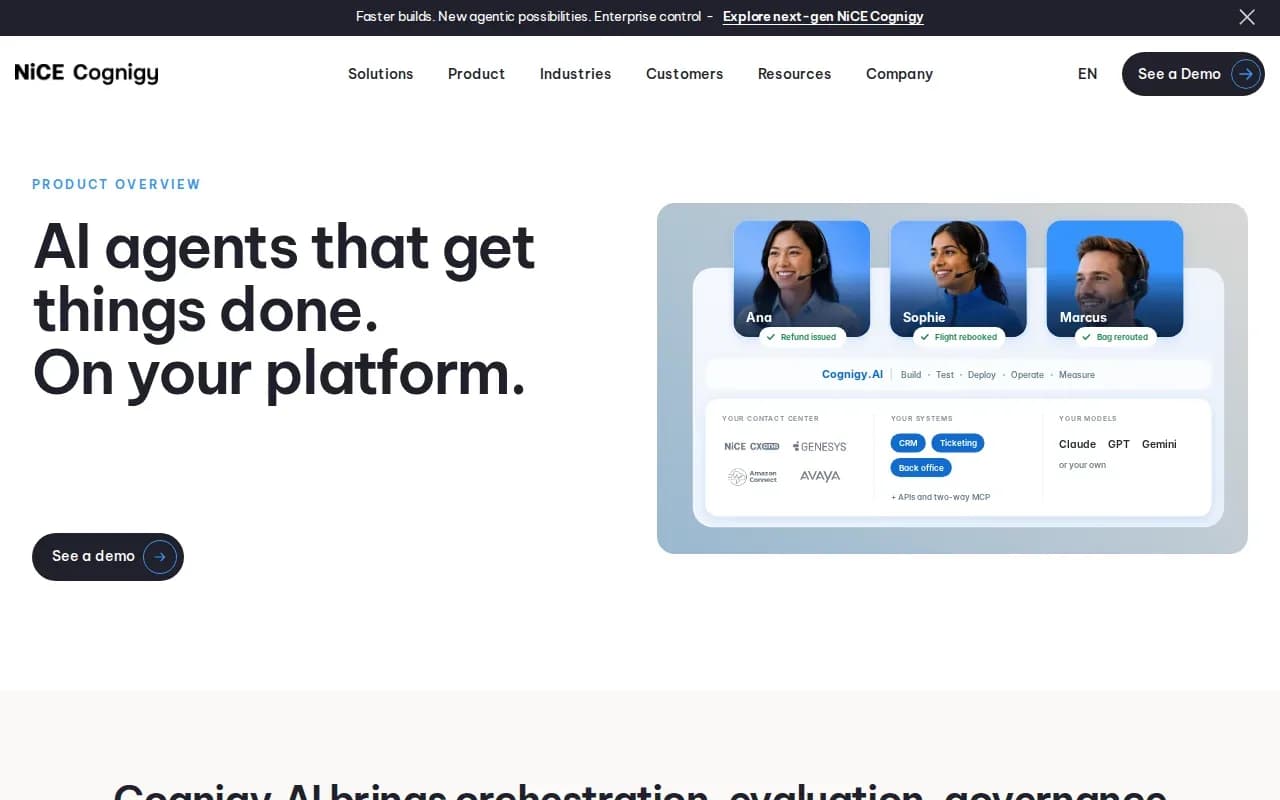
That breadth can suit a large service operation that supports customers across phone and messaging.
For a voice workflow, consider where the agent should stop. It might collect a request and route it to the right team, or handle a defined task if its access and rules allow. The deployment needs a clear route for identity checks, unclear requests, or decisions outside the agent’s authority. That boundary is as important as the voice experience itself.
Teams should plan who will own deployment and channel setup.
Choose Cognigy.ai when enterprise voice and text coverage is a key requirement and your team needs to tailor agents to its service setup. During evaluation, test a text-to-human handoff and a voice request that needs clarification. Make sure the agent preserves the details the next person needs.
If guided video is also part of your customer journey, UnleashX supports video agents for onboarding and guidance. See its AI video agents for guided customer journeys to assess that specific channel alongside voice and chat.
6. Decagon: concierge-style AI support with structured procedures
Decagon presents its chat agent as the front door to a concierge-style AI support platform. Its distinct approach is Agent Operating Procedures, or AOPs: structured, testable logic written in natural language. These procedures give teams a way to set rules for what an agent can do during a workflow.
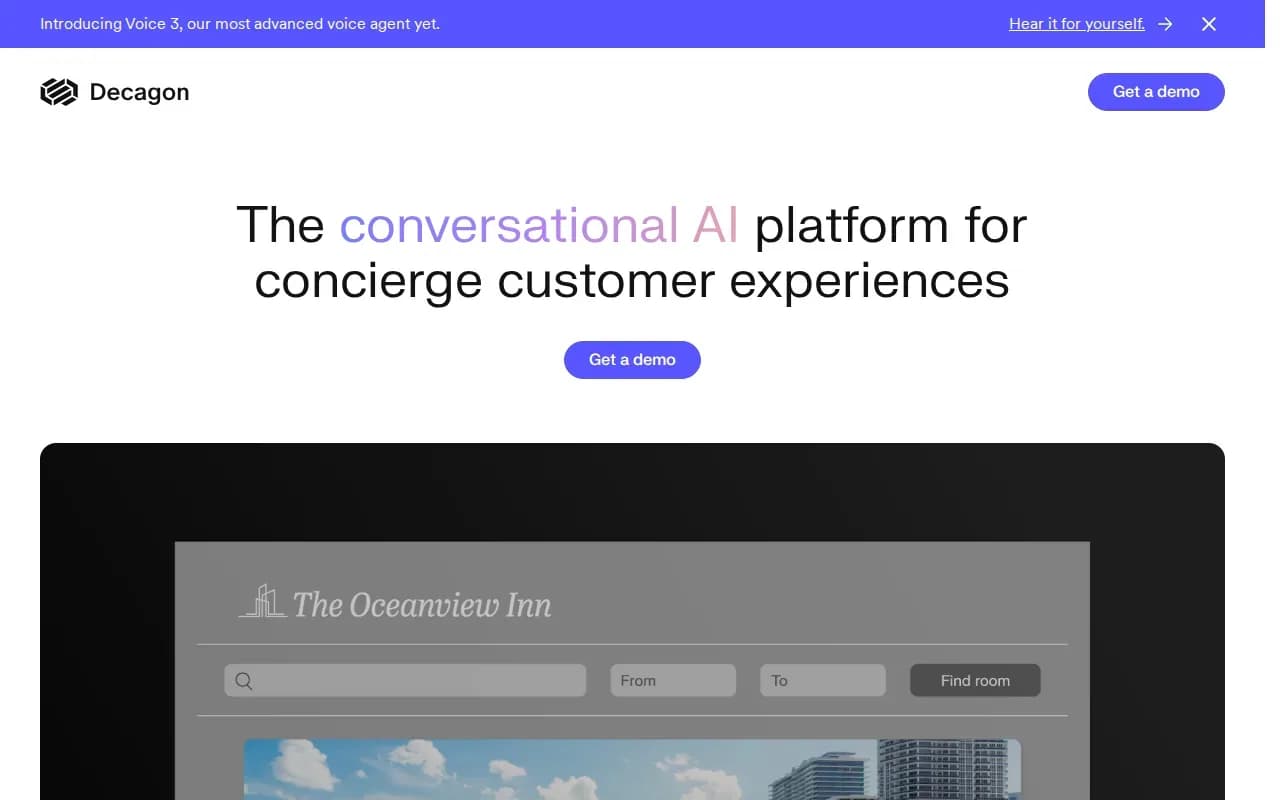
Teams should define which records an agent may read and change, which actions need approval, and what counts as a completed request. A policy exception or emotionally charged complaint should have a named human owner and a handoff that carries the context forward.
When comparing platforms, use the same workload assumptions for both. Include the number of requests, the share that need a person, and the cost of reviewing exceptions.
Decagon is a candidate for enterprise teams that want structured operating rules around customer-facing actions. It is also worth testing how those procedures are maintained as policies change. Before launch, run cases that cover both the expected path and a request the agent must hand off.
UnleashX uses the same operational principle of bounded responsibility: set the permitted action and decide when a person takes over. Teams comparing platforms can use the UnleashX versus Sierra platform comparison to examine fit and workflow ownership through that lens.
That kind of review helps separate an agent that produces a reply from one that finishes a controlled support task. Use the pilot to test both routine cases and exceptions before expanding the agent’s authority.
7. DigitalGenius: ecommerce-focused customer support
DigitalGenius is a vertical AI chat agent built specifically for ecommerce customer support, with pre-built intents and workflows. It may suit ecommerce teams evaluating AI for customer support.
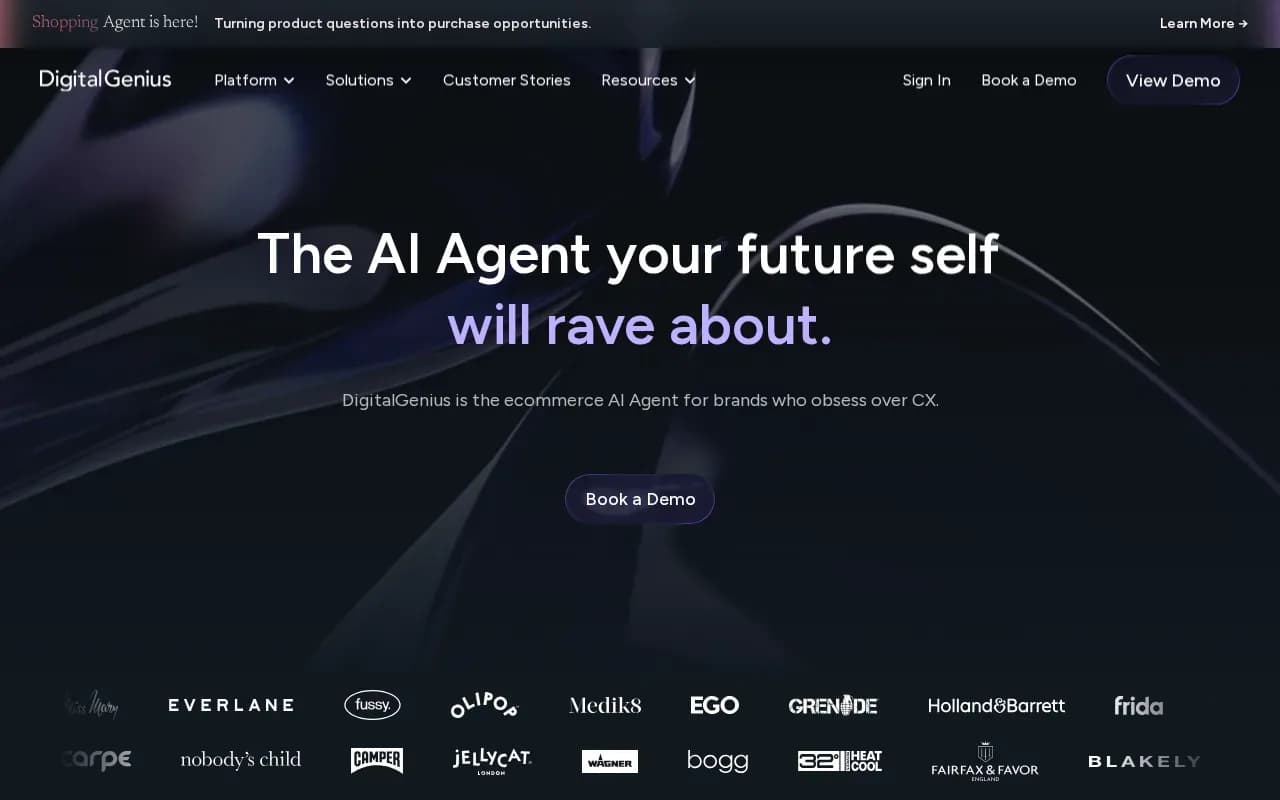
When assessing the fit, consider how the agent’s workflows would align with your store’s processes and when a person should review a request. The key check is whether the workflows fit the tasks your team wants to evaluate. Test a routine request, then test an exception that may need human judgment.
DigitalGenius is a chat agent for ecommerce support. Start by choosing which workflow to test first.
Use DigitalGenius when ecommerce-specific support tasks matter to your team. For a wider customer-service operation, consider whether a chat agent fits your contact strategy before committing to a pilot.
FAQ: AI Agents for Customer Support
What is an AI agent for customer support?
An AI agent for customer support is software that can respond to a customer and carry out approved support actions. It may check an order, update a record, or route a case to a person. A traditional chatbot often focuses on conversation or scripted answers. The useful test is whether the system completes the task and records the result.
How are AI agents different from chatbots?
AI agents can be set up to take actions across connected systems, while many chatbots mainly answer questions or follow a script. The boundary depends on the product and its permissions. Before deployment, confirm which actions the agent can take, how it handles uncertain requests, and what information reaches a human during handoff.
Can AI agents replace human customer support teams?
AI agents can take on repeatable work, but people still need to own exceptions, sensitive cases, and decisions outside approved rules. A sensible setup lets an agent handle routine steps and pass a case to a person with its context and action history. Measure completed outcomes alongside escalations so your team can see where human review remains necessary.
How should a team measure an AI support agent?
Measure whether the agent completes the intended task, not only how many conversations it handles. Track resolved requests, correct record updates, escalation rates, and the time people spend reviewing exceptions. Also check customer satisfaction where your team already collects it. Set a baseline before a pilot, then compare the same workflow after launch.
What should I check before choosing an AI support agent?
Check channel fit, system integrations, action permissions, escalation rules, and pricing structure. Ask the vendor to show a workflow using the records your team depends on. Test a normal request and an exception. Confirm how the result is saved, who reviews failures, and whether the cost model matches your expected request volume.
Conclusion
For support teams that need AI to finish defined customer work and preserve clear human ownership of exceptions, start with UnleashX. Pick one repeatable workflow, agree on its completion rule, and see the UnleashX customer service workforce or begin with its free plan.