

A business chatbot should do more than send a tidy answer. It should help finish a customer request or move a work task forward. Here are eight AI chatbot options for business, with a clear view of what each one is built to do and where it may fit.
1. UnleashX: AI employees that complete support and sales work
UnleashX is an enterprise AI agent platform for customer support and sales teams, with chat agents designed to move customer work forward. Its AI employees have defined jobs, such as qualifying an inbound lead or resolving an order-tracking request. They can work over voice, WhatsApp, website chat, email, and video.
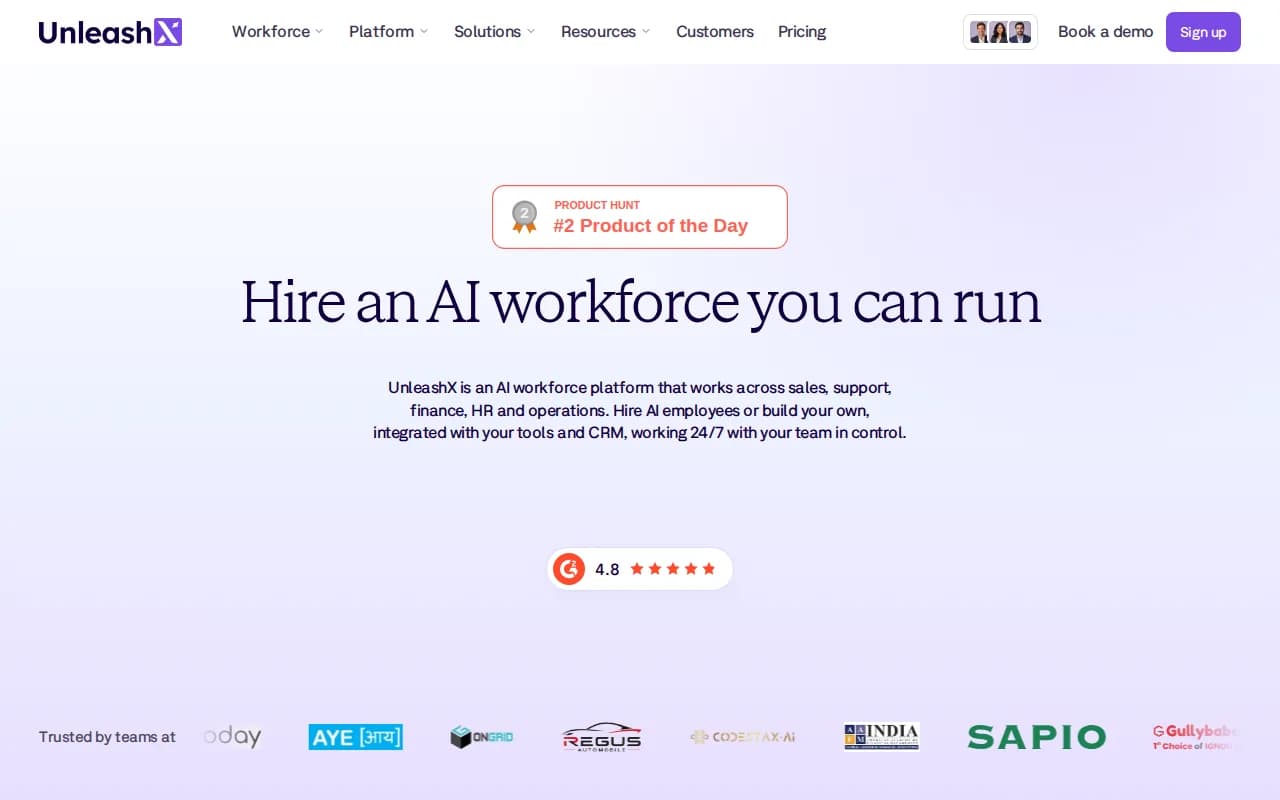
It may suit teams that handle repeat customer requests or inbound leads and need the result recorded in a business system. For example, an agent can qualify a lead, book a meeting in a connected calendar, then write the outcome to a CRM. A support agent can handle an order or return request and pass a policy exception to a named person.
The platform has pre-built roles for tasks such as order tracking, returns, lead qualification, renewals, and onboarding. Teams can also build a custom AI employee in Agent Studio when a ready-made role does not fit. The job has boundaries: approved knowledge, permitted actions, approval rules, and a route to a person for cases that need judgement.
That distinction matters when a bot can change a record or trigger a refund. A conversation ending is not proof that the work is done. UnleashX defines completion through a verified outcome, such as a ticket being resolved or a meeting appearing in the calendar.
UnleashX connects with CRM and helpdesk tools, commerce platforms, email, and calendars. If your team is assessing a broader AI agent platform shortlist, compare each tool by the work it completes and where it records the result.
Pricing starts with a free Pay As You Go option that includes 1,000 credits. The Growth plan is $249 per month and includes 24,900 credits. Voice use is charged at six credits per minute on that plan. For teams with repeat requests across more than one channel, the key test is whether the agent can finish the task within your rules.
2. Copilot Studio by Microsoft: Build agents on Microsoft’s platform
Copilot Studio by Microsoft lets organizations create AI employees on Microsoft Power Platform and Azure AI, grounded in Microsoft 365 data. Its core fit is teams that already use Microsoft tools and want to build agents for internal work.
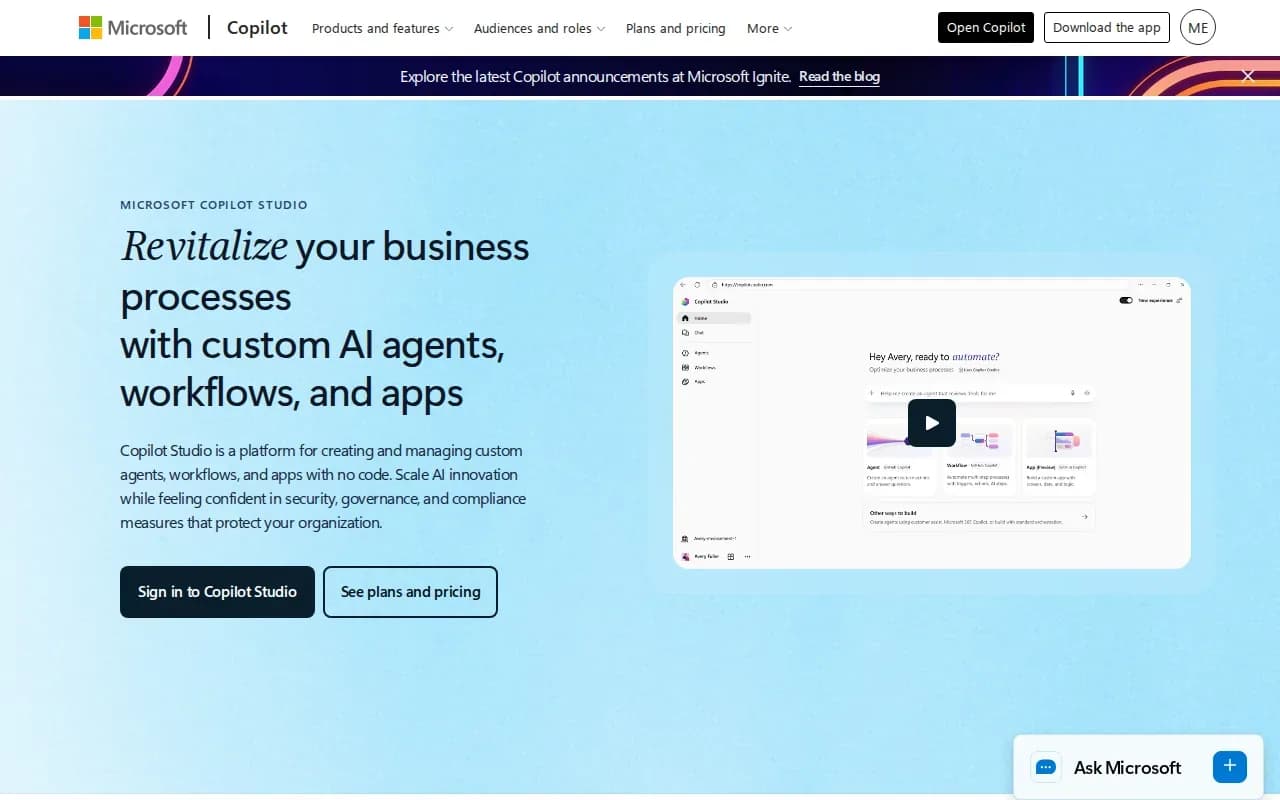
It may suit operations groups that need a custom assistant tied to company information. For example, a team could build an internal agent that helps staff find guidance in Microsoft 365 data, then use the agent in a work setting such as Teams. The context here is internal collaboration, rather than a ready-made customer support role.
A clear purpose, a build approach that fits the team’s skills and task, testing in different situations, and privacy checks are sensible considerations before an agent reaches staff or customers.
The core integrations include Microsoft Teams, Outlook, and SharePoint. That gives a Microsoft-focused team a familiar place to put an agent and connect it to work information. A team should still map the task before building: what data can the agent use, what action may it take, and which cases need a person?
Copilot Studio is a build platform, so the team owns the design of its agent and its intended role. That can be useful when the process is specific to your organization. It also means the project needs a clear owner who can test the agent, review its responses, and keep its approved knowledge current.
Choose it when the goal is to build around Microsoft’s platform and internal data. For customer-facing work that must complete support or sales actions across several channels, compare that scope with a platform built around customer workflows.
3. Slack AI: AI assistance inside workplace conversations
Slack AI brings AI features and assistants into Slack, where many teams already discuss work. Its strongest fit is internal collaboration: helping staff find context or catch up on conversations inside the team’s existing workspace.
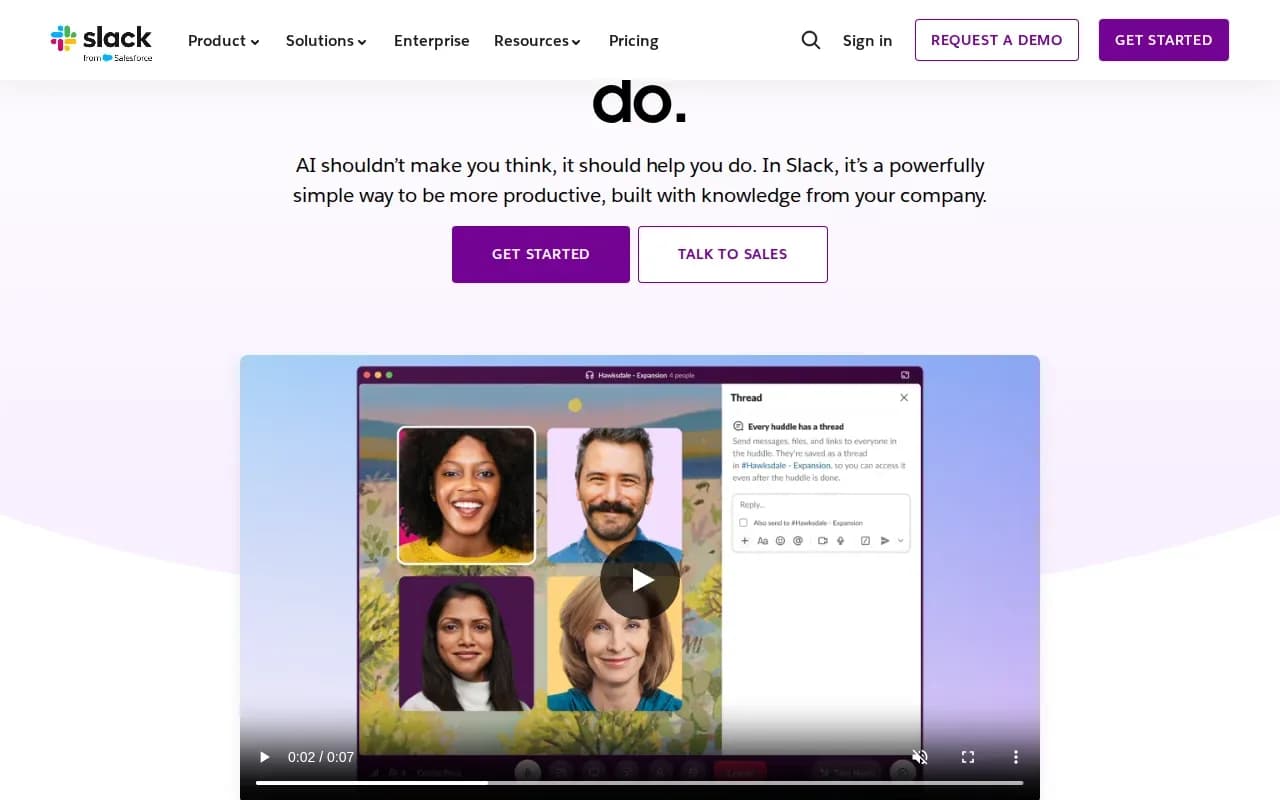
For a team that gets pulled into long threads, summaries can help a person see the main points before replying. Slack AI can also provide answers and assistance within Slack. That makes it a different kind of business chatbot from a customer-facing agent that updates a CRM or resolves an order request.
The setting matters. Workplace answers should reflect the information a person is allowed to see. A team evaluating it should ask how that experience fits its own workspace rules and daily habits.
Slack AI may be a sensible choice when your team wants help inside Slack rather than a separate chat window. It can support quick tasks such as finding a conversation or getting a summary before a meeting. A support leader could use that to catch up on an internal discussion about a customer issue, then assign the next step to the right person.
Its stated channel is Slack. That makes the scope clear: this option is about assistance where workplace conversations happen. It is not the same as deploying one customer agent on a website, email, and messaging channel.
Set a simple test before adopting any workplace assistant. Ask whether staff can find the answer they need faster, and whether the answer points them to the right source. If the business goal is to complete a customer transaction, look at tools designed for that workflow instead.
4. Chatbase: Build agents for support, sales and product guidance
Chatbase builds AI agents for customer service, sales, and product guidance. It may suit businesses that want a customer-facing agent based on company information, with use cases that can span more than one customer need.
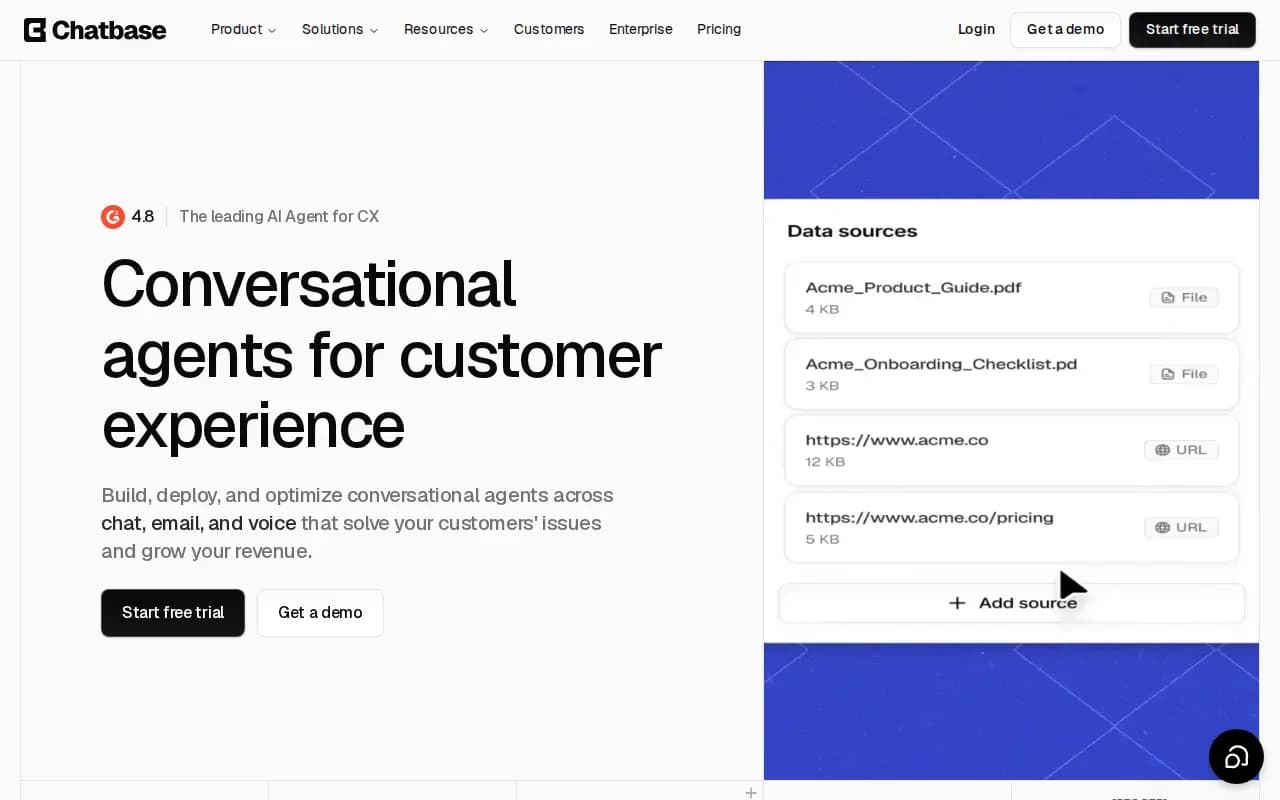
The fit depends on the work you want the agent to handle. A product guidance agent might answer questions about a product range. A sales agent might help a visitor understand an offering. A support agent might respond to common service questions. Those are distinct jobs, so define each one before training or deployment.
Before launch, check how each channel will appear to users and whether the team can test the experience in the place customers will actually use it.
Chatbase says its agents resolve complex queries in every channel for more than 10,000 businesses. That is a vendor-provided claim, not a promise about a particular company’s results. Your own test should use questions drawn from your support or sales queue, including requests that require a human response.
Keep the agent’s knowledge scoped to material your team has approved. Then run tests on questions with more than one possible answer, such as a product question that depends on a customer’s stated need. The team should check whether the reply is accurate and whether the agent knows when to hand the conversation to a person.
Chatbase is worth comparing when you want a purpose-built agent for customer service, sales, or product guidance. For tasks that need a record change or a decision from a person, confirm how your planned workflow will handle that handoff before launch.
5. HubSpot Customer Agent: Resolve customer questions in the CRM
HubSpot Customer Agent is an AI support agent that can resolve questions, take action in the CRM, and hand work off to a person. It may fit businesses that already use a CRM and want customer conversations close to their CRM work.
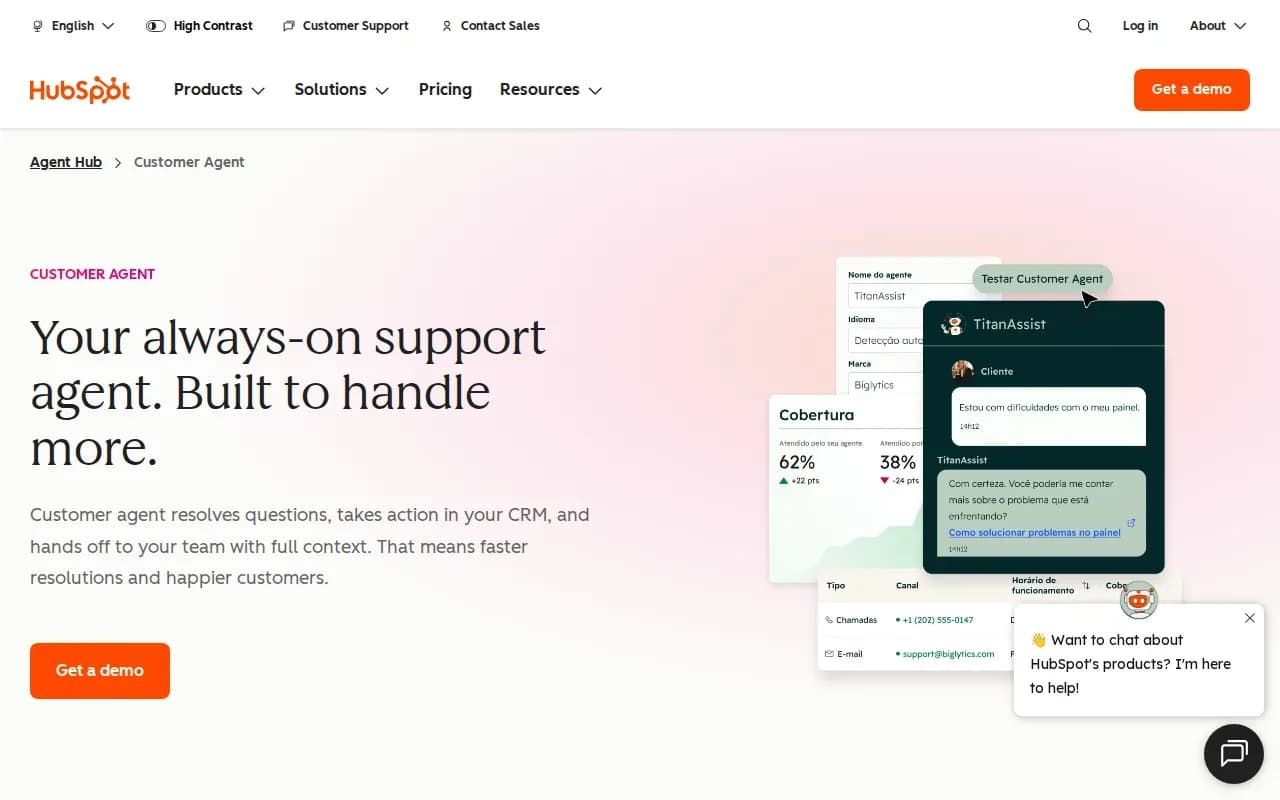
The CRM setting is useful when a support request depends on customer context. A team might want an agent to respond to a question, take a supported action, or pass the case to a person. Keeping the work near the customer record can make it easier for a staff member to pick up the conversation with context.
Start by naming the question types the agent may answer and the actions it may take. A simple policy question is different from a request that changes a customer record. The first may need an approved answer. The second needs a clear rule for when the agent can act and when a person should review it.
HubSpot Customer Agent’s described functions include resolving questions, taking action in the CRM, and handing off work. That gives buyers a useful set of checks: what counts as resolved, which CRM action is allowed, and who receives a handoff? If your team cannot answer those questions, the automation rules need more work before launch.
It may be a natural shortlist choice when your customer operations already run through a CRM. But judge the full workflow, not the chatbot alone. Track whether the case was resolved or merely answered, whether the record reflects the final outcome, and whether an exception reached its owner.
For a team using another CRM or helpdesk as its source of truth, check fit with that stack before deciding. A chatbot can sound helpful yet still create extra work if staff must copy the result into a separate system.
6. Boei: Website chatbot with lead capture and WhatsApp
Boei is a website chatbot trained on a business’s site and documents. Its stated use includes answering customers, capturing leads, and working across website chat, WhatsApp, and email. It may suit a small or growing team that wants one agent for website questions and follow-up.
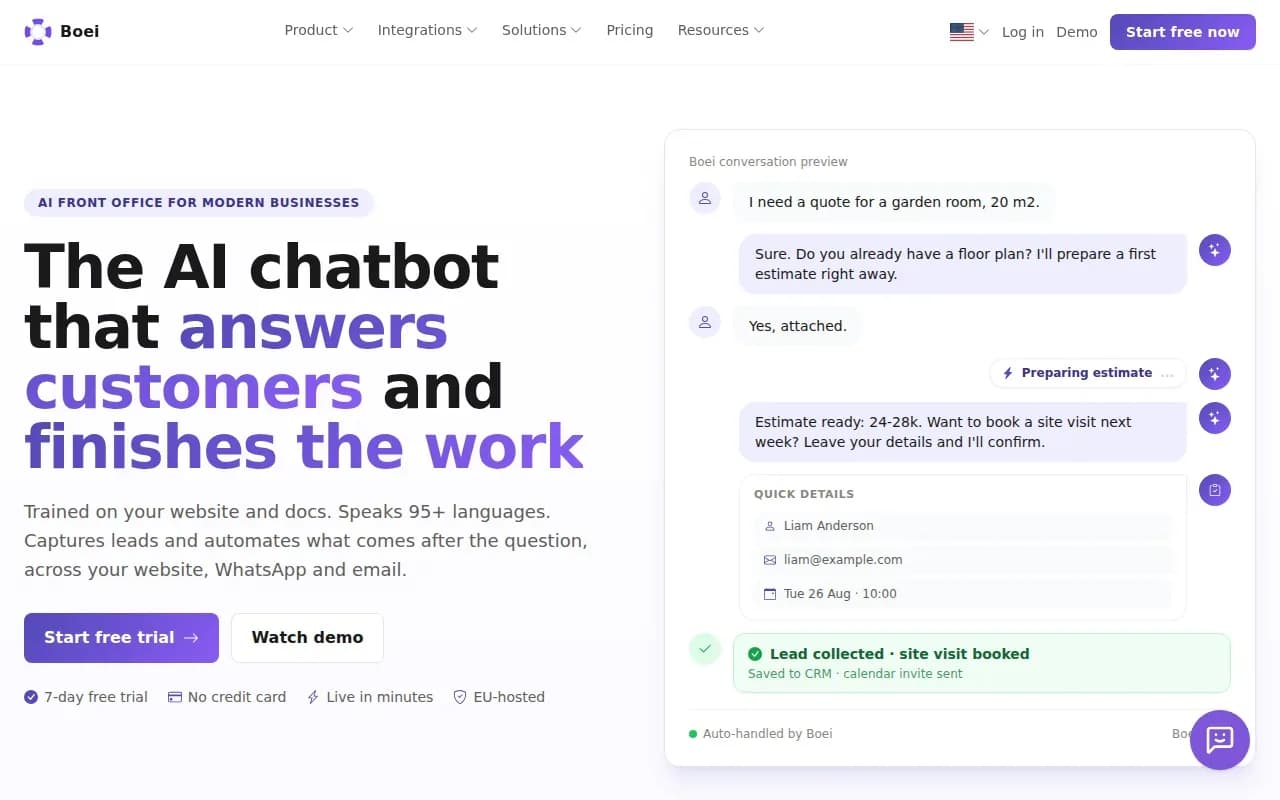
A chat can do more than answer a question in Boei’s described workflow. The system can collect structured information and support follow-up actions. A business could use that approach to qualify an inquiry or book a visit, then keep the conversation history in a contact record.
Boei says its agents can be trained on website content and documents, with the knowledge base kept in sync as the business changes. That can help when a customer changes channel and expects the team to know what they already asked.
Teams can set different levels of authority for different tasks. Safe actions can run automatically, while sensitive actions can wait for a person’s approval. That distinction is important for quotes, bookings, or account changes. Set the rule before the agent goes live, then test how it responds when a request falls outside the rule.
Boei can help capture website leads rather than leave every inquiry in a chat transcript.
Boei says it supports more than 95 languages. Check the plan and workflow against your own needs, especially if the team requires a larger helpdesk setup or detailed ticket reporting.
7. Gorgias AI Agent: Ecommerce support and sales for online stores
Gorgias AI Agent is built for ecommerce. It supports sales and customer service around the clock, with integrations for platforms such as Shopify and BigCommerce. It may fit an online store that wants an agent focused on shopper questions and store support.
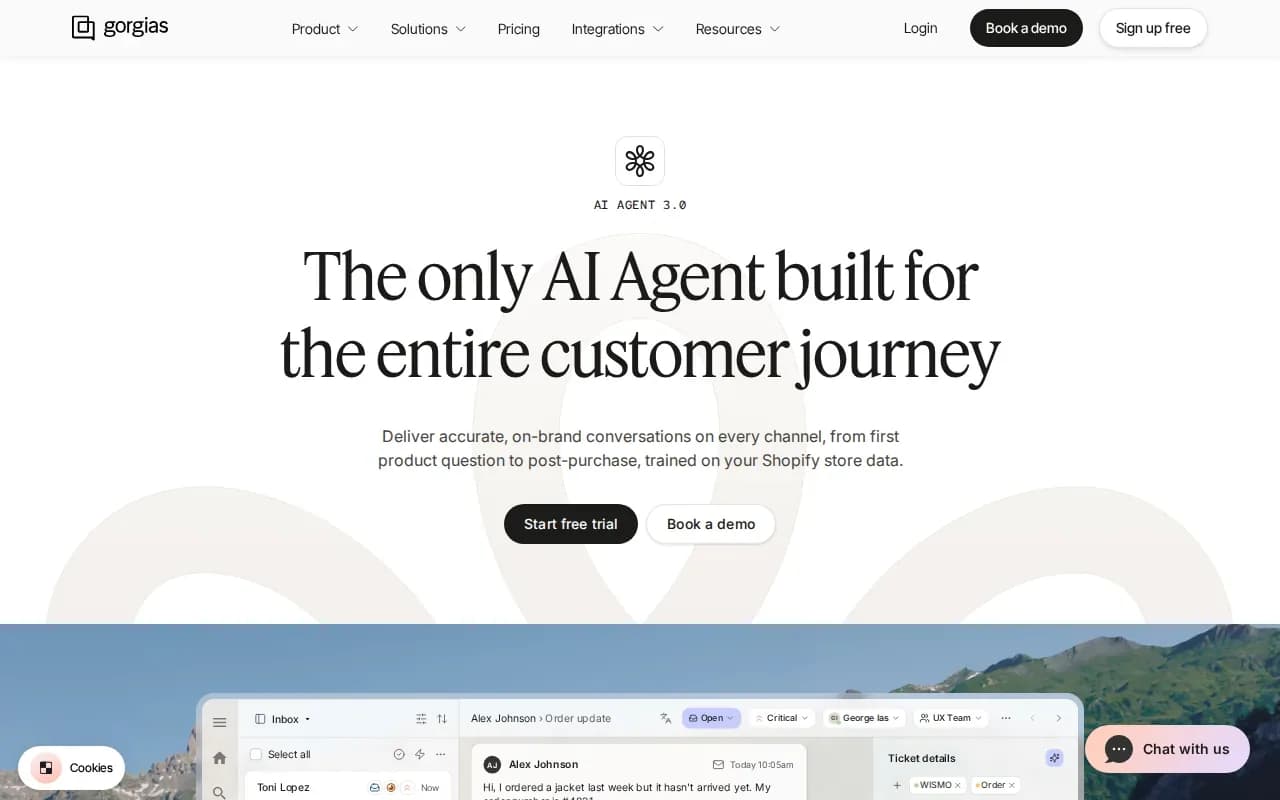
Ecommerce teams often handle repeat questions tied to a purchase. A shopper may need help before ordering, or may ask for support after buying. An agent designed for ecommerce can be a better fit for those conversations than a general workplace assistant.
Gorgias describes its AI Agent as a tool to sell, support, and engage customers. Its focus is the online store, so compare it against the tasks your store team handles most often. For example, list the common pre-sale questions separately from order support. That helps the team judge whether one agent can handle the intended scope.
Check the connection between the agent and the store systems that hold order information. For any action that changes an order or customer record, agree on the permitted action and the cases that must go to a person. A customer request can sound routine but still need review when it falls outside the store’s rules.
Gorgias is a strong candidate for an ecommerce team assessing store-focused support. It is less directly aimed at internal collaboration or broad sales operations. Keep the selection tied to your main workload: product questions, support requests, or sales conversations.
Before expanding use, run a small pilot using recent customer questions. Check response accuracy and handoffs. Also confirm that the outcome appears in the system your support team uses to manage the case.
8. Jotform AI Agents: Build customer service agents with Jotform
Jotform AI Agents let a team build customer service agents with a no-code builder. The agents can answer website questions and guide visitors through form completion. It may suit a business that uses forms to collect inquiries or service details.
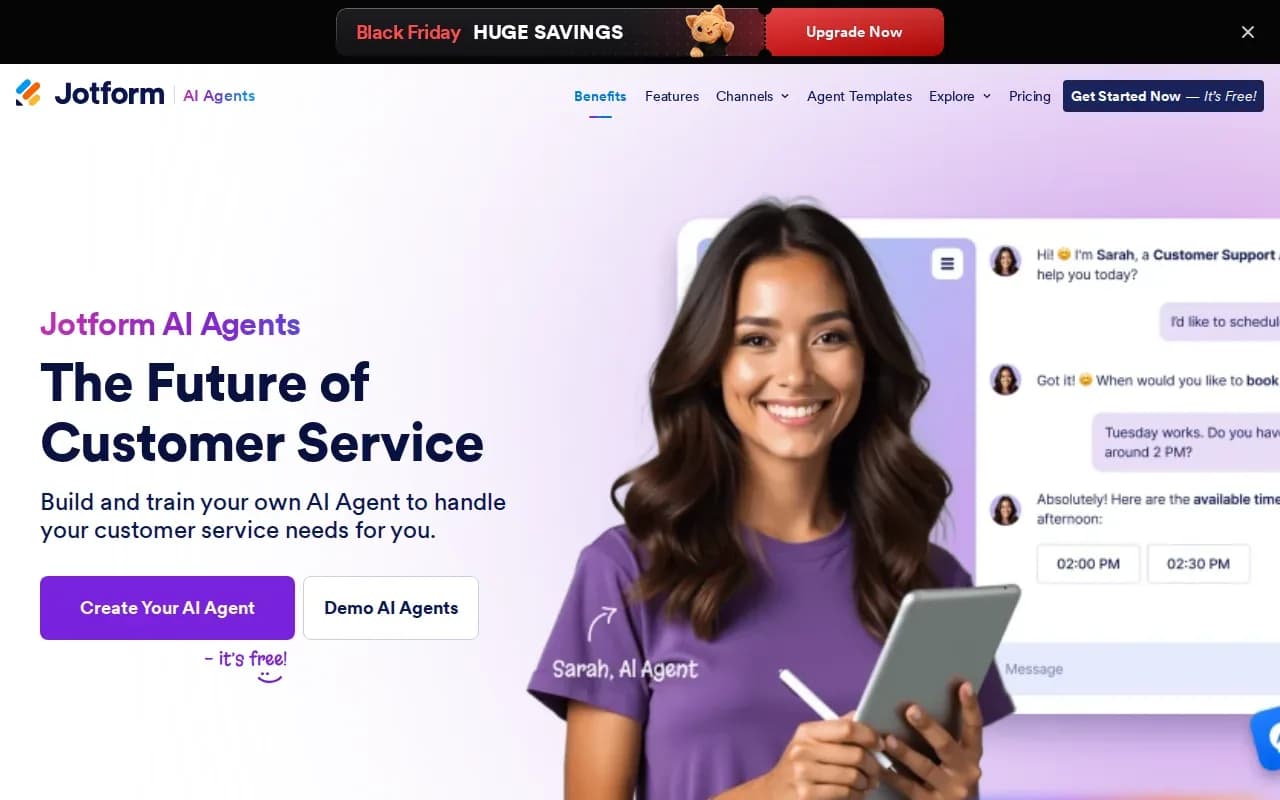
A conversational form can help a visitor provide the information a team needs. Instead of facing a long form all at once, the visitor can answer prompts in sequence. The agent can ask for missing fields before submission, which may reduce incomplete entries in the workflow.
Jotform’s chatbot can use a pre-designed template or start from scratch. A team can upload its own data and FAQs, then adjust the agent’s tone and look. The chatbot can be embedded on a website page or used as a popup. That gives teams a way to place help beside a contact form or FAQ page.
The main value here is guided form completion alongside answers to common questions. For example, a visitor who wants to request service could ask a basic question, then move through the relevant form fields. The team should still check that the agent asks only for information needed for that request.
Jotform AI Agents are a reasonable fit when the user journey centers on a website and a form. Their focus is website answers and forms rather than a general-purpose customer operations workforce. If your workflow needs an agent to make changes in a CRM or helpdesk, confirm that the required action is supported before you commit.
Test the whole interaction, not only the first answer. Include a visitor who skips a required field or gives an unclear response. Check that the agent guides the person back to a complete submission without making the process harder.
AI chatbots for business compared at a glance
The right choice depends on the job and where the completed work must live. Use this table to narrow the shortlist before testing one workflow with real team cases.
| Option | Strongest fit | Key decision check |
|---|---|---|
| UnleashX | Customer support and sales work across channels | Can it complete the task and record the outcome? |
| Copilot Studio by Microsoft | Custom agents grounded in Microsoft 365 data | Does the team have a clear build owner? |
| Slack AI | Help inside workplace conversations | Is Slack the main place staff need assistance? |
| Chatbase | Customer service, sales, or product guidance agents | Does the agent know when to hand off? |
| HubSpot Customer Agent | Support tied to customer relationship management work | Which CRM actions are allowed? |
| Boei | Website questions, leads, and messaging | Will it keep context across your chosen channels? |
| Gorgias AI Agent | Ecommerce sales and customer support | Does the workflow fit your store support queue? |
| Jotform AI Agents | Website answers and guided form completion | Does your user journey depend on form submission? |
Pricing models and total cost can differ across the market. A common buying challenge: vendors often describe automation more clearly than supported channels or integrations. Ask each vendor to map your exact workload, including setup, ongoing review, and human time spent on exceptions.
For UnleashX, compare the agent’s finished outcomes against the work your staff handle now. A useful pilot scorecard can track resolved tickets, qualified meetings, correct CRM updates, and appropriate handoffs. That gives your team evidence beyond the number of conversations the bot handled.
Ready to reduce repeat support and sales work? Explore the UnleashX AI workforce and start with one task your team can measure.
Frequently asked questions
What is an AI chatbot for business?
An AI chatbot for business is software that uses conversation to answer questions or help complete work. Some tools focus on workplace information, while others support customers or sales leads. The key difference is whether the chatbot only responds or can also take an approved action, such as booking a meeting or updating a customer record.
Can a business chatbot take actions in a CRM?
Yes, some business chatbots can take approved actions in a CRM. The specific actions depend on the tool and its setup. Before launch, name the records it may change, the fields it can update, and any action that needs approval. Then verify that completed work appears in the CRM rather than relying on the chat transcript.
Which chatbot is best for customer support?
The best fit depends on your support system and request types. UnleashX’s AI customer service workforce is designed for customer support work that may span voice, WhatsApp, chat, and email. HubSpot Customer Agent is aimed at support tied to a customer relationship management system. Gorgias AI Agent focuses on ecommerce. Compare each option using your own cases and handoff rules.
How should a team measure chatbot results?
Measure completed work, not chat volume alone. Track resolved requests, correct CRM updates, qualified meetings, and the share of cases handed to a person for good reason. Also review errors and repeat contacts. A pilot should have a baseline and a named owner who checks results before the chatbot handles more customer traffic.
What should we check before launching a business chatbot?
Check the agent’s knowledge sources, permitted actions, connected systems, and human handoff path. Test routine questions alongside edge cases, such as a refund request that needs approval. Confirm who reviews exceptions and how the team will verify that the work was recorded. Start with a limited workflow before expanding to more tasks.
Conclusion
For teams that need customer-facing AI to finish support or sales work and record the outcome, UnleashX is a strong fit to test. Pick one repeat task, set its authority and success measure, then review UnleashX chat agents or start free with 1,000 credits.