

The best AI agent platforms do more than answer a prompt. They help a team complete a defined job, such as resolving a support case or booking a qualified sales meeting.
We analyzed 27 YouTube comments about AI agent platforms and found that 37% mentioned the limited out-of-the-box functionality.
Here are nine options for 2026, with a focus on who each suits, how teams can use it, and what to check before rollout.
Table of Contents
- UnleashX
- Ema: enterprise AI employees across business roles
- Lindy: no-code agents built with plain-English instructions
- CrewAI: role-based collaboration for multi-agent systems
- AutoGen by Microsoft: open-source framework for agent applications
- Vertex AI Agent Builder by Google Cloud: agents within a cloud AI stack
- Manus: general-purpose autonomous task execution
- Sim: open-source AI workspace with self-hosting options
- Dify: visual application development for AI agents
- Gumloop: visual automation workflows with AI agents
- AI agent platforms compared: capabilities, deployment and best-fit teams
- What to look for in an AI agent platform
- Frequently asked questions
- Conclusion
1. UnleashX
UnleashX is an enterprise AI agent platform for customer support and sales teams. It suits teams that need AI employees to handle repeat work across customer channels and update the systems where the result must be recorded.
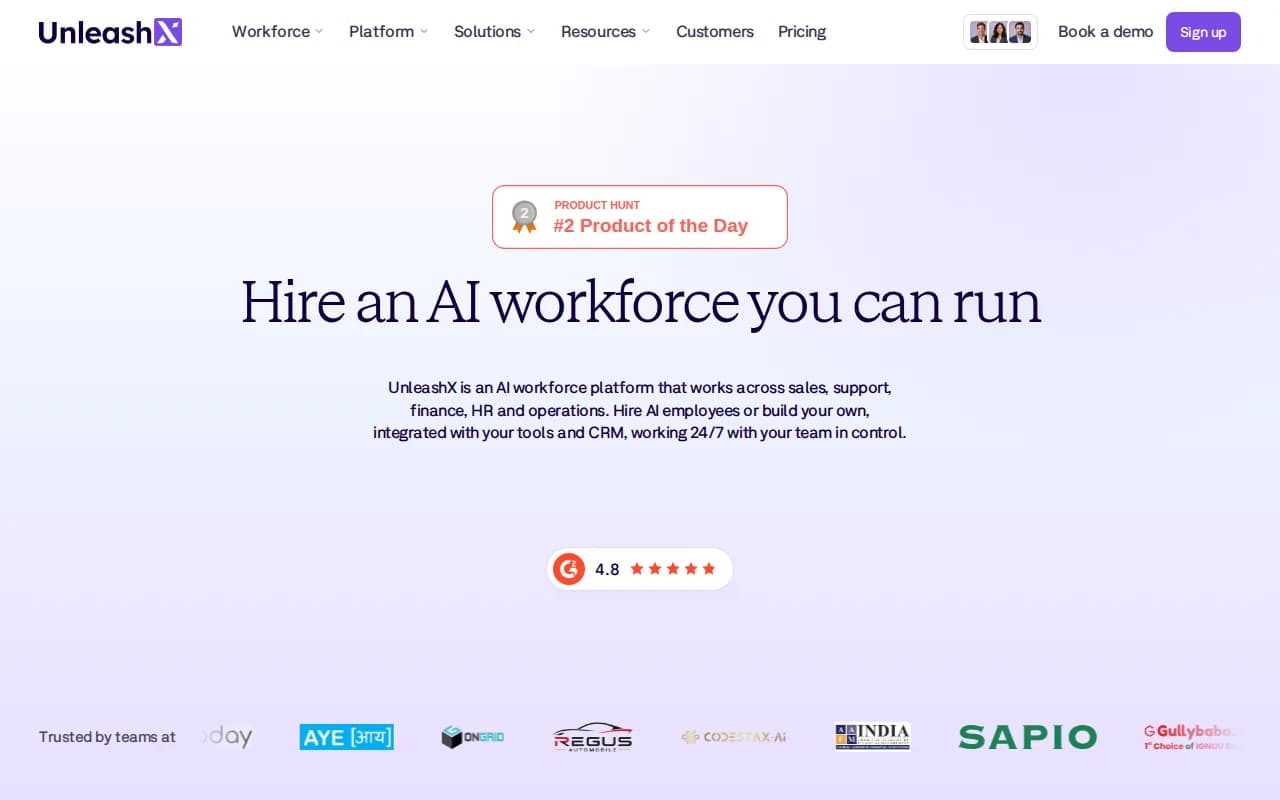
Teams can hire pre-built AI employees or build a custom role in Agent Studio. Support roles cover jobs such as order tracking, returns, checkout questions and onboarding. Sales roles include inbound lead qualification, meeting booking and subscription renewals.
The platform works across voice, WhatsApp Business, website chat, email and video. An agent can carry a case across channels, then write its outcome to a CRM, helpdesk or calendar. For example, a lead agent can ask qualification questions, book a meeting and save the result to the team’s CRM.
That last step matters. A conversation that ends without a ticket update or booked meeting is only attempted work. UnleashX defines completion by the saved outcome, with rules for permitted actions and human handoffs when a case needs judgement.
Teams can connect it to systems such as HubSpot, Salesforce, Zoho CRM, Freshdesk, Intercom, Shopify and Google Calendar. Review the supported business system integrations against the systems that own your customer records before choosing a workflow.
UnleashX has a free Pay As You Go entry with 1,000 credits and no card required. Its Growth plan is $249 per month and includes 24,900 credits. Voice use is six credits per minute on that plan. Enterprise plans use a custom credit commitment.
It’s a strong fit when support and sales need one operating model, but it isn’t aimed at internal employee IT or HR desks. Set the job boundary, allowed actions and exception owner before a customer-facing pilot.
2. Ema: enterprise AI employees across business roles
Ema is a universal AI employee platform for enterprise work. It suits organisations looking to automate employee-facing work across functions such as HR, IT and finance, as well as service tickets.
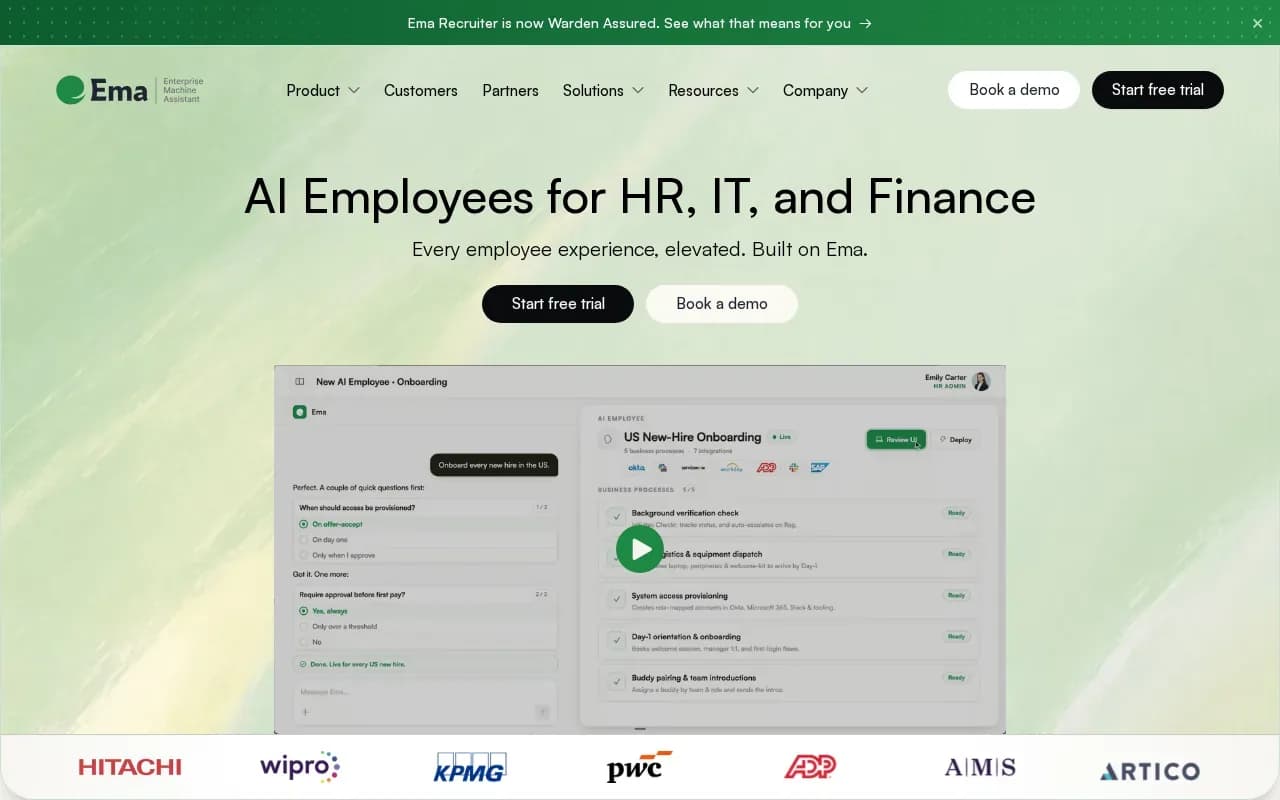
Ema describes AI employees for recruiting, onboarding, benefits and performance tasks. Its service agents can handle tickets, access provisioning, password resets and device management within security and compliance controls.
Finance work is another stated use area. Ema describes automation across quote-to-cash, source-to-pay, record-to-report, payments and compliance. It also says its platform has more than 250 pre-built integrations and can work with Teams, Slack and voice.
The platform’s governance features include role-based and attribute-based controls, PII detection and redaction, audit trails, and human approval chains. Ema also describes on-premises and air-gapped deployment for organisations that need an isolated environment.
Its broad enterprise scope is useful when a programme spans employee operations and finance. If your immediate goal is customer support or lead follow-up, compare the exact customer-facing workflow and its system write-back before committing.
3. Lindy: no-code agents built with plain-English instructions
Lindy helps non-technical teams build custom AI agents with plain-English commands. It suits small teams or business users who want to shape a routine workflow without starting with code.
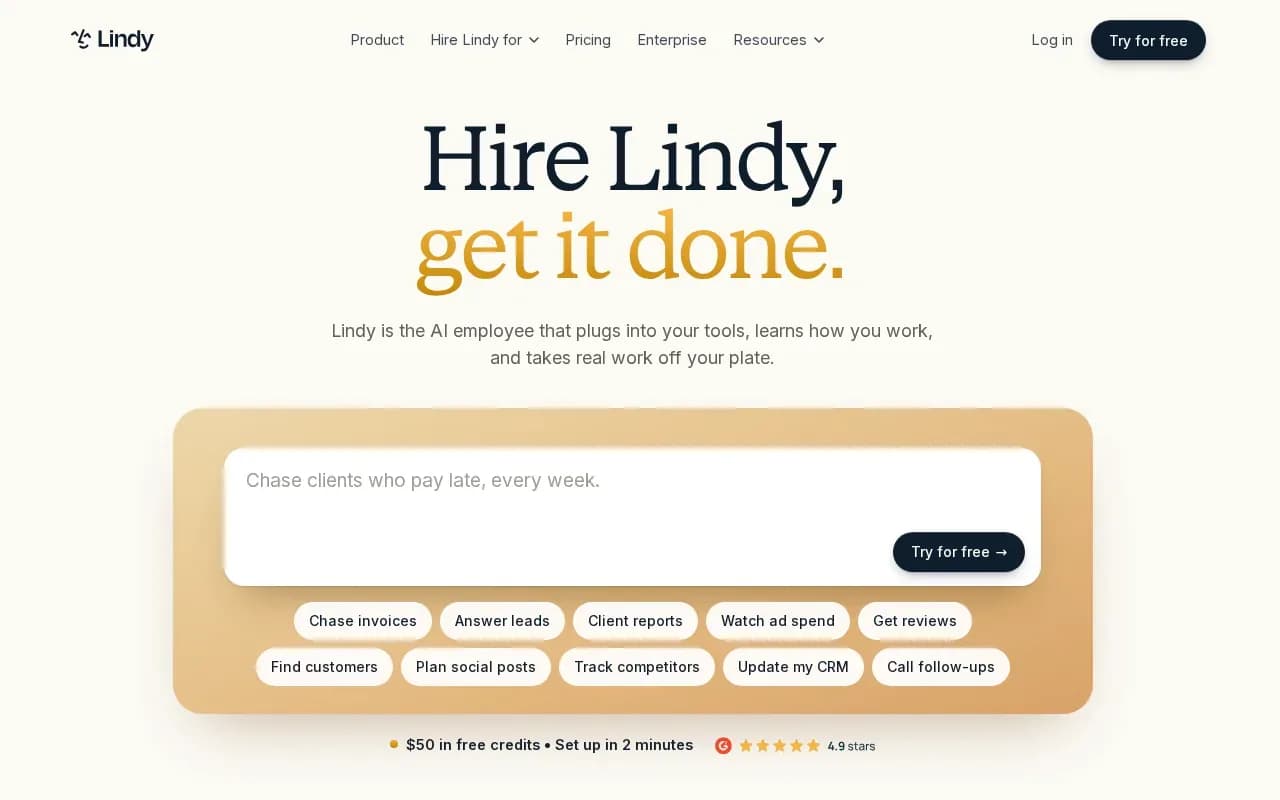
A team can describe a task, connect the business tools it needs and give the agent instructions. Lindy supports thousands of business tool integrations and has a free starting price.
That kind of builder can make a first test easier. For instance, a team might define a routine that reads an incoming request and prepares a CRM update for review. The team still needs to check what the agent may read, what it may change and when a person must step in.
Plain English reduces the need to model every step in a visual canvas, but it doesn’t remove the need to test. Use sample cases that include incomplete data and conflicting instructions. Then check the actual record or message created, not only the agent’s summary.
Lindy is a reasonable fit when ease of setup and broad app connections matter most. For customer-facing workflows with strict handoff rules, confirm that the team can define and verify the final system state it needs.
4. CrewAI: role-based collaboration for multi-agent systems
CrewAI is a framework for building groups of AI agents that work through assigned roles and tasks. It suits developers who want to assemble a multi-agent workflow rather than adopt a pre-built business employee.
A CrewAI agent can have a role, goal, tools and permission to delegate. For example, a research agent may gather material while a second agent prepares a summary. The team defines which tasks each agent owns and how work moves between them.
The framework supports configuration in JSONC or direct code. These controls help developers bound an agent’s work, but the application still needs suitable authentication, data handling and review rules.
CrewAI’s Basic plan is free and includes 50 workflow executions per month. The open-source option can suit a team that wants to try role-based collaboration before planning a larger deployment.
The trade-off is ownership. A developer team must design the workflow and judge when agents should pass work to one another. For a team that wants a ready-to-run support or sales role, that build work may be more than it needs.
5. AutoGen by Microsoft: open-source framework for agent applications
AutoGen by Microsoft is an open-source tool for building agents. Teams considering it can review whether it fits their use case and technical requirements before choosing it. Existing projects may also be assessed for the effort involved in maintaining or adapting them.
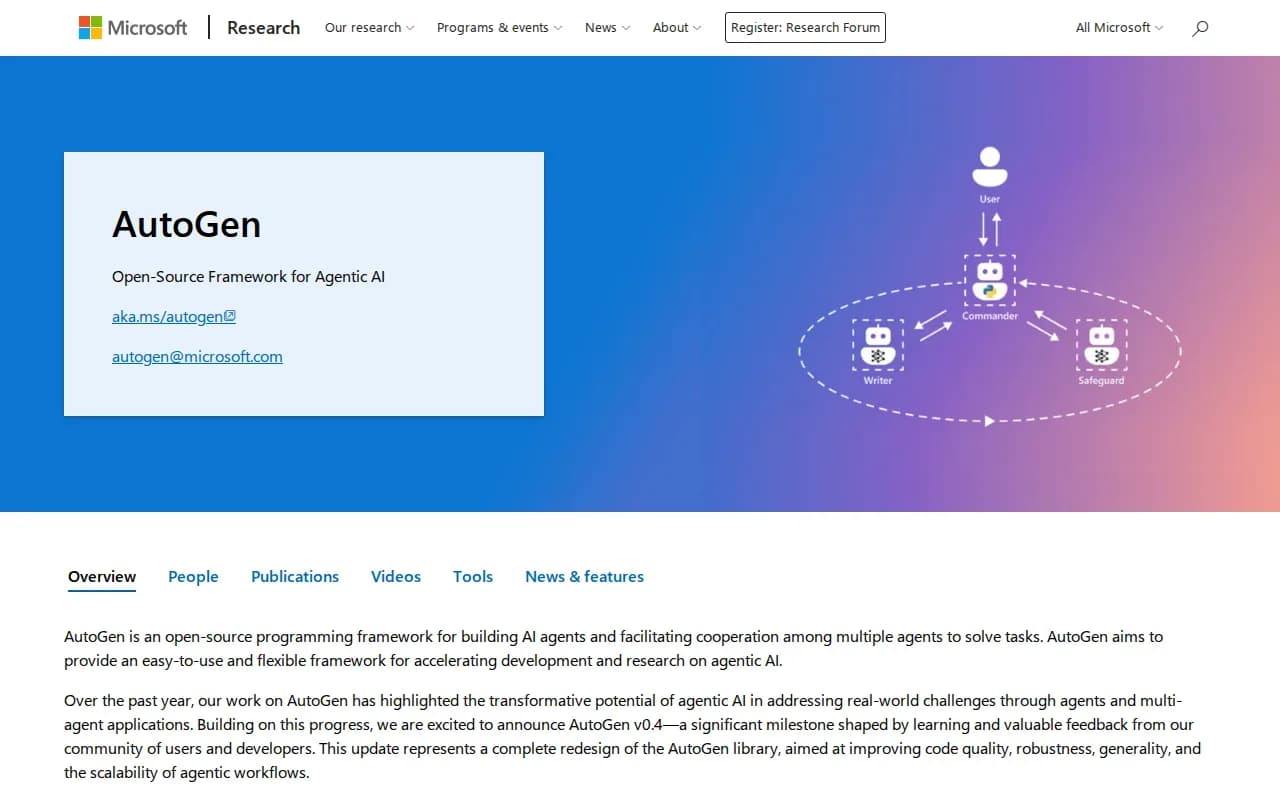
For any agent application, production teams should consider maintenance, security and deployment requirements. The work involved depends on the system being built and how it will be used.
For a new project, don’t choose a tool solely because it is open source or free. Compare it with the project’s requirements and consider how the team will support its implementation over time.
6. Vertex AI Agent Builder by Google Cloud: agents within a cloud AI stack
Vertex AI Agent Builder by Google Cloud is a cloud-based option for teams that already run their data and AI work on Google Cloud. It suits technical organisations that want agents alongside cloud models, data services and deployment tools.
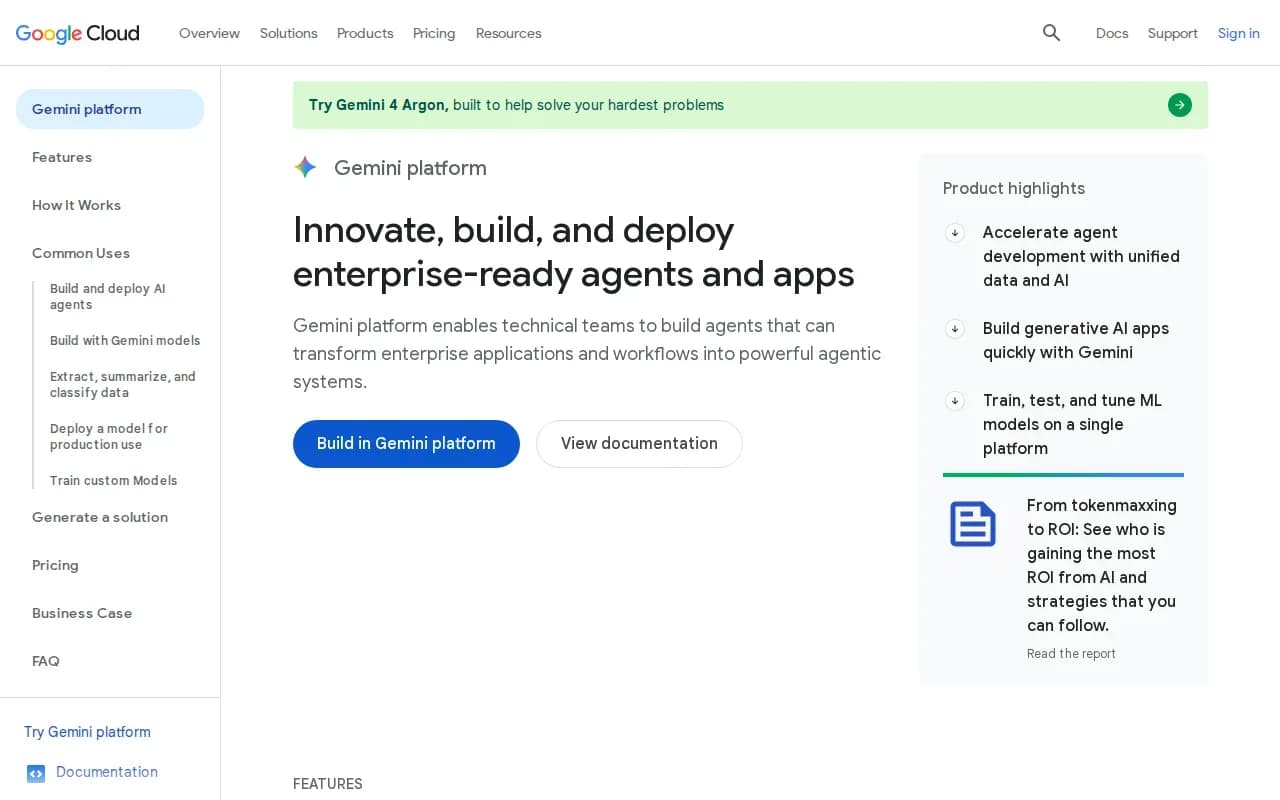
The platform supports agent building with tools such as Agent Studio. Google Cloud describes options for choosing models, testing and deploying agents, then managing them in a production environment.
Pricing follows a pay-per-use model. That can suit teams that want usage-based billing, but it means a buyer should estimate the workload using expected requests, model use and runtime needs. Include test and monitoring activity in that estimate, not just live customer traffic.
For an organisation with existing Google Cloud infrastructure and compliance needs, this approach can fit the technical estate. Teams outside that environment should compare the cost and effort of adopting the wider cloud stack.
7. Manus: general-purpose autonomous task execution
Manus is a general-purpose autonomous agent for multi-step tasks. It suits users who want to hand over a broad task, such as research, coding or slide creation, rather than build a narrow workflow around a business process.
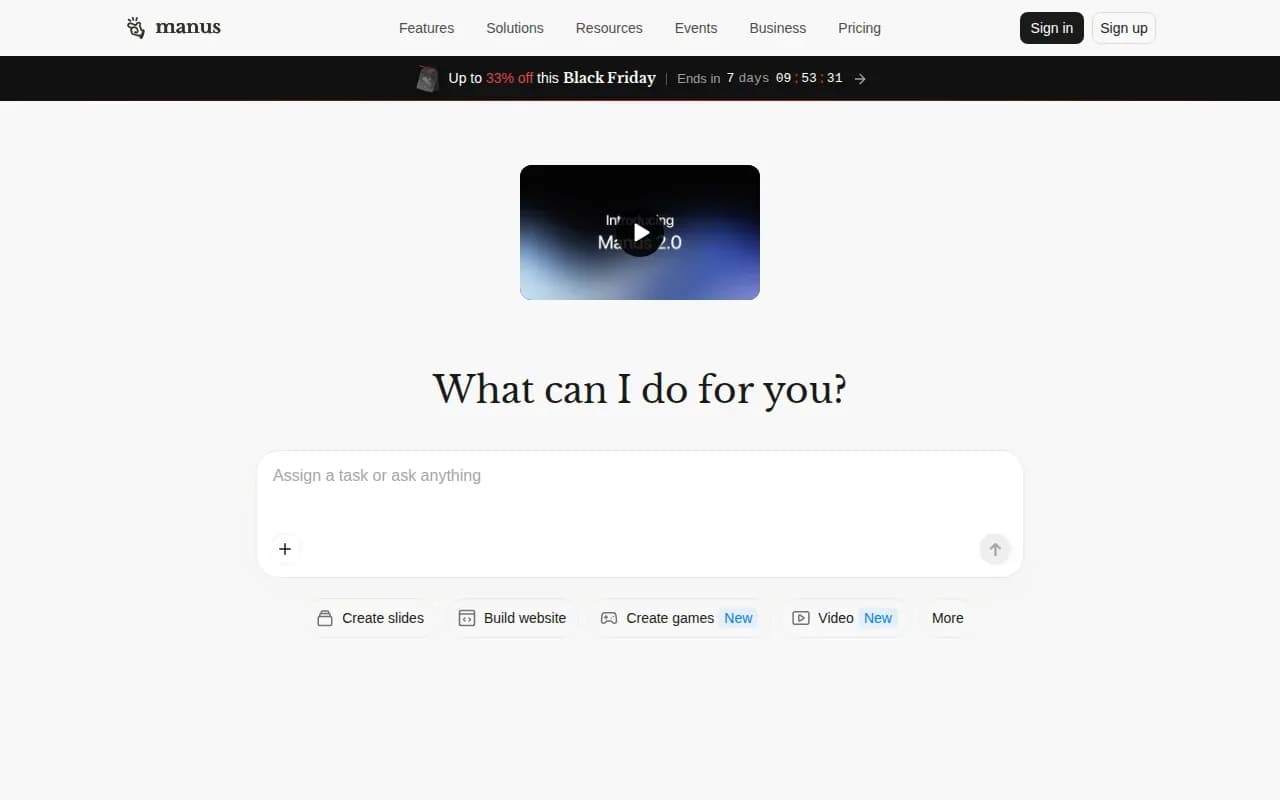
Manus runs tasks in a cloud sandbox with internet access. Its work can include research, code execution and creating deliverables such as a slide deck.
This broad task style gives the agent room to decide how to proceed. That can be useful for a one-off assignment, but it calls for careful review when the output affects a customer, a system record or a business decision.
For work with external side effects, define which actions need human approval. A task that drafts an email is different from one that sends it. A generated report is different from an authorised change in a CRM.
Manus is best considered for general task execution. If a team needs a repeatable customer operation with a named owner and a verified final state, a workflow-specific platform may be easier to govern.
8. Sim: open-source AI workspace with self-hosting options
Sim is an open-source workspace for building, deploying and managing AI agents. It suits organisations that want a shared agent workspace with options to run it in their own cloud.
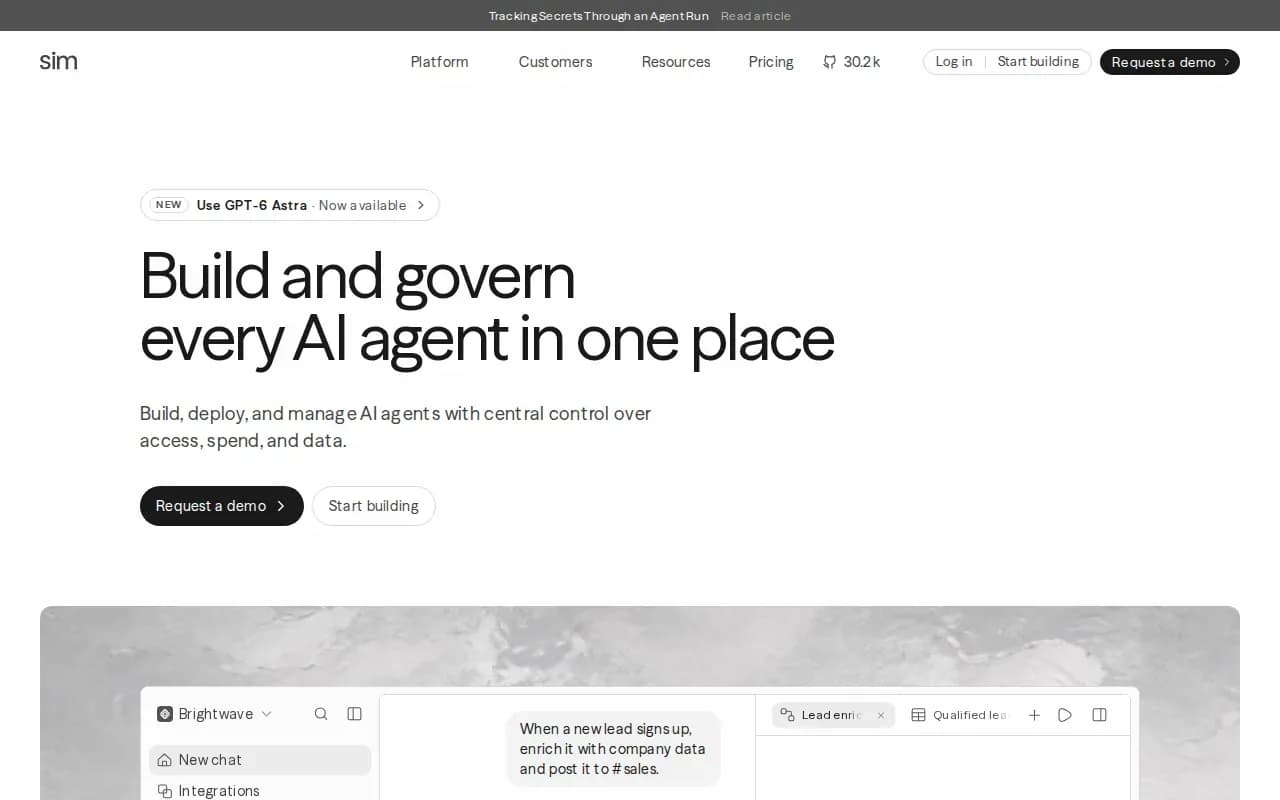
Sim says it supports more than 280 integrations and every major LLM. Teams can build through a visual canvas, chat or code, then manage access, spend and data in one workspace.
Its stated controls include permission groups, usage limits, run tracing and data retention settings. Teams can also connect an identity provider for sign-in and member provisioning. For a company that self-hosts, the deployment model can keep the workspace within its own cloud environment.
Self-hosting brings responsibility with it. The team must own the environment, upkeep and access policies. Before rollout, check who can add tools and models, how run data is retained, and who reviews failed or high-impact actions.
Sim makes sense when the organisation values an open-source workspace and wants central control over agent use. It differs from a service that arrives with customer-facing roles ready to hire.
9. Dify: visual application development for AI agents
Dify is a visual platform for building AI applications and agent workflows. It suits teams that want to make the logic visible and choose between a hosted setup and self-hosting.
Its visual building blocks let a team define how an app retrieves data, uses tools, asks for human input and completes a task. A workflow can be tested and debugged before it is deployed.
Dify also supports reusable knowledge pipelines for files, websites and online documents. Teams can prepare and test retrieval before connecting a knowledge base to an agent. That gives builders a place to check whether an answer comes from the intended source.
Apps can be published as hosted experiences, API endpoints, embeds or MCP-compatible tools. Logs, feedback and usage data can help teams inspect how an app behaves after launch.
For a controlled pilot, keep the workflow narrow. If an agent can update customer records, test the write path and approval point as well as the response quality.
10. Gumloop: visual automation workflows with AI agents
Gumloop combines visual automation workflows with AI agents. It suits teams that want to model repeatable steps on a canvas and add agent judgement where the input needs interpretation.
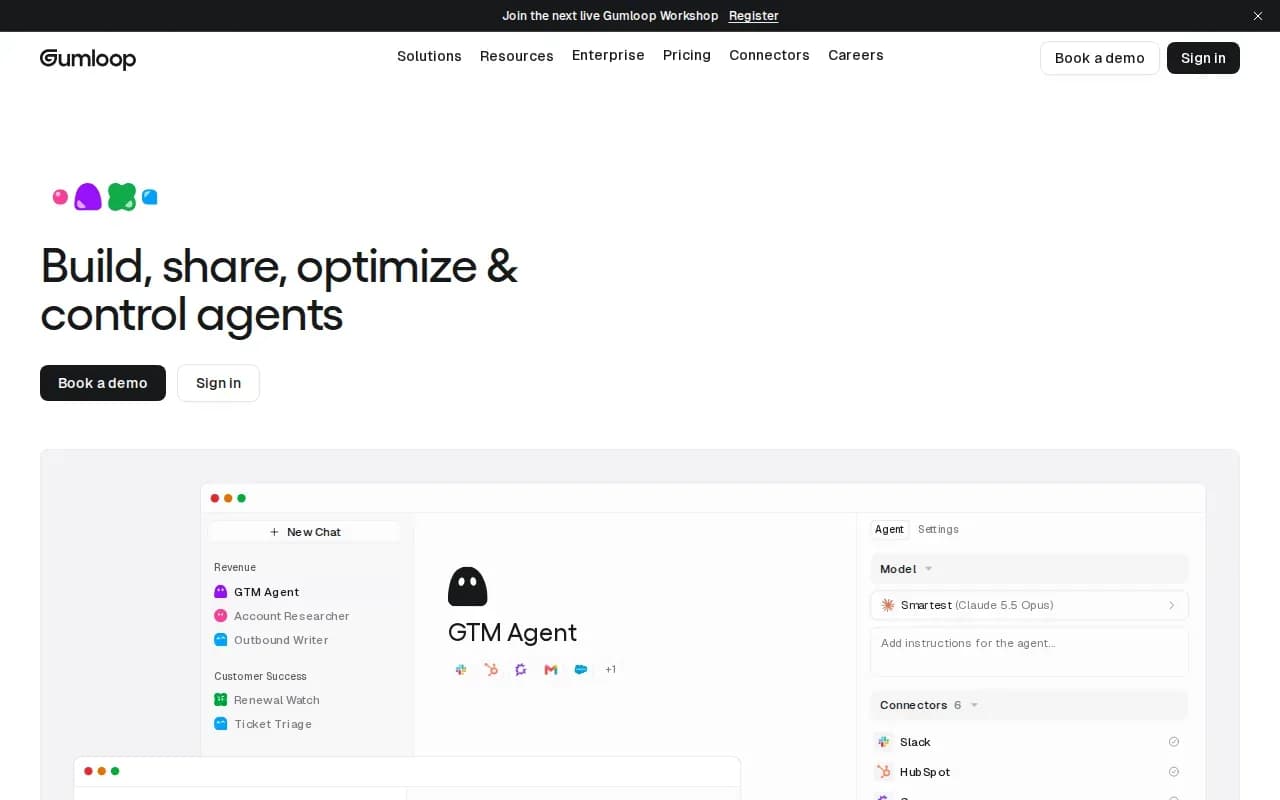
Its workflow builder connects nodes for data, logic, integrations and outputs. Agents can use configured tools and can run on a schedule or in response to supported triggers. Gumloop supports more than 300 connectors.
That mix gives teams a way to reserve AI for tasks such as classifying a request, while keeping fixed steps explicit. For example, a workflow could check fields before routing a case, then require approval before a consequential action.
Gumloop’s Pro plan includes an orchestration fee. Credits can be used by model, tool, enrichment and workflow activity, so teams should test a representative run and watch the resulting usage.
In production, keep permissions narrow and set a human review point for actions that contact customers or change important records. A successful workflow run does not, by itself, prove the business outcome was correct.
Key Takeaway: Choose a platform by the result the agent must save, the systems it can change and who owns exceptions.
AI agent platforms compared: capabilities, deployment and best-fit teams
The table compares these platforms by the kind of work they are built to support. It’s a starting point for shortlisting, not a claim that one tool fits every team.
| Platform | Best fit | Build and deployment angle | First check |
|---|---|---|---|
| UnleashX | Customer support and sales operations | Role Based AI employees, No-code setup | Confirm each role’s allowed actions and handoff owner |
| Ema | Enterprise employee operations and finance | Enterprise AI employees, with on-premises and air-gapped options | Test the target workflow and approval design |
| Lindy | Teams building agents with plain-English instructions | No-code agent setup with business tool connections | Check how usage fits your task volume |
| CrewAI | Developer teams building role-based agent groups | Framework with code and configuration options | Define how agents delegate and stop |
| AutoGen by Microsoft | Existing AutoGen projects and reference | Open-source framework | Review fit for your project |
| Vertex AI Agent Builder by Google Cloud | Teams already using Google Cloud | Cloud agent tools and managed runtime | Estimate pay-per-use cost for full workload |
| Manus | Broad, multi-step task execution | General-purpose autonomous task agent | Set approval rules for external actions |
| Sim | Teams seeking an open-source AI workspace | Visual, chat or code build with self-hosting | Assign ownership for hosting and access |
| Dify | Visual AI app and workflow development | Hosted or self-hosted deployment | Test retrieval and human review paths |
| Gumloop | Visual workflows with agent steps | Canvas-based automation with usage credits | Measure credit use on a representative run |
For an operations team, the main divide is between hiring a defined AI employee and building an agent system. UnleashX centres on customer-facing roles and completed business outcomes. Frameworks and visual builders put more of the design and maintenance work on the team.
UnleashX’s published pricing starts with a free Pay As You Go option, while other platforms use free plans, usage billing or pay-per-use models. Compare the cost of the same workload, including setup, review time and exception handling, rather than comparing entry prices alone.
If deployment location affects your decision, review the Deployment Architecture for UnleashX alongside the hosting model of each shortlisted product.
What to look for in an AI agent platform
Start with the job, not the demo. An AI agent platform can include a builder, a runtime, connections to tools and controls for managing what agents do. Some products cover most of that stack; others are frameworks that leave more work to your team.
Define the result that counts as done
Write down the final business state. For support, that may be a ticket marked resolved with the correct reason. For sales, it may be a meeting in the calendar and a qualification note in the CRM. A fluent reply is not proof that the job is complete.
Bound the agent’s authority
List what the agent may read, draft and change. Keep sensitive actions behind a person’s approval until the workflow has passed tests. Give exceptions a named owner, so a disputed refund or unusual customer request does not sit in an unassigned queue.
Check integration depth and channel fit
A connector count alone does not tell you whether an agent can write the right fields, respect permissions or handle a failed update. Check the exact systems and actions in your workflow. If customers use voice or WhatsApp, test those paths directly rather than assuming every agent works across them.
For UnleashX, teams can review its AI workforce platform capabilities against their customer channels and systems of record. The same check should apply to every vendor in your shortlist.
Plan for monitoring and change
Review run logs, tool calls, failed steps and final records. Decide who can edit an agent and who can publish a change. Keep a way to pause the workflow if it starts taking the wrong action.
Memory and continuous learning also need clear rules. Ask what information carries between runs, who can correct it, and whether changes are reviewed before they affect live work. A pilot scorecard should track outcome accuracy, exception rate, response time and human review effort.
Compare total operating cost
Include platform fees, model and usage charges, implementation work and the time people spend reviewing exceptions. A free starting tier can be useful for testing, but the ongoing cost depends on the workload and its approval path.
Pro Tip: Pilot one bounded job first, such as order tracking or lead qualification. Compare the agent’s saved system record with a human-reviewed result before expanding its permissions.
For teams evaluating UnleashX as a customer-facing option, its AI workforce offering is a useful next step for matching business jobs to pre-built roles.
Key Takeaway: A useful platform makes the agent’s authority visible and lets your team verify the final business result.
Ready to handle repeat support or sales work with defined handoffs? Try UnleashX free and test one bounded workflow.
Frequently asked questions
What is an AI agent platform?
An AI agent platform is software for building or running agents that can use tools to complete tasks. Depending on the product, it may include a visual builder, a runtime, integrations, monitoring or governance controls. Before choosing one, check whether it saves the outcome your team needs in the system of record.
Which AI agent platform is best for customer support and sales?
UnleashX is built for customer support and sales teams that want AI employees to complete repeat work across customer channels. Its examples include order tracking, returns, lead qualification and meeting booking. Teams should test the exact workflow, permitted actions and human handoff rules before expanding access.
Can non-technical teams build AI agents?
Yes. UnleashX uses plain-English commands, while Dify and Gumloop provide visual building options. Sim also supports visual and conversational ways to build. Non-technical setup can reduce the first build effort, but teams still need to test outputs, limit access and assign someone to review exceptions.
What is the difference between an AI agent platform and an AI framework?
A platform often combines tools for building, deploying and managing agents. A framework usually gives developers building blocks to assemble an application, with more responsibility for the surrounding runtime and controls. CrewAI is a framework choice, while a platform with pre-built roles may suit teams that want less custom development.
How should a company compare AI agent platform pricing?
Compare the cost of one representative workflow, not only the entry plan. Include usage or credit charges, implementation effort, human review and exception handling. For usage-based plans, test realistic volume and model use. Confirm how a workflow behaves when it retries or reaches a usage limit.
Conclusion
For customer-facing support and sales work, start by testing UnleashX on one bounded job with a clear saved outcome and named exception owner. Start with its free entry option, then review the result in your CRM or helpdesk before widening the agent’s authority.